Every WordPress plugin looks great on the deal page. The screenshots are clean, the feature list runs long, and the lifetime price is a fraction of the subscription it replaces. What the deal page never shows you is the changelog. And the changelog is the only part that tells you whether the thing you're buying will still work in eighteen months.
WordPress.org is honest about this in a way that deal marketplaces are not. Open almost any plugin listing and you'll eventually hit a pink warning box: "This plugin hasn't been tested with the latest 3 major releases of WordPress." That notice is the platform quietly telling you the developer walked away. Roughly 43% of the web runs on WordPress, so the abandoned-plugin problem isn't a fringe risk. It's the base rate.
The question for anyone buying a lifetime WordPress plugin isn't "does it do what I need today." It's "will the person who built it still be shipping fixes when the next major WordPress release breaks half the plugins in your install." That's a harder question, and the deal page is built to stop you asking it. Here's how to answer it yourself, and which of the deals currently on GrabLTD hold up once you do.
Lifetime pricing and active development pull in opposite directions
A lifetime deal is a one-time payment. Ongoing updates are an ongoing cost. You don't need an MBA to see where that math goes wrong.
When a developer sells you a subscription, every renewal funds the next release. When they sell you a lifetime code, they collect once and then owe you maintenance forever on money they already spent. Plenty of solid vendors run lifetime deals as a customer-acquisition play and keep shipping, because they have a subscription business underneath paying the bills. Others treat the LTD as an exit. Raise a lump sum, stop answering support tickets, let the plugin quietly rot.
There's a second failure mode that catches even careful buyers: the acquisition. A plugin gets sold, the new owner has no interest in the long tail of lifetime customers, and updates slow to a trickle before stopping. You didn't pick a bad developer. You picked a good one who cashed out. Neither scenario shows up on the sales page, and both leave you running code that ages a little more dangerous every month.
That's the trap, and it's why the cheapest plugin is often the most expensive one you'll ever install. A $9 plugin that stops getting security patches, sitting on a site that takes payments, isn't a bargain. It's a liability with a countdown timer. I'd rather pay $59 for a plugin whose developer posts a dated changelog than $9 for one whose last public commit was two years ago. Vet the track record before the price tag, every time.
How to check update activity in five minutes
You can vet almost any plugin before you spend a cent, and none of these checks need the plugin installed.
Start with the WordPress.org listing. If the plugin is in the official directory, its page shows "Last updated" and "Active installations" right in the sidebar. A plugin updated last month with tens of thousands of installs is a different animal than one last touched in 2023 with 400 users. That pink "not tested with the latest 3 major releases" box is a hard no on its own, no further reading required.
Then read the changelog. Every serious vendor keeps one, either on WordPress.org or their own site. Skim the last five entries and look for a rhythm: dated releases every few weeks or months, real bug fixes, compatibility bumps for new WordPress versions. A changelog that stops abruptly a year ago is a plugin that stopped abruptly a year ago. That is the single most predictive signal you'll find.
Finally, open the support forum. On WordPress.org the Support tab shows resolved-versus-open threads at a glance. A wall of unanswered questions going back six months tells you exactly what owning this plugin will feel like the day something breaks and you need help.
Run those three checks on anything below before you buy. What follows is what each deal does and where it sits on the update-risk spectrum. The checks above are how you confirm the live state on the day you're actually spending money.
The "tested up to" trick worth knowing
One caveat before the list, because it trips people up. The "Tested up to" version number on a plugin's page is self-declared. A developer edits one line in a readme file to claim compatibility with the newest WordPress, ships it as an update, and the plugin looks freshly maintained without a single line of real code changing. It's not fraud, exactly, just the bare minimum dressed up as diligence.
So a version bump on its own proves nothing; what you want to see is what actually changed underneath it. Cosmetic "tested up to" bumps with no functional notes are a yellow flag. Real maintenance looks like fixes, new settings, and the occasional "resolved a conflict with X" line, not a compatibility number ticking up while everything else sits frozen in place.
Performance and security are where a stale plugin actually hurts
Two categories punish abandonment harder than any other: anything touching speed, and anything touching security. Both are moving targets. Google keeps changing what it measures for Core Web Vitals, and attackers keep finding new holes. A plugin that isn't keeping pace here isn't neutral. It's working against you.
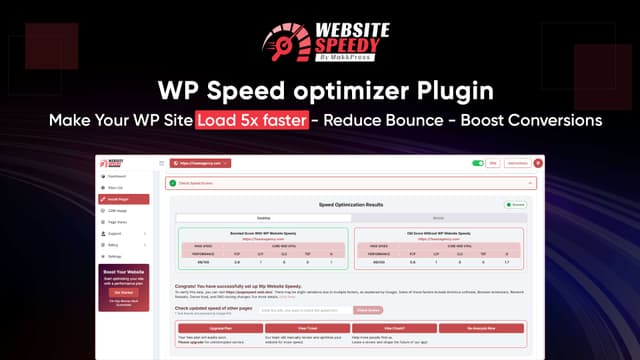
WP Website Speedy ($59, down from $590) sits in the first camp. It's a no-code plugin that optimises images, compresses code, adds caching and a CDN, and targets Core Web Vitals automatically. The entire value of a performance plugin is that it tracks Google's scoring, which shifts every year. A speed plugin frozen in 2023 is optimising for a scoreboard that no longer exists, so before you buy, confirm its recent releases line up with current WordPress versions.
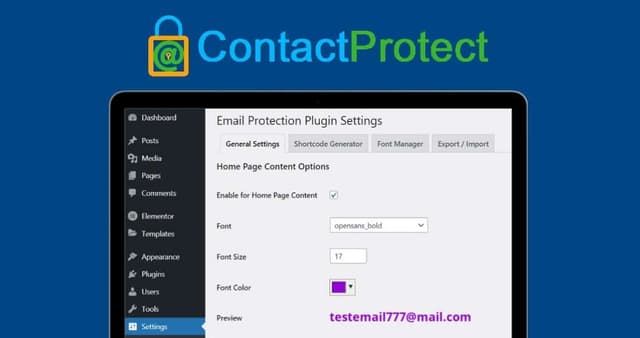
ContactProtect ($59) sits in the second. It hides emails, phone numbers, and social links from harvesting bots by rendering them as styled clickable images. Anti-harvesting is an arms race, and bots adapt, so the plugin has to keep adapting too. A security-adjacent plugin that stopped updating is worse than no plugin at all, because it sells you a sense of protection you no longer have. This is the exact category where vetting the developer instead of the price tag earns its keep.
Builder-dependent plugins live and die by their release cadence
If a plugin extends another plugin, it inherits that plugin's release schedule whether the developer likes it or not. Elementor ships updates constantly. Every time it does, add-on packs that haven't kept up can break layouts across your whole site at once.
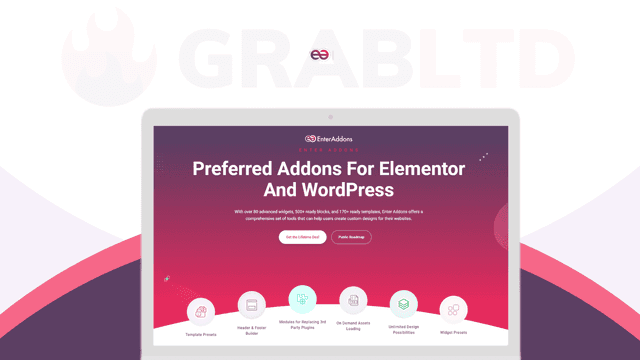
Enter Addons ($49, from $125) is a library of Elementor widgets and templates. It's the kind of plugin where update cadence isn't a nice-to-have, it's the whole question. An Elementor add-on that goes quiet for a year is a site-wide outage waiting for the next Elementor release. Check its version history against Elementor's own before you commit a live site to it, and treat any long gap as the warning it is.
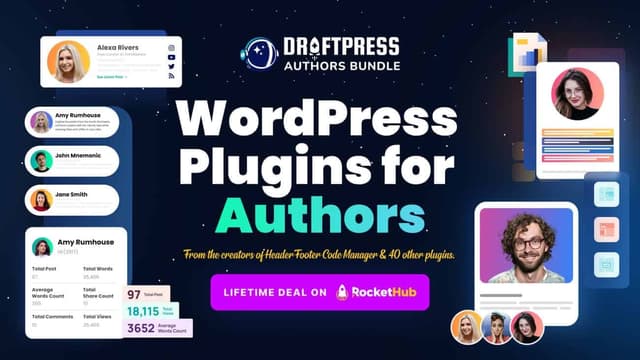
DraftPress Authors Bundle ($49) is lower-stakes but runs on the same logic. It bundles author boxes, profile pages, and author-performance tracking, plus header and footer code injection. Anything that injects code into your theme needs to stay current with WordPress's own changes. The bundle is a reasonable fit for multi-author blogs. Just confirm the specific pieces you'll lean on are the ones still being maintained, not the ones shipped once and forgotten in a corner of the bundle.
WooCommerce and conversion add-ons raise the stakes
Anything wired into WooCommerce carries the highest stakes on this list, because it's sitting next to checkout. WooCommerce itself moves fast, and a payment path is the last place you want a plugin lagging behind. WP Sales Booster & Exact Links ($19) packs two WooCommerce plugins into one: countdown timers, exit-intent popups, enquiry forms and banner ads on one side, short links with A/B testing and click analytics on the other. At $19 for a single site it's cheap enough to test, but "next to checkout" is precisely where a dead plugin does the most damage. Run the changelog check twice on this one.
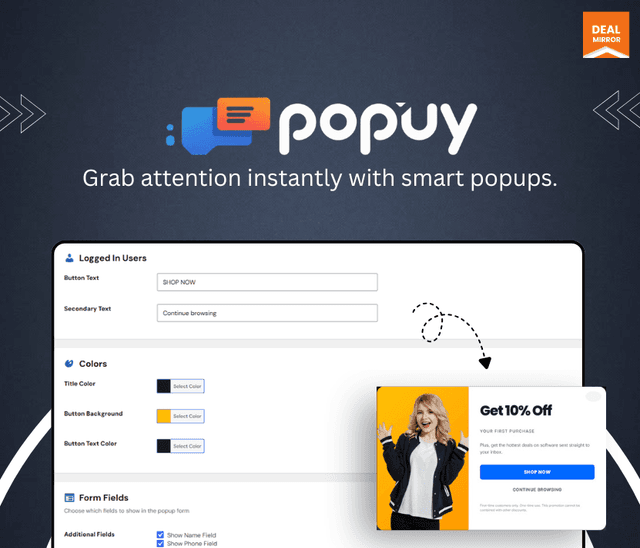
Popuy ($9) is a lighter bet. It's a popup builder that shows first-time guests and logged-in members different forms while staying light enough not to tank your page speed. Popups are low-risk if they break, annoying rather than catastrophic, so a nine-dollar lifetime code is a reasonable gamble even if the update cadence turns out modest. Match the stakes to the price. Don't scrutinise a $9 popup the way you'd scrutinise a checkout plugin, and don't extend a checkout plugin the slack you'd give a popup.
You can see the rest of the current live deals in the WordPress category, and it's worth browsing that page with the three checks in hand rather than the feature lists.
None of this is an argument against lifetime WordPress plugins. It's an argument for buying them like the maintenance is your problem, because the moment the sale closes, it is. The developers who keep shipping are findable in about five minutes, and they're the only ones worth your money. The price tells you what you pay today. The changelog tells you what you'll pay later.