

Productivity · Lifetime deal
Ashampoo WinOptimizer Pro 29
Windows PC cleanup suite with one-click optimizer, privacy cleaner and crash analyzer.
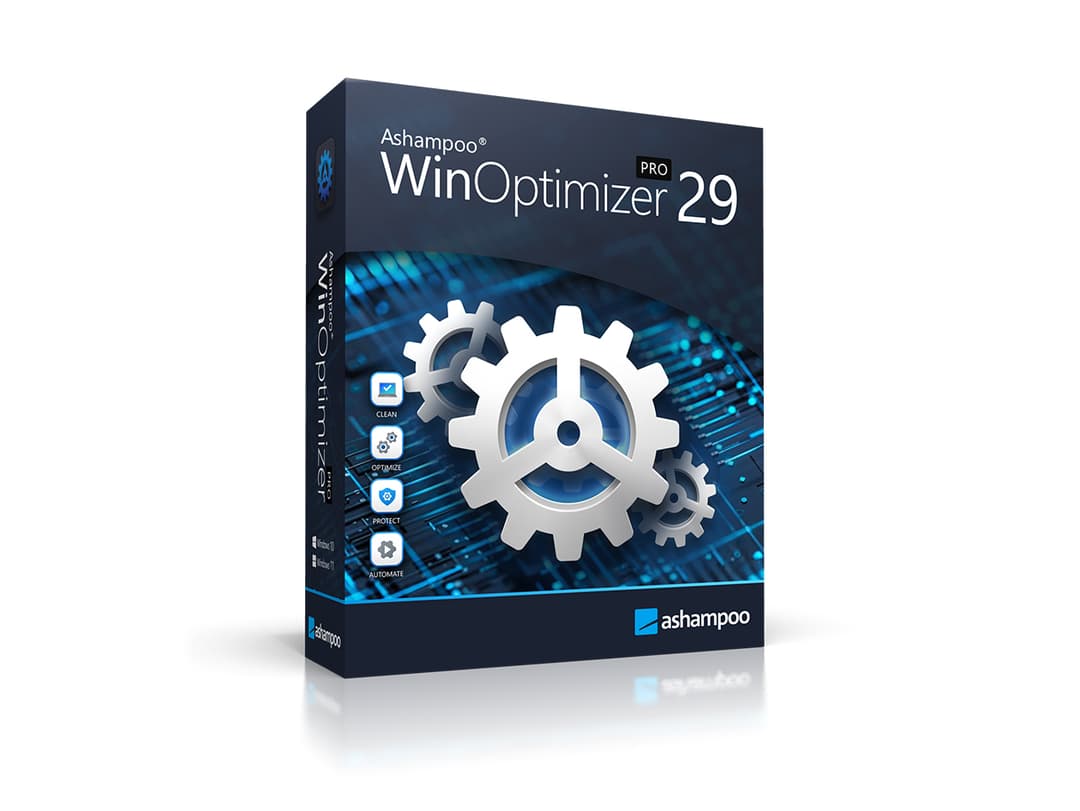
Ashampoo WinOptimizer Pro 29 at a glance
- Platform
- Windows
- Note
- Lifetime license for up to 3 devices with updates included.
- Updates
- Included
Our take
Is Ashampoo WinOptimizer Pro 29 worth buying?
Based on the StackSocial listing, this is a lifetime Windows utility suite for up to three devices with updates included. It collects cleanup, privacy and diagnostics tools in one program. It is Windows only and redeemed licenses are final.
Good fit if
- You use Windows and want one PC maintenance tool.
- You want a one-time license over a subscription.
- You have up to three PCs to cover.
Skip it if
- You use macOS, Linux or an ARM Windows PC.
- You prefer not to use registry cleaning tools.
Which Ashampoo WinOptimizer Pro 29 plan do you need?
Prices in USD, excluding tax.
| Lifetime deal | |
|---|---|
| One-time price | $19.99 |
| Regular price (StackSocial) | |
| You save | $30.01 |
| Devices | Up to 3 |
| Platform | Windows 10 or 11 |
| Updates | Included |
| Modules | About 30 |
Before you buy: StackSocial's terms and extra costs
- Refund. Unredeemed licenses can be returned for store credit within 30 days of purchase. Redeemed licenses are final.
- Redeem. Redeem within 30 days of purchase. Open to new and existing users.
- Platform. Windows 10 or 11 only, with admin rights. ARM processors are not supported. Internet needed for activation.
- Note. Lifetime license for up to 3 devices with updates included.
What is Ashampoo WinOptimizer Pro 29?
Ashampoo WinOptimizer Pro 29 is a Windows utility suite with about 30 modules for cleaning and tuning a PC. A one-click optimizer runs the Drive Cleaner, Internet Cleaner and Registry Optimizer together. It also clears privacy traces, analyzes crash reports and offers tuning for Windows settings. The deal is a lifetime license for up to three devices.
What Ashampoo WinOptimizer Pro 29 says it does
- About 30 optimization modules in one program (Ashampoo WinOptimizer Pro 29's figure)
- One-Click Optimizer runs drive, internet and registry cleanup together
- Privacy Traces Cleaner and Crash Analyzer included
- Works offline after activation
Why Ashampoo WinOptimizer Pro 29
Windows PCs slow down with leftover files and registry clutter, and cleanup tools are often scattered. This bundles them into one program. It is Windows only, and the license needs internet activation.
How does Ashampoo WinOptimizer Pro 29 work?
Redeem the code
Redeem the StackSocial code within 30 days of purchase.
Install and activate
Install on Windows 10 or 11 with admin rights and activate online.
Run the optimizer
Start the One-Click Optimizer for a combined cleanup pass.
Clear privacy traces
Use the Privacy Traces Cleaner on browsing and system traces.
Check problems
Use the Crash Analyzer and Tuning Assistant for deeper issues.
Then it handles:
- Cleaning junk files
- Optimizing the Windows registry
- Removing browsing traces
- Analyzing crash reports
- Managing startup items and services
- Tuning Windows settings
- Deep cleaning of leftover files
Who is Ashampoo WinOptimizer Pro 29 for?
Built for
- Windows users with a slow or cluttered PC
- People who want one utility instead of several
- Households that can use up to 3 devices
Not for
- Mac and Linux users
- Anyone on an ARM based Windows PC
- Users who do not want a registry cleaner touching their system
What is included in Ashampoo WinOptimizer Pro 29?
Cleanup
- One-Click Optimizer Drive, Internet and Registry cleanup
- Deep junk file cleaning
- Privacy Traces Cleaner
Diagnostics and tuning
- Crash Analyzer
- Tuning Assistant Windows settings
- Advanced system analysis
- 30 modules startup, services, file management
Video review
We have not reviewed Ashampoo WinOptimizer Pro 29 on video yet.
Get notifiedBuyer reviews
No reviews yet. Bought Ashampoo WinOptimizer Pro 29? Add it to your workspace and share what it replaced.
Add to your workspaceAshampoo WinOptimizer Pro 29 questions
What is Ashampoo WinOptimizer Pro 29?
A Windows utility suite of about 30 modules for cleaning, privacy and tuning.
How many devices can I use?
Up to three devices on one license.
Does it work on Mac or Linux?
No. The listing says Windows 10 or 11 only, and ARM processors are not supported.
Does it need internet access?
Internet is needed for activation. The listing says it works offline after that.
Are updates included?
The listing says updates are included. The version listed is 29.0.2.
What is the refund policy?
Unredeemed licenses can be returned for store credit within 30 days. Once redeemed, all sales are final.
Often compared with
These are other tools in the same space, not deals on GrabLTD.
- CCleaner
- Glary Utilities
- IObit Advanced SystemCare
- AVG TuneUp
- Wise Care 365
Sources
Checked . Prices and terms on this page come from: