

Productivity · Lifetime deal
AskBar
Chrome extension that reads your open page for summaries, PDF chat and web research.
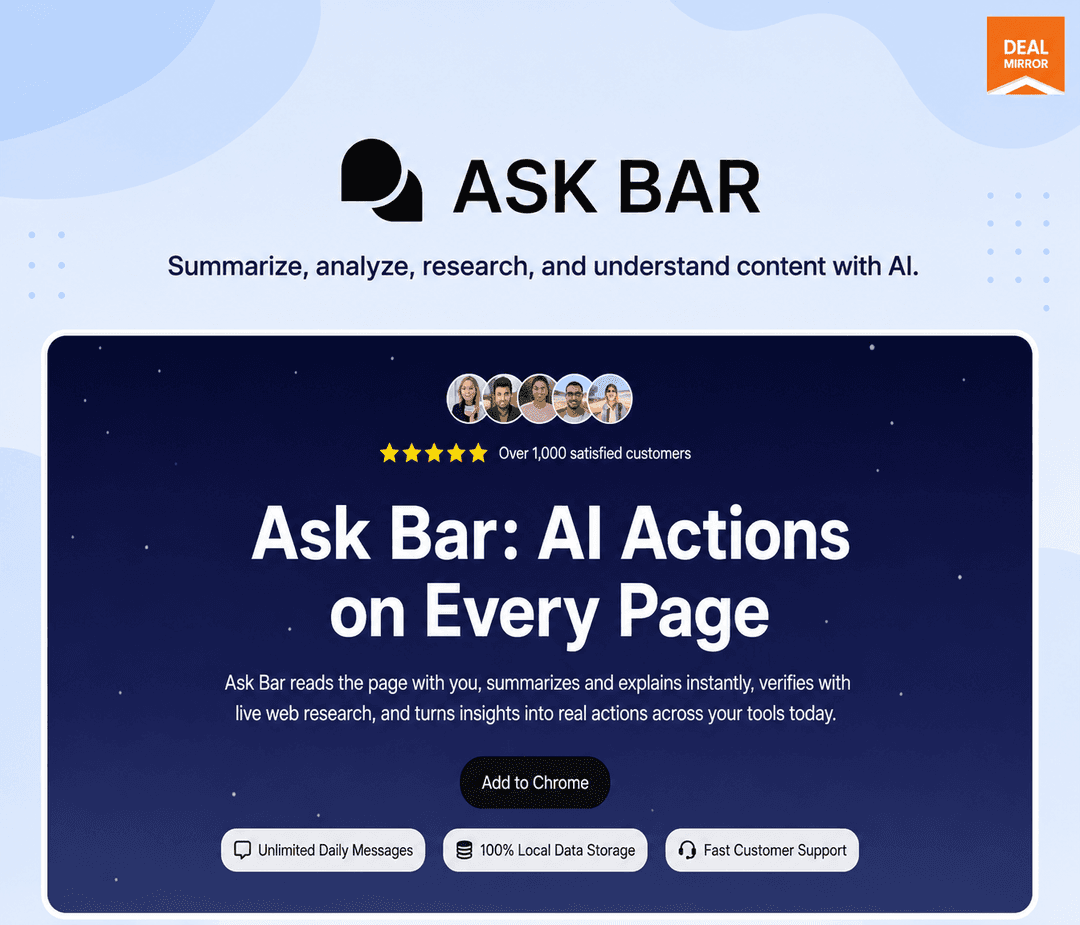
AskBar at a glance
- Platform
- Chrome
- Support
- Priority support and lifetime updates.
Our take
Is AskBar worth buying?
Based on the DealMirror listing, this is a lifetime Chrome AI assistant that mostly runs on your own API keys, with only 20 hosted chats and 5 research credits included. It suits people who already pay for an AI API. The listing contradicts itself on whether any hosted credits exist.
Good fit if
- You use Chrome and want an assistant on the page you are reading.
- You already have API keys for OpenAI, Claude or Gemini.
- You want local data storage.
Skip it if
- You want plenty of included hosted AI usage.
- You use a browser other than Chrome.
Which AskBar plan do you need?
Prices in USD, excluding tax.
| Lifetime deal | |
|---|---|
| One-time price | $29 |
| Regular price (DealMirror) | |
| You save | $270 |
| Hosted AI chats | 20 (one time) |
| Hosted AI research | 5 (one time) |
| Own API keys | Supported |
| Summaries, PDF chat, screenshots | Unlimited |
Before you buy: DealMirror's terms and extra costs
- Refund. 30-day money-back guarantee on DealMirror, 60 days for DealMirror Prime members, per the listing.
- Redeem. Redeem your code within 60 days of purchase.
- Usage cost. Your own API keys give usage with your provider, billed by them. Hosted credits are 20 chats and 5 research, one time.
- Platform. Chrome browser extension.
- Support. Priority support and lifetime updates.
What is AskBar?
AskBar is a Chrome extension that puts an AI assistant over the page you have open. It summarizes articles, chats with PDFs, analyzes screenshots and runs web research, without copying text into a separate chatbot. You can connect your own keys from OpenAI, Claude, Gemini, Grok or DeepSeek. The deal is a lifetime license with a small set of hosted credits.
What AskBar says it does
- Unlimited webpage summaries, PDF chat and screenshot analysis
- Supports OpenAI, Claude, Gemini, Grok and DeepSeek keys
- 100% local data storage (AskBar's figure)
- Lifetime updates and priority support
Why AskBar
Moving page content into a chatbot and re-explaining context is slow. AskBar reads the page you are on. Usage runs mainly through your own API keys, so you pay your AI provider, and the plan includes only 20 hosted chats and 5 research credits.
How does AskBar work?
Redeem the code
Redeem your DealMirror code within 60 days of purchase.
Install the extension
Add AskBar to Chrome.
Add your keys
Connect your own API keys from a supported provider.
Ask on the page
Summarize, chat with a PDF or analyze a screenshot where you are.
Research the web
Use research mode for answers backed by live pages.
Then it handles:
- Summarizing articles and reports
- Chatting with PDFs
- Analyzing screenshots and dashboards
- Researching with live web sources
- Searching from the browser
- Using your own AI provider keys
Who is AskBar for?
Built for
- Chrome users who read and research a lot online
- People who already pay for an AI API key
- Users who want local data storage
Not for
- Anyone who wants plenty of hosted AI credits included
- Users of browsers other than Chrome
What is included in AskBar?
On-page assistant
- Page summaries unlimited
- PDF chat unlimited
- Screenshot analysis unlimited
- Browser search
Models and data
- Bring your own keys OpenAI, Claude, Gemini, Grok, DeepSeek
- Local data storage
- Hosted credits 20 chats and 5 research, one time
Video review
We have not reviewed AskBar on video yet.
Get notifiedBuyer reviews
No reviews yet. Bought AskBar? Add it to your workspace and share what it replaced.
Add to your workspaceAskBar questions
What is AskBar?
A Chrome extension that adds an AI assistant on top of the page you are viewing, for summaries, PDFs, screenshots and research.
Do I need my own API key?
You can connect your own keys from supported providers for usage with your preferred provider. Hosted credits are limited.
What credits are included?
The plan lists 20 AI chats and 5 AI research credits as one-time credits. The page FAQ says BYOK only, so the two statements conflict.
Where is my data stored?
The listing says data is stored locally.
What is the refund policy?
30 days on DealMirror, or 60 days for Prime members. Redeem the code within 60 days of purchase.
Often compared with
These are other tools in the same space, not deals on GrabLTD.
- Sider
- Monica
- Merlin
- Perplexity
- Harpa AI
Sources
Checked . Prices and terms on this page come from: