

Productivity · Lifetime deal
AudiFab All-in-One Audio Converter (Windows)
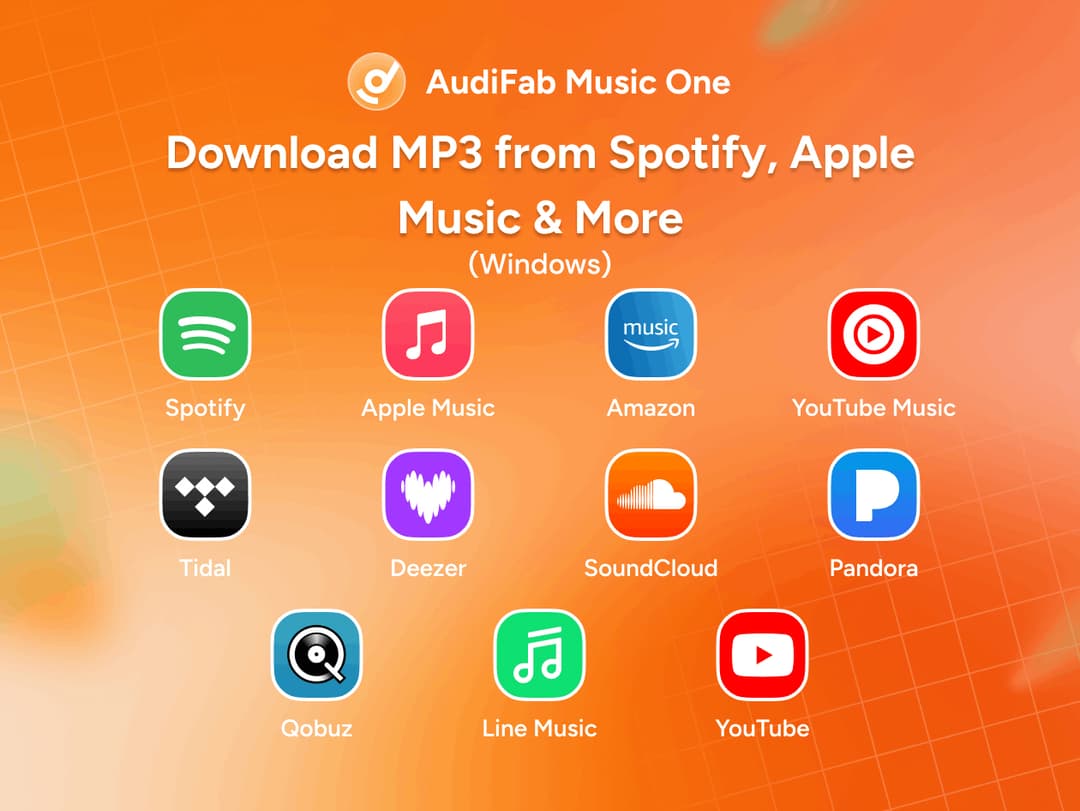
AudiFab Music One brings music from Spotify, Apple Music, Amazon Music, YouTube Music, TIDAL,…
Which AudiFab All-in-One Audio Converter (Windows) plan do you need?
Prices in USD, excluding tax.
| Lifetime | |
|---|---|
| One-time price | $69 |
What is AudiFab All-in-One Audio Converter (Windows)?
AudiFab Music One brings music from Spotify, Apple Music, Amazon Music, YouTube Music, TIDAL, Deezer, and other major streaming platforms into one convenient workspace. Choose from multiple output formats and adjust the quality to suit your listening needs.
What AudiFab All-in-One Audio Converter (Windows) says it does
- 20+ Supported Services: Access content from popular platforms, including Spotify Free and Premium, Apple Music, Amazon Music, YouTube Music, TIDAL, Deezer, Pandora, SoundCloud, Qobuz, and LINE MUSIC. (AudiFab All-in-One Audio Converter (Windows)'s figure)
- Flexible Audio Formats: Save tracks as MP3, AAC, WAV, FLAC, AIFF, or ALAC, with lossless options available for compatible sources and formats. (AudiFab All-in-One Audio Converter (Windows)'s figure)
- Batch Processing: Handle complete albums and playlists at speeds of up to 10×. (AudiFab All-in-One Audio Converter (Windows)'s figure)
- Preserve Track Information: Retain titles, artist and album details, track numbers, and cover artwork.
- Save Lyrics: Keep available lyrics alongside your audio files.
- Podcast & Radio Library: Browse more than 10,000 podcasts and radio shows. (AudiFab All-in-One Audio Converter (Windows)'s figure)
Then it handles:
- 20+ Supported Services: Access content from popular platforms, including Spotify Free and Premium, Apple Music, Amazon Music, YouTube Music, TIDAL, Deezer, Pandora, SoundCloud, Qobuz, and LINE MUSIC.
- Flexible Audio Formats: Save tracks as MP3, AAC, WAV, FLAC, AIFF, or ALAC, with lossless options available for compatible sources and formats.
- Batch Processing: Handle complete albums and playlists at speeds of up to 10×.
- Preserve Track Information: Retain titles, artist and album details, track numbers, and cover artwork.
- Save Lyrics: Keep available lyrics alongside your audio files.
- Podcast & Radio Library: Browse more than 10,000 podcasts and radio shows.
- Episode Downloads: Save podcast episodes as MP3 for offline listening.
- Internet Radio Recording: Record supported internet radio content.
Video review
We have not reviewed AudiFab All-in-One Audio Converter (Windows) on video yet.
Get notifiedBuyer reviews
No reviews yet. Bought AudiFab All-in-One Audio Converter (Windows)? Add it to your workspace and share what it replaced.
Add to your workspace