

Productivity · Lifetime deal
AudiFab Apple Music Converter (Windows)
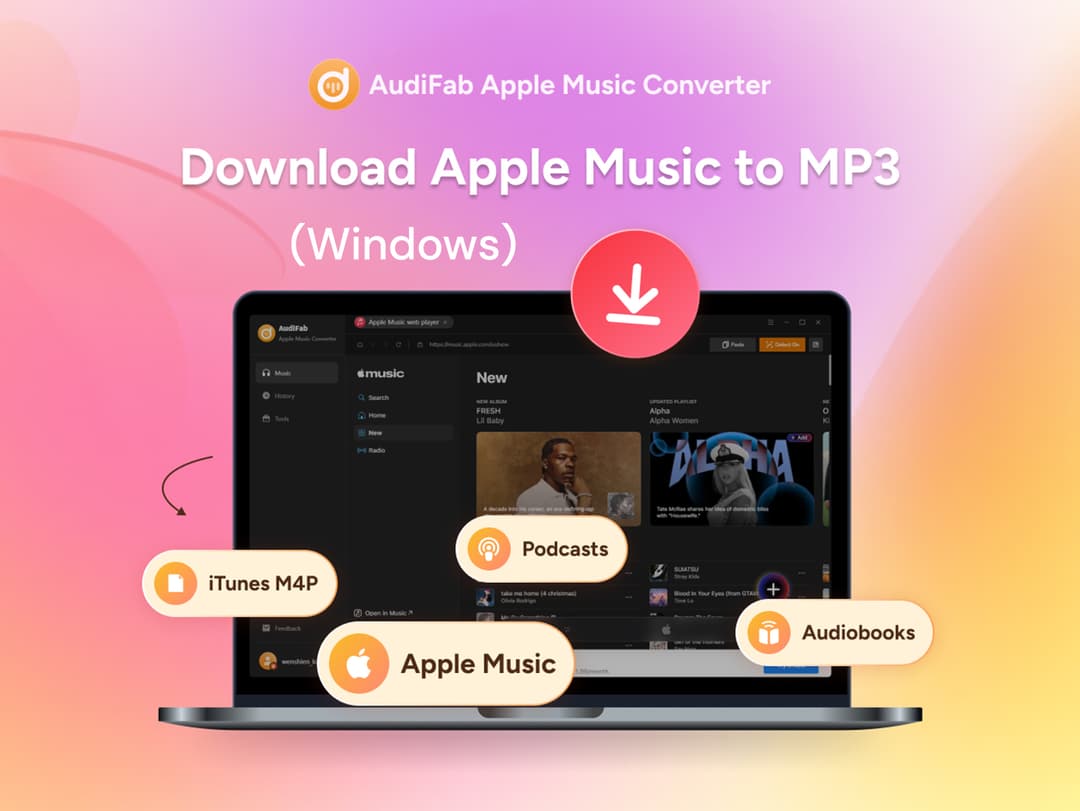
AudiFab Apple Music Converter downloads Apple Music songs, albums, playlists, iTunes M4P tracks, podcasts,…
Which AudiFab Apple Music Converter (Windows) plan do you need?
Prices in USD, excluding tax.
| Lifetime | |
|---|---|
| One-time price | $49 |
What is AudiFab Apple Music Converter (Windows)?
AudiFab Apple Music Converter downloads Apple Music songs, albums, playlists, iTunes M4P tracks, podcasts, and audiobooks to your Windows PC as standard audio files. Listen offline, move songs to other devices, and build a personal music collection that isn't tied to the Apple Music app.
What AudiFab Apple Music Converter (Windows) says it does
- Apple Music & iTunes Audio: Convert Apple Music songs, albums, playlists, iTunes M4P tracks, podcasts, and audiobooks. (AudiFab Apple Music Converter (Windows)'s figure)
- Six Output Formats: Save tracks as MP3, AAC, WAV, FLAC, AIFF, or ALAC. (AudiFab Apple Music Converter (Windows)'s figure)
- Batch Conversion: Download entire albums and playlists at up to 10× speed instead of converting songs one by one. (AudiFab Apple Music Converter (Windows)'s figure)
- Organized Output: Customize file names and output folders to keep your library tidy.
- Original Audio Quality: Preserve the source sound, including Apple Music Lossless and Hi-Res Lossless when available.
- ID3 Tags Retained: Keep titles, artists, albums, artwork, track and disc numbers, year, genre, and composer. (AudiFab Apple Music Converter (Windows)'s figure)
Then it handles:
- Apple Music & iTunes Audio: Convert Apple Music songs, albums, playlists, iTunes M4P tracks, podcasts, and audiobooks.
- Six Output Formats: Save tracks as MP3, AAC, WAV, FLAC, AIFF, or ALAC.
- Batch Conversion: Download entire albums and playlists at up to 10× speed instead of converting songs one by one.
- Organized Output: Customize file names and output folders to keep your library tidy.
- Original Audio Quality: Preserve the source sound, including Apple Music Lossless and Hi-Res Lossless when available.
- ID3 Tags Retained: Keep titles, artists, albums, artwork, track and disc numbers, year, genre, and composer.
- Lyrics Saved: Keep lyrics files alongside your converted tracks.
- Format Converter: Convert local audio files to MP3, M4A, FLAC, WAV, OGG, or AIFF.
Video review
We have not reviewed AudiFab Apple Music Converter (Windows) on video yet.
Get notifiedBuyer reviews
No reviews yet. Bought AudiFab Apple Music Converter (Windows)? Add it to your workspace and share what it replaced.
Add to your workspace