

Productivity · Lifetime deal
BuhoCleaner for Mac
Clean up storage and manage Mac clutter
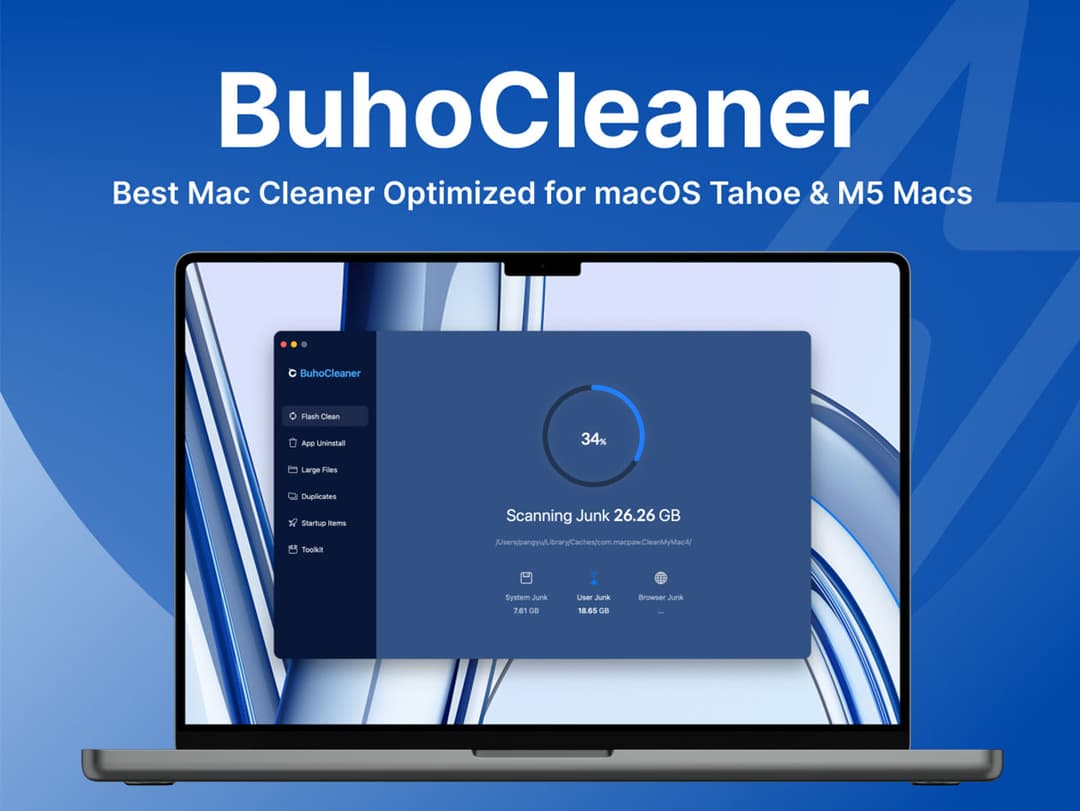
BuhoCleaner for Mac at a glance
- Platform
- macOS 10.10 and later
Which BuhoCleaner for Mac plan do you need?
Prices in USD, excluding tax.
| Lifetime | |
|---|---|
| One-time price | $24 |
What is BuhoCleaner for Mac?
BuhoCleaner for Mac is desktop software for cleaning Mac storage, removing apps and leftover files, and managing system clutter. It includes disk analysis, cache cleanup, large and duplicate file removal, startup control, Spotlight rebuilding, permanent file deletion, and real-time system monitoring.
What BuhoCleaner for Mac says it does
- Runs 3x faster on Macs with macOS 26 Tahoe and M1-M5 chips. (BuhoCleaner for Mac's figure)
- One-click cleanup can free 4X storage space from browser, user, and application junk. (BuhoCleaner for Mac's figure)
- Rebuilds the Spotlight index with one click. (BuhoCleaner for Mac's figure)
- Reduces memory use with one click of the lightning button. (BuhoCleaner for Mac's figure)
- Rated 5.0/5 stars on MacUpdate. (BuhoCleaner for Mac's figure)
- Rated 5.0/5 stars on Product Hunt. (BuhoCleaner for Mac's figure)
- Disk Space Analyzer visually identifies space usage and helps delete unneeded files.
- The interface is straightforward, user-friendly, and organized around a navigation list.
- Completely uninstalls applications and removes leftover files from uninstalled programs.
- Finds and deletes large files and duplicate files.
- File Shredder permanently deletes private or important files.
- Manages login items, startup services, and apps that launch at startup.
Why BuhoCleaner for Mac
Storage can fill with browser, user, and application junk, large files, duplicate files, and leftovers from uninstalled apps. Unwanted startup items add clutter, while Spotlight results and low memory can make system upkeep harder. BuhoCleaner brings these cleanup and management tasks into one interface.
How does BuhoCleaner for Mac work?
Analyze storage
Use Disk Space Analyzer to see which files and folders use the most space, then delete unneeded items.
Clean unwanted files
Clean browser, user, and application junk, then find and delete large or duplicate files.
Remove applications securely
Uninstall applications, remove their leftover files, and permanently delete private or important files with File Shredder.
Tidy startup and search
Control login items and startup services, and rebuild the Spotlight index when results are not as expected.
Monitor resources
View CPU load, Internet speeds, memory use, and storage use in real time. Use the lightning button to reduce memory use.
Then it handles:
- Visualize disk space usage
- Remove browser, user, and application junk
- Uninstall apps and leftover files
- Find large and duplicate files
- Permanently delete selected files
- Manage startup items and services
- Rebuild the Spotlight index
- Monitor system status and reduce memory use
Who is BuhoCleaner for Mac for?
Built for
- Mac users with limited disk space
- People removing unused applications and leftover files
- Users who want to control startup items and services
- Mac users who want real-time system and memory status
- People who need to permanently delete private files
Not for
- Windows or Linux users
- People using macOS versions earlier than 10.10
- People who need access on more than three devices
- People needing web or mobile access instead of desktop access
What is included in BuhoCleaner for Mac?
Storage cleanup
- Disk Space Analyzer View which files and folders use the most disk space.
- Cache cleanup Clean browser, user, and application junk in one click.
- Large and duplicate file finder Find and delete large files and duplicate files.
- File Shredder Tool Permanently delete private or important files.
Application and startup management
- Application uninstaller Remove applications and leftover files from uninstalled programs.
- Startup item manager Control login items and services that launch at startup.
- Spotlight index rebuild Rebuild Spotlight’s index with one click.
System monitoring
- Status menu Monitor CPU load, network speed, memory, and storage in real time.
- Memory cleanup Reduce memory use with the lightning button.
Interface
- Navigation list Find needed functions in a straightforward, user-friendly interface.
Video review
We have not reviewed BuhoCleaner for Mac on video yet.
Get notifiedBuyer reviews
No reviews yet. Bought BuhoCleaner for Mac? Add it to your workspace and share what it replaced.
Add to your workspaceBuhoCleaner for Mac questions
What does BuhoCleaner for Mac do?
BuhoCleaner is a Mac cleanup and management tool for removing cache junk, uninstalling applications and leftovers, finding large or duplicate files, permanently shredding files, managing startup items, rebuilding the Spotlight index, monitoring system status, and freeing memory.
Which Macs and users does it support?
BuhoCleaner supports desktop Macs running macOS 10.10 and later. It is designed for users who want to manage storage, remove unwanted applications or files, control startup programs, and monitor system performance. The interface is available in English, French, German, Spanish, Portuguese, Japanese, Italian, Chinese, and Korean.
How many devices can one license cover?
Each license covers up to 3 devices. Access is for desktop use, and the listed software version is 1.15.2.
What happens after purchase, and how long does access last?
Redeem the code within 30 days of purchase. The plan provides lifetime access, and the listing states that it expires March 31, 2126 at 17:00 PST.
Are software updates included?
Yes. Updates are included with the lifetime license, so listed updates are available without a separate upgrade plan.
What does the Lifetime plan cost, and are there extra charges?
The Lifetime plan costs $24. Updates are included, and no additional charges are listed.