

Design · Lifetime deal
Camisual
Browser based design editor with vector tools, AI background removal and a 200M+ asset library.
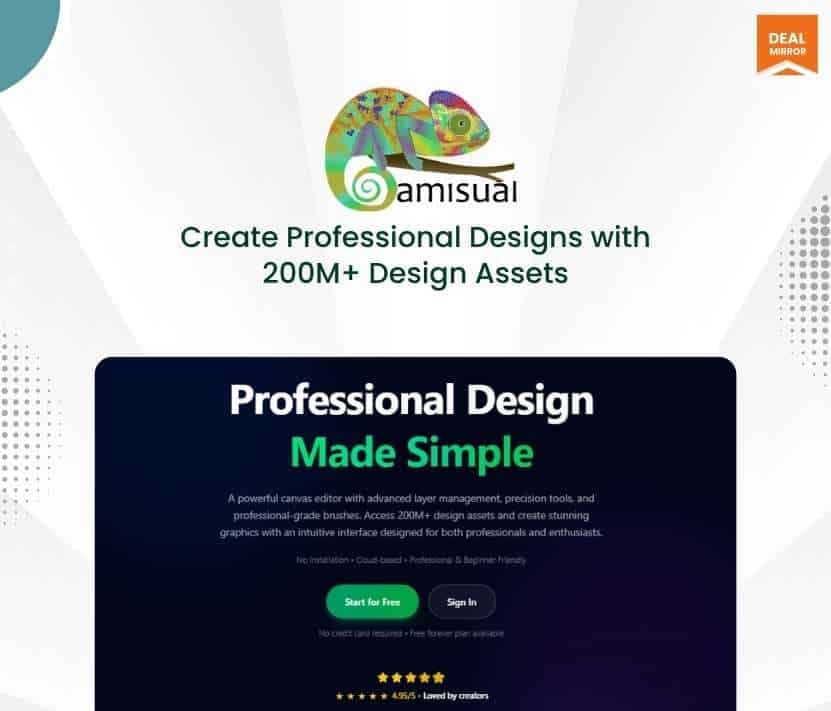
Camisual at a glance
- Platform
- Web
- Support
- Priority support is listed on every tier.
- Note
- Commercial use is allowed, but check the license of each stock asset you use.
Our take
Is Camisual worth buying?
Based on the DealMirror listing, Camisual is a lifetime browser design editor that sits between a template tool and a vector program. Tier 1 is small, with 10 design projects and 50 AI generations, so compare the tiers against how much you design. Check how project credits are counted before choosing a tier.
Good fit if
- You make social and marketing graphics yourself.
- You want vector and drawing tools in the same browser editor.
- You want to drop a monthly design subscription.
Skip it if
- You produce designs at high volume on the entry tier.
- You need desktop software or print production workflows.
- You need a long established template library and brand tools.
Which Camisual plan do you need?
Prices in USD, excluding tax.
| Tier 1 | Tier 2 | Tier 3 | |
|---|---|---|---|
| One-time price | $49 | $99 | $179 |
| Regular price (DealMirror) | |||
| You save | $441 | $891 | $1,620 |
| Design projects | 10 (one time credits) | 50 (one time credits) | Unlimited (one time credits) |
| Storage | 500 MB | 2 GB | 10 GB |
| AI generations | 50 | 200 | 1,000 |
| Version history | 10 | Unlimited | Unlimited |
| Collaborators per design | 1 | 5 | Unlimited |
Before you buy: DealMirror's terms and extra costs
- Refund. DealMirror lists 30 days for regular buyers and 60 days for DealMirror Prime members.
- Redeem. Redeem your code within 60 days of purchase.
- Support. Priority support is listed on every tier.
- Platform. Runs in Chrome, Safari, Firefox and Edge on Mac, Windows and tablets.
- Note. Commercial use is allowed, but check the license of each stock asset you use.
What is Camisual?
Camisual is a browser based design tool that mixes simple template editing with vector and drawing tools. It includes background removal, AI enhancement, bezier editing, layers and a stock asset library. It is built for small business owners, creators and social media managers. The deal is a lifetime license with limits on projects, storage and AI generations by tier.
What Camisual says it does
- Asset library of 200M+ images and vectors (Camisual's figure)
- One click background removal, image enhancement and upscaling
- Pressure sensitive brushes, an assisted drawing mode and bezier curves
- Export to PNG, JPG, SVG and PDF, including transparent PNG
Why Camisual
Many people pay for a template editor and a vector program to get one finished design. Camisual puts both styles of editing into a single browser tab. Design projects are one time credits on the lower tiers, so the entry tier suits light use more than steady production.
How does Camisual work?
Redeem your code
Buy on DealMirror and redeem the code within 60 days.
Start a design
Pick a preset size for social or web, or a blank canvas.
Add assets
Search the asset library and edit with AI and vector tools.
Share for feedback
Invite collaborators or send a read only preview link.
Export
Download as PNG, JPG, SVG or PDF.
Then it handles:
- Social media graphics
- Marketing material
- Logos and icons with bezier editing
- Background removal and upscaling
- Illustration with pressure sensitive brushes
- Client previews and comments
Who is Camisual for?
Built for
- Small business owners who design their own graphics
- Social media managers and creators
- Freelancers who want one browser tool for simple and vector work
Not for
- Heavy users on Tier 1, which has 10 design projects
- Teams that need desktop software for print production workflows
What is included in Camisual?
Editor
- Preset formats social and web sizes
- Layer management
- Bezier and vertex editing for logos and icons
- Brush engine pressure sensitive with assisted drawing
AI and assets
- Background removal one click
- Enhance and upscale
- Object detection
- Asset library 200M+ images and vectors
Sharing and export
- Collaborators and comments
- Read only client links
- Smart folders
- High resolution export PNG, JPG, SVG, PDF
Video review
We have not reviewed Camisual on video yet.
Get notifiedBuyer reviews
No reviews yet. Bought Camisual? Add it to your workspace and share what it replaced.
Add to your workspaceCamisual questions
What is Camisual?
A browser based design tool with templates, vector and drawing tools, AI image tools and an asset library. Nothing needs to be installed.
What are the limits per tier?
Tier 1 has 10 design projects, 500 MB storage, 50 AI generations and 1 collaborator per design. Tier 2 has 50 projects, 2 GB, 200 generations and 5 collaborators. Tier 3 has unlimited projects, 10 GB, 1,000 generations and unlimited collaborators.
Are design projects one time credits?
The listing describes projects as one time credits on all three tiers, so they are used up as you create designs. Check how a credit is counted before buying.
Which formats can I export?
PNG including transparent, JPG, SVG and PDF, with high DPI export on all plans.
Can I use stock assets commercially?
Commercial use is allowed, but the page says to check the license of each asset.
What is the refund policy?
DealMirror lists 30 days for regular buyers and 60 days for DealMirror Prime members. Redeem within 60 days of purchase.
Often compared with
These are other tools in the same space, not deals on GrabLTD.
- Canva
- Adobe Express
- VistaCreate
- Pixlr
- Photopea
Sources
Checked . Prices and terms on this page come from: