

Productivity · Lifetime deal
CopyMagic
Local-first Mac clipboard manager with unlimited history and search by meaning.
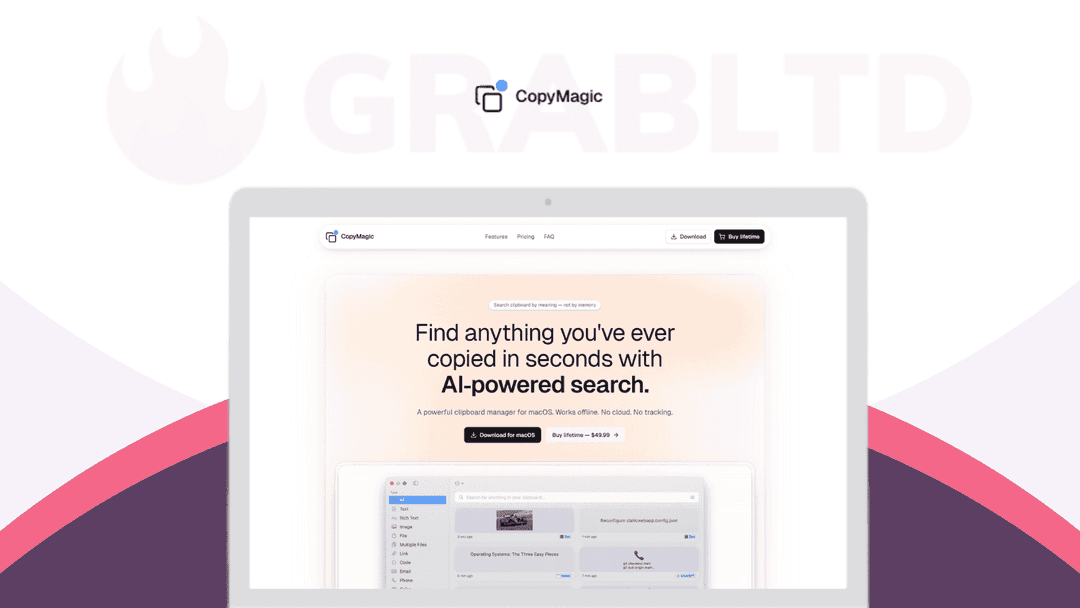
CopyMagic at a glance
- Platform
- macOS
- Support
- Priority email support is included.
- Upgrades
- Single-user license. All future updates are included.
- Updates
- All future updates
Our take
Is CopyMagic worth buying?
Based on the DealMirror listing, this is a one-user lifetime license for a local-first Mac clipboard manager with semantic search. It fits Mac users who want history that stays on their machine. It is macOS only and needs macOS 13.5 or newer.
Good fit if
- You use a Mac and lose past copies often.
- You want clipboard history that stays on-device and works offline.
- You want to search clips by description rather than scrolling.
- You prefer a one-time license over a subscription.
Skip it if
- You use Windows, iOS or Android.
- Your Mac runs an older macOS than 13.5.
- You need clipboard sync across several devices.
Which CopyMagic plan do you need?
Prices in USD, excluding tax.
| Plan A | |
|---|---|
| One-time price | $29.99 |
| Regular price (DealMirror) | |
| You save | $20 |
| Users | 1 |
| Clipboard history | Unlimited |
| Semantic search | Included |
| Requires | macOS 13.5+ |
| Updates | All future updates |
Before you buy: DealMirror's terms and extra costs
- Refund. 30-day refund for regular DealMirror buyers, 60 days for Prime members, per the DealMirror listing.
- Redeem. Redeem your code within 60 days of purchase.
- Support. Priority email support is included.
- Upgrades. Single-user license. All future updates are included.
- Platform. macOS 13.5 (Ventura) or newer only.
What is CopyMagic?
CopyMagic is a macOS clipboard manager that keeps your copy history and lets you search it by meaning, not just exact words. It runs from the menu bar, works offline, needs no account and keeps data on your Mac. The lifetime license gives you unlimited history and semantic search for one user, with future updates.
What CopyMagic says it does
- Everything stays on your Mac, with no account, no servers and no tracking
- Semantic search finds clips by meaning, source app and time
- Works offline
- Captures text, links, images and files, labeled by source app and time
Why CopyMagic
The built-in Mac clipboard holds one item, and most history tools make you scroll a long list. CopyMagic lets you describe what you copied and find it. It is macOS only, and the listing requires macOS 13.5 or newer.
How does CopyMagic work?
Redeem the code
Buy through DealMirror and redeem your code within 60 days.
Install the app
Install CopyMagic on a Mac running macOS 13.5 or newer.
Copy as usual
Items are saved to history with the source app and time.
Open with a shortcut
Use the menu bar app or your custom keyboard shortcut.
Search by meaning
Type a short description to find a past clip.
Then it handles:
- Keeping full clipboard history
- Finding past copies by keyword
- Semantic search by meaning
- Skipping passwords and tokens with an app blacklist
- Hiding secret items until revealed
- Opening history with keyboard shortcuts
Who is CopyMagic for?
Built for
- Mac users who copy links, snippets and files all day
- Developers and writers who lose past copies
- People who want clipboard history that stays on-device
Not for
- Windows, iOS or Android users, since it is macOS only
- Macs older than macOS 13.5
- Teams that want clipboard sync across devices
What is included in CopyMagic?
Search
- Instant keyword search
- AI semantic search find clips by meaning
- Source app and time labels
Privacy
- Local-first storage no cloud uploads
- App blacklist skip password managers and tokens
- Secret items hidden until you reveal them
- No account required
Everyday use
- Menu bar app
- Custom keyboard shortcuts
- Text, links, images and files
Video review
We have not reviewed CopyMagic on video yet.
Get notifiedBuyer reviews
No reviews yet. Bought CopyMagic? Add it to your workspace and share what it replaced.
Add to your workspaceCopyMagic questions
What is CopyMagic?
A macOS clipboard manager that stores your history and lets you search it by keyword or by meaning, from a menu bar app.
Does it upload my clipboard?
The listing says it is local-first with no cloud uploads, no account and no tracking, and that it works offline.
Can I keep passwords out of the history?
Yes. You can blacklist apps so their copies are not saved, and mark individual items as secret so they stay hidden until revealed.
Which Macs are supported?
The DealMirror listing states macOS 13.5 (Ventura) or newer. It is macOS only.
What is the refund policy?
DealMirror lists a 30-day refund for regular buyers and 60 days for Prime members. Redeem the code within 60 days of purchase.
Is there a free version?
An older description says the vendor has a free tier capped at 15 history items. The lifetime license removes the cap. Check the vendor site for current limits.
Often compared with
These are other tools in the same space, not deals on GrabLTD.
- Paste
- Maccy
- Alfred
- CopyClip
- Raycast
Sources
Checked . Prices and terms on this page come from: