

Design · Lifetime deal
Crafttor
Shared design asset library with tagging, version history and Figma and Illustrator plugins.
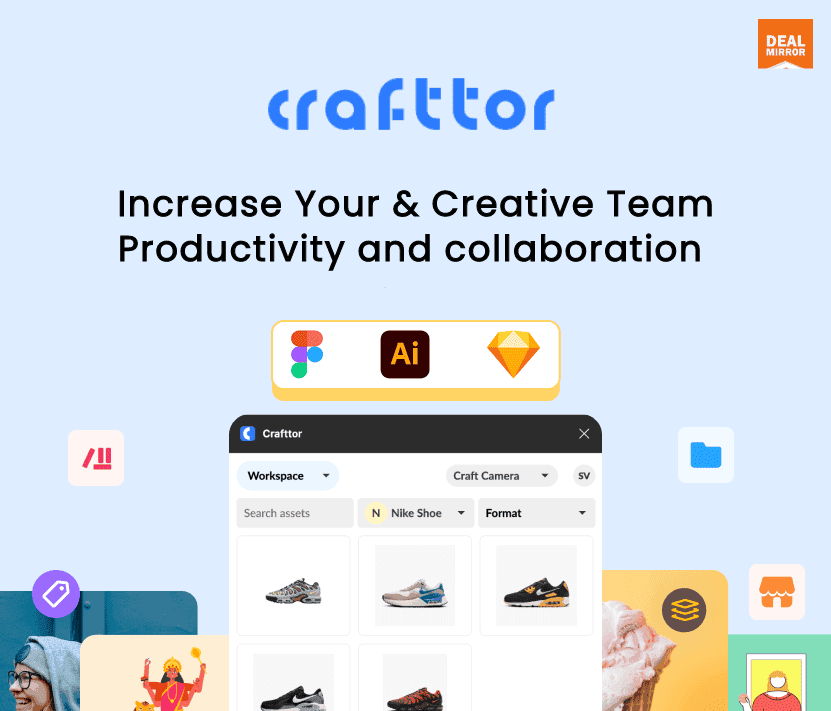
Crafttor at a glance
- Platform
- Web, Figma, Illustrator, Sketch
- Upgrades
- Future updates to the plan are included. If a plan is renamed, the deal moves to the new name.
- Support
- Email support is included.
- Note
- The marketplace subscription is limited to 1, 2 or 3 years by tier. The Content Library is listed as coming soon.
Our take
Is Crafttor worth buying?
Based on the DealMirror listing, Crafttor is a design asset library with three one-time tiers that scale seats, storage and workspaces. The included marketplace runs only 1 to 3 years, and the Content Library is not live yet. It suits small design teams that live in Figma or Illustrator.
Good fit if
- You run a design team of 3 to 10 people sharing assets.
- You work in Figma or Illustrator and want assets inside the plugin.
- You want tagging and version history for design files.
Skip it if
- You need more than 10 seats on a lifetime tier.
- You need the Content Library today.
- You want a lifetime icon and illustration marketplace.
Which Crafttor plan do you need?
Prices in USD, excluding tax.
| Tier 1 | Tier 2 | Tier 3 | |
|---|---|---|---|
| One-time price | $99 | $199 | $299 |
| Regular price (DealMirror) | |||
| You save | $50 | $50 | $200 |
| Admins | 1 | 2 | 3 |
| Seats | 3 | 5 | 10 |
| Workspaces | 2 | 3 | 5 |
| Storage | 40 GB | 100 GB | 1 TB |
| Marketplace subscription | 1 year | 2 years | 3 years |
| Version history | 30 days | 30 days | 60 days |
Before you buy: DealMirror's terms and extra costs
- Refund. 30-day refund for regular DealMirror buyers, 60 days for Prime members, per the DealMirror listing.
- Redeem. Redeem your code within 60 days of purchase.
- Upgrades. Future updates to the plan are included. If a plan is renamed, the deal moves to the new name.
- Support. Email support is included.
- Note. The marketplace subscription is limited to 1, 2 or 3 years by tier. The Content Library is listed as coming soon.
What is Crafttor?
Crafttor is a shared asset library for design teams. It organizes files with custom tagging and version history, and plugins bring assets into Figma and Illustrator. An illustration and icon marketplace subscription is included for a set number of years. Plans scale admins, seats, workspaces and storage.
What Crafttor says it does
- Plugins for Figma and Illustrator (Sketch also named in the old listing)
- Custom tagging, advanced sharing, and feedback and commenting
- Version history of 30 or 60 days depending on tier
- Included marketplace of illustrations and icons for 1 to 3 years
Why Crafttor
Design files tend to end up in scattered drives. Crafttor keeps them in one tagged library and feeds them into your design apps. A limit to know: the marketplace subscription runs 1 to 3 years by tier, and the Content Library is listed as coming soon.
How does Crafttor work?
Redeem the code
Buy through DealMirror and redeem your code within 60 days.
Create workspaces
Set up workspaces and invite seats for your team.
Upload and tag
Add assets and organize them with custom tags.
Install the plugin
Use the Figma or Illustrator plugin to pull assets in.
Share and review
Share assets and collect comments on them.
Then it handles:
- Storing design assets in one library
- Tagging and searching assets
- Pulling assets into Figma and Illustrator
- Tracking file versions
- Browsing illustrations and icons
- Sharing and commenting on assets
Who is Crafttor for?
Built for
- Design teams of 3 to 10 seats sharing assets
- Agencies that reuse icons and illustrations
- Teams that work in Figma or Illustrator daily
Not for
- Teams larger than 10 seats on a lifetime tier
- Buyers who need the Content Library now (listed as coming soon)
- Anyone who expects the marketplace to be lifetime
What is included in Crafttor?
Library
- Custom tagging
- Version history 30 days on Tier 1 and 2, 60 on Tier 3
- Multiple download formats
Plugins and marketplace
- Figma and Illustrator plugins
- Upload from the plugins
- Illustration and icon marketplace 1, 2 or 3 years by tier
Collaboration
- Advanced sharing
- Feedback and commenting
- Member and sharing permissions
Video review
We have not reviewed Crafttor on video yet.
Get notifiedBuyer reviews
No reviews yet. Bought Crafttor? Add it to your workspace and share what it replaced.
Add to your workspaceCrafttor questions
What is Crafttor?
A shared asset manager for design teams with tagging, version history, a marketplace and plugins for design tools.
What do the tiers include?
Tier 1 has 1 admin, 40 GB, 3 seats and 2 workspaces. Tier 2 has 2 admins, 100 GB, 5 seats and 3 workspaces. Tier 3 has 3 admins, 1 TB, 10 seats and 5 workspaces.
Is the marketplace lifetime?
No. The icon and illustration marketplace subscription is included for 1, 2 or 3 years depending on tier.
Which design tools does it connect to?
The listing names Figma and Illustrator plugins. A Canva plugin is on the roadmap.
What is the refund policy?
DealMirror lists a 30-day refund for regular buyers and 60 days for Prime members. Redeem within 60 days of purchase.
What is not ready yet?
The Content Library is listed as coming soon, and AI tagging and a Canva plugin are on the roadmap.
Often compared with
These are other tools in the same space, not deals on GrabLTD.
- Eagle
- Brandfolder
- Frontify
- Lingo
- Air
Sources
Checked . Prices and terms on this page come from: