

AI Voice · Lifetime deal
Dictation Daddy
AI voice typing that works in any app, with custom vocabulary and your own API key.
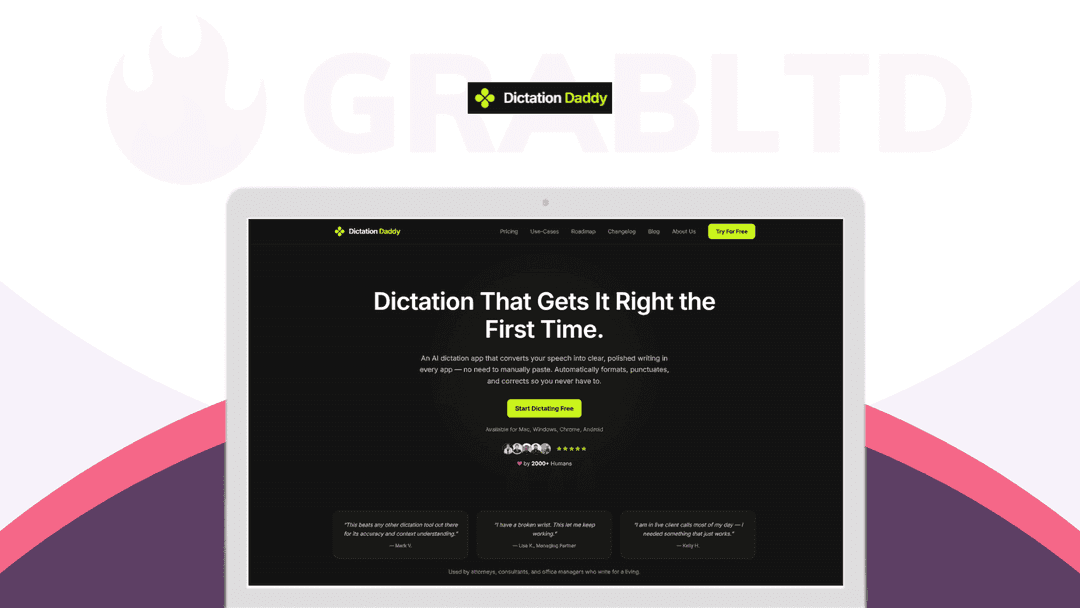
Dictation Daddy at a glance
- Platform
- Windows, Mac, Android, Chrome extension
- Note
- The RocketHub deal page could not be read, so refund and redemption terms are not confirmed. The vendor site describes yearly pricing.
Our take
Is Dictation Daddy worth buying?
Based on the vendor site and stored listing, this is a voice-typing tool with three plans that scale words per month and users. The RocketHub page could not be read, and the vendor site describes yearly pricing, so lifetime terms are unconfirmed. Check these before buying.
Good fit if
- You write many emails and messages and want to dictate them.
- You want voice typing across Mac, Windows and Android.
- You are comfortable bringing your own API key.
Skip it if
- You need confirmed lifetime and refund terms before buying.
- You need a verified list of supported languages.
Which Dictation Daddy plan do you need?
Prices in USD, excluding tax.
| Plan A | Plan B | Plan A | |
|---|---|---|---|
| One-time price | $49 | $129 | $199 |
| Regular price (RocketHub) | |||
| You save | $80 | $70 | $100 |
| Words per month | 300k | 500k | 900k |
| Users | 1 | 5 | 10 |
| Bring your own key | Yes | Yes | Yes |
Before you buy: RocketHub's terms and extra costs
- Usage cost. With your own API key, transcription is billed by your provider. Plans also list monthly word limits.
- Platform. Windows and Mac apps, Android app and Chrome extension, per the vendor site.
- Note. The RocketHub deal page could not be read, so refund and redemption terms are not confirmed. The vendor site describes yearly pricing.
What is Dictation Daddy?
Dictation Daddy is an AI voice-typing tool that turns speech into punctuated text in whatever app your cursor is in. It has native Mac and Windows apps, an Android app and a Chrome extension. You can add custom vocabulary, expand spoken phrases into saved text and transcribe uploaded audio files. You can also use your own API key. The RocketHub deal has three plans.
What Dictation Daddy says it does
- 96 to 98 percent accuracy from the first sentence, per the vendor (Dictation Daddy's figure)
- Works system-wide in apps such as Gmail, Slack and Word
- Custom vocabulary for technical and industry terms
- Use your own API key for transcription at your own cost
Why Dictation Daddy
Typing all day is slow and tiring, and many dictation tools stay inside one app. Dictation Daddy dictates into any field and can work with your own AI key. The deal plans cap words per month, and the vendor's own site describes yearly pricing, so confirm the lifetime terms.
How does Dictation Daddy work?
Redeem the code
Buy through RocketHub and redeem your code.
Install the app
Use the Windows or Mac app, Android app or Chrome extension.
Add your key (optional)
Add a Groq or OpenAI key to use your own account.
Set vocabulary
Add technical terms and uncommon words.
Dictate
Speak where your cursor is, or upload an audio file.
Then it handles:
- Dictating into any app
- Automatic punctuation and formatting
- Custom vocabulary for specialist terms
- Spoken phrase templates
- Transcribing uploaded audio and video
- Hands-free typing for accessibility
Who is Dictation Daddy for?
Built for
- Professionals who write lots of email and messages
- People who want voice typing because of injury or disability
- Dragon users looking for an alternative
Not for
- Buyers who need unlimited words without their own API key on Plan A
- Anyone who needs confirmed language support, since no list was found
- Buyers who want the deal terms verified, which this pass could not do
What is included in Dictation Daddy?
Dictation
- System-wide dictation
- Auto punctuation and formatting
- Spoken templates trigger phrases expand to saved text
Accuracy and control
- Custom vocabulary
- Speech recognition model choice
- File transcription uploaded audio or video
Platforms and keys
- Windows, Mac and Android apps
- Chrome extension
- Bring your own API key Groq or OpenAI
Video review
We have not reviewed Dictation Daddy on video yet.
Get notifiedBuyer reviews
No reviews yet. Bought Dictation Daddy? Add it to your workspace and share what it replaced.
Add to your workspaceDictation Daddy questions
What is Dictation Daddy?
An AI voice-typing tool that types punctuated text into any app, with custom vocabulary and file transcription.
Which devices work?
The vendor lists Mac and Windows apps, an Android app and a Chrome extension.
What are the plan limits?
The stored listing shows Plan A at 300k words a month for 1 user, Plan B at 500k words for 5 users and a third plan at 900k words for 10 users.
Can I use my own API key?
Yes. The vendor says you can use your own key, such as Groq, for transcription at your own API cost.
Is it a lifetime deal?
The deal is sold as lifetime through RocketHub, but the vendor site describes yearly pricing. Confirm the terms before buying.
How accurate is it?
The vendor claims 96 to 98 percent accuracy. That figure is the vendor's own.
Often compared with
These are other tools in the same space, not deals on GrabLTD.
- Dragon NaturallySpeaking
- Wispr Flow
- Superwhisper
- Microsoft Dictate
- Google Voice Typing
Sources
Checked . Prices and terms on this page come from: