

Design · Lifetime deal
Drawtify
Browser-based vector design tool for logos, infographics and social graphics.
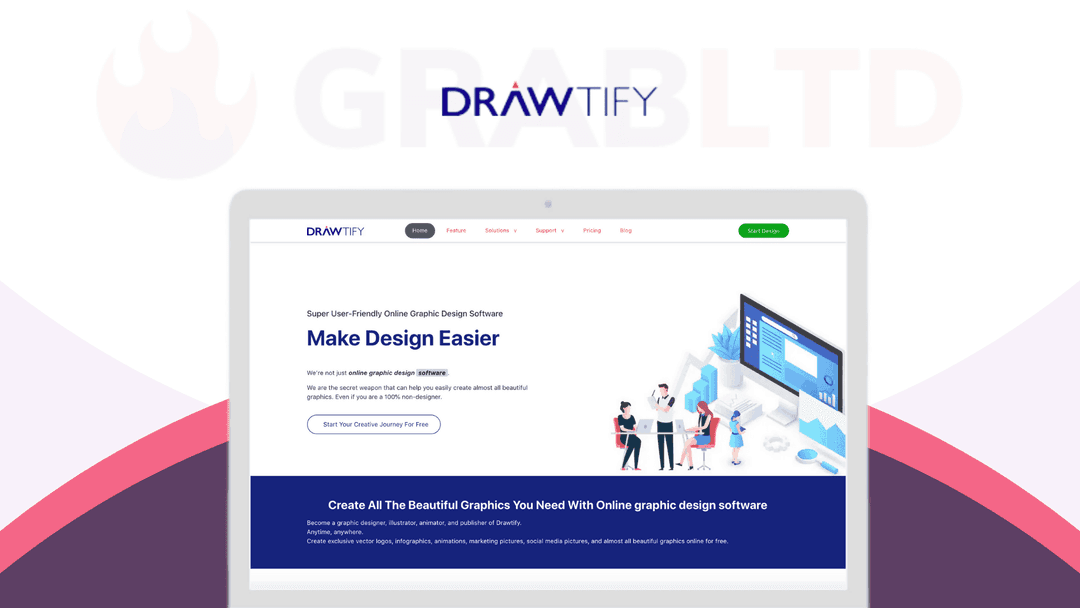
Drawtify at a glance
- Platform
- Web
- Support
- Email support is listed.
Our take
Is Drawtify worth buying?
Based on the DealMirror listing, Drawtify is a lifetime license for a browser-based design tool, limited to one system at a time. The page's reviews date from 2021 and the countdown reads zero, so confirm the offer is current. It suits small businesses that want templates and a logo maker without a monthly fee.
Good fit if
- You want a template-based design tool without a subscription.
- You need logos, social graphics and simple infographics.
- You use one computer for design work.
Skip it if
- You need the license active on several systems at once.
- You depend on custom font uploads.
Which Drawtify plan do you need?
Prices in USD, excluding tax.
| Lifetime | |
|---|---|
| One-time price | $79.95 |
| Regular price (DealMirror) | |
| You save | $919.05 |
| Systems | 1 at a time (movable) |
| Designs and logos | No limit stated |
| Image exports | JPG, PNG, PDF, SVG |
| Included tools | Designer, Infographic Creator, LogoMaker |
DealMirror's plan names: Plan A.
Before you buy: DealMirror's terms and extra costs
- Refund. 30-day money-back guarantee on DealMirror.
- Redeem. Redeem the code within 60 days of purchase.
- Usage cost. No limit on how many logos or designs you create, per an admin reply on the page.
- Support. Email support is listed.
- Platform. Browser-based. The license is for 1 system at a time and can be moved to a new PC.
What is Drawtify?
Drawtify is an online vector design tool for logos, infographics, animations, social media graphics and print layouts such as flyers and business cards. It includes editable templates, icons and shapes, plug-ins for QR codes and charts, and photos from Unsplash. It exports JPG, PNG, PDF and SVG. The lifetime plan covers one system at a time.
What Drawtify says it does
- 100M+ HD photos powered by Unsplash (Drawtify's figure)
- Export images as JPG, PNG, PDF and SVG, and animations as GIF, APNG, SVG and video
- Plug-ins for barcodes, QR codes, charts, tree diagrams, maps and calendars
- Text, graphic and animated logos with LogoMaker
Why Drawtify
Drawtify bundles a vector editor, templates and a logo maker in the browser so non-designers can produce brand graphics without a separate tool for each. It is a lifetime license for one system at a time, and the deal page looks dated, so check that the offer is current.
How does Drawtify work?
Redeem the code
Redeem your DealMirror code within 60 days of purchase.
Open the editor
Use Drawtify in the browser with no installation.
Start from a template
Pick a template for a logo, card, poster or social post.
Customize
Edit shapes, text and photos, or add plug-ins like QR codes.
Export
Download as JPG, PNG, PDF or SVG, or export animations.
Then it handles:
- Creating logos, including animated ones
- Building infographics and charts
- Designing social media graphics
- Printing-ready cards, flyers and posters
- Adding QR codes and barcodes
- Exporting vector SVG files
Who is Drawtify for?
Built for
- Small businesses and start-ups without a designer
- Non-designers who want templates
- Marketers who need quick social graphics
Not for
- Teams who need the license on several systems at once
- Professionals who rely on custom font uploads (the page mentions only picture uploads as of 2021)
- Buyers who need a recently reviewed product (reviews on the page date from 2021)
What is included in Drawtify?
Design tools
- Drawtify Designer
- Infographic Creator
- LogoMaker text, graphic and motion logos
- Path editing, effects and animation
Templates and assets
- Editable templates cards, flyers, posters, resumes
- Social media templates Facebook, Instagram, YouTube and more
- Plug-ins QR codes, charts, maps, calendars
- Unsplash photos
Video review
We have not reviewed Drawtify on video yet.
Get notifiedBuyer reviews
No reviews yet. Bought Drawtify? Add it to your workspace and share what it replaced.
Add to your workspaceDrawtify questions
What is Drawtify?
A browser-based vector design tool for logos, infographics, animations, social graphics and print materials.
Do I need design skills?
No. It offers editable templates and a drag-and-drop editor, so you can start from a template and customize.
Can I export vector files?
Yes. Images export as JPG, PNG, PDF and SVG, and animations as GIF, APNG, SVG and video, per the listing.
How many devices can I use?
An admin reply on the page says one system at a time, and the license can be moved to a new PC.
What is the refund policy?
DealMirror lists a 30-day money-back guarantee. Redeem the code within 60 days of purchase.
Can I upload my own fonts?
A 2021 comment on the page says only picture uploads were supported then, with font uploads promised later. Check with the vendor.
Often compared with
These are other tools in the same space, not deals on GrabLTD.
- Canva
- Adobe Express
- Visme
- Desygner
- CorelDRAW
Sources
Checked . Prices and terms on this page come from: