

Video & Audio · Lifetime deal
Duprun
Turn photos into zoom-transition videos with music and no watermark.
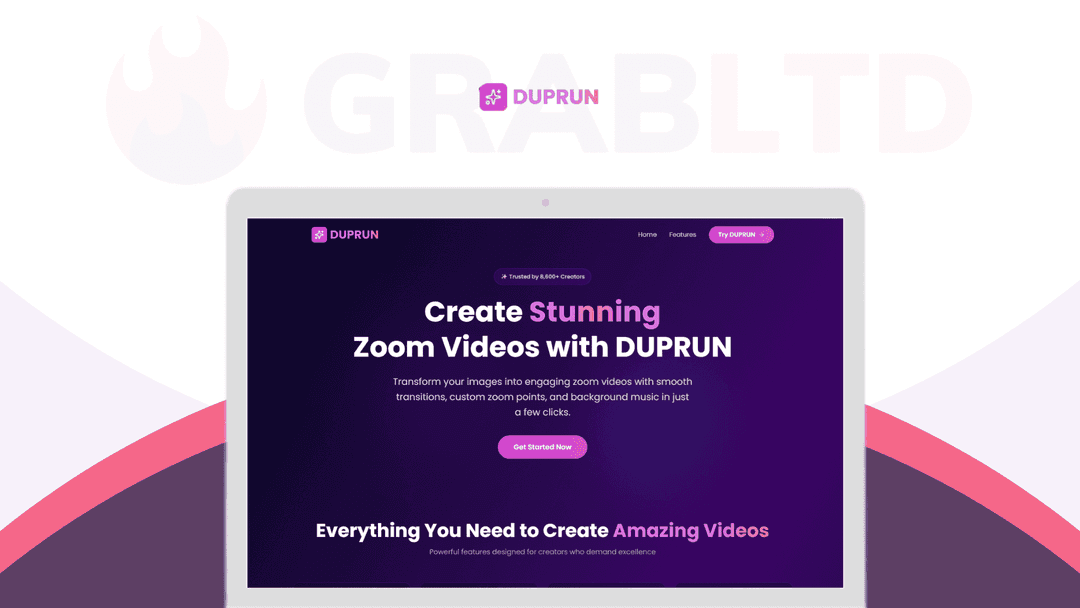
Duprun at a glance
- Platform
- Web
- Support
- Email support only.
- Support
Our take
Is Duprun worth buying?
Based on the DealMirror listing, Duprun is a small single-purpose tool for zoom videos from photos, with unlimited videos and no watermark. The price is low, but the scope is narrow. It suits quick social clips rather than general video work.
Good fit if
- You want simple zoom-style photo videos for social posts.
- You do not want a watermark on exports.
- You do not need a full video editor.
Skip it if
- You need timeline-based video editing.
- You need to record your screen.
Which Duprun plan do you need?
Prices in USD, excluding tax.
| Unlimited | |
|---|---|
| One-time price | $9 |
| Regular price (DealMirror) | |
| You save | $20 |
| Videos per month | Unlimited |
| Watermark | None |
| Custom background music | Included |
| Support |
DealMirror's plan names: Plan A.
Before you buy: DealMirror's terms and extra costs
- Refund. 30-day money-back guarantee on DealMirror, or 60 days for DealMirror Prime members.
- Redeem. Redeem your code within 60 days of purchase.
- Usage cost. Unlimited videos per month are listed.
- Support. Email support only.
What is Duprun?
Duprun is a browser-based generator that turns photos into zoom-transition videos. You pick photos, set zoom points, choose filters, customize the cursor and background, add music and download the result in one click. The lifetime plan lists unlimited videos per month with no watermark, plus a fade effect and text on videos.
What Duprun says it does
- Unlimited videos per month with no watermark
- Combine multiple photos into one video with transitions
- Add background music, a fade effect and text
- One-click high-quality download (Duprun's figure)
Why Duprun
Simple zoom videos from photos are quick to make without editing skills, which suits social posts and slideshows. Duprun is narrow, covering this one effect rather than general video editing. The reviews on the page look generic, so expect to judge it yourself.
How does Duprun work?
Redeem the code
Buy on DealMirror and redeem within 60 days of purchase.
Add photos
Upload one or more photos.
Set zoom points
Choose where each photo zooms in.
Style the video
Pick filters, cursor, background, music and text.
Download
Export the finished video in one click.
Then it handles:
- Zoom effects on photos
- Slideshows from several images
- Background music on videos
- Filters and background styling
- Text on animated videos
- Quick social media clips
Who is Duprun for?
Built for
- Social media creators making short clips
- Small businesses showing off products
- Anyone who wants simple photo videos without editing skills
Not for
- People who need full video editing
- Buyers who need screen recording (the page compares it to screen recorders, but it is a photo tool)
- Anyone who needs a desktop app
What is included in Duprun?
Video creation
- Zoom and movement effects selectable zoom points
- Multiple photos per video with transitions
- Filters
Customization
- Cursor and background
- Background music
- Fade effect and text
Output
- No watermark
- One-click download high quality
Video review
We have not reviewed Duprun on video yet.
Get notifiedBuyer reviews
No reviews yet. Bought Duprun? Add it to your workspace and share what it replaced.
Add to your workspaceDuprun questions
What does Duprun do?
It turns photos into zoom-transition videos in the browser. You set zoom points, add filters and music, and download the result.
Is there a video limit?
The plan lists unlimited videos per month with no watermark.
Can I use several photos?
Yes. The listing says you can combine multiple images into one video with transitions.
What format does it export?
The stored FAQ says WebM, but the current page does not say. Check before relying on it.
What is the refund policy?
DealMirror lists 30 days, or 60 days for Prime members. Redeem within 60 days of purchase.
Often compared with
These are other tools in the same space, not deals on GrabLTD.
- Kapwing
- Canva Video
- Adobe Express
- Flixier
- Clipchamp
Sources
Checked . Prices and terms on this page come from: