

AI Tools · Lifetime deal
Elasticnote
Privacy-first notes with a block editor, Markdown, Kanban and diagrams.
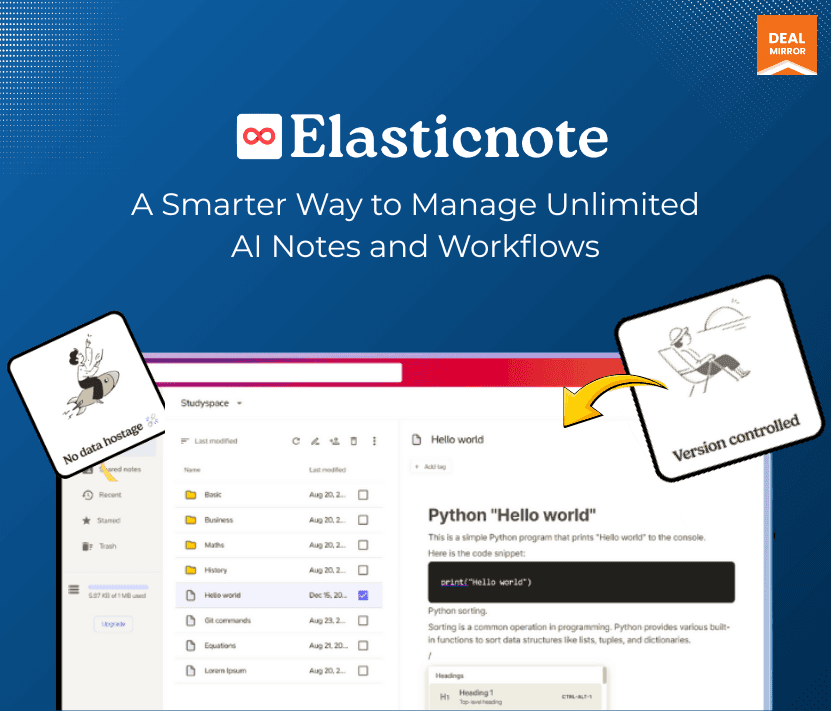
Elasticnote at a glance
- Platform
- Web, Windows, Linux, PWA
- Upgrades
- Up to 3 codes can be stacked.
- Support
- Email support is listed.
Our take
Is Elasticnote worth buying?
Based on the DealMirror listing, the three tiers differ only in cloud storage, so pick by how much you want synced to the cloud. It leans on local storage and privacy. The cloud data center is in Australia for now, which matters if you need EU hosting.
Good fit if
- You want notes stored locally with optional encrypted sync.
- You like Markdown, Kanban and GitHub sync in one app.
- You want to replace a note subscription.
Skip it if
- You need EU-hosted cloud storage now.
- You need a long-established product with a broad review history.
Which Elasticnote plan do you need?
Prices in USD, excluding tax.
| Tier 1 | Tier 2 | Tier 3 | |
|---|---|---|---|
| One-time price | $49 | $99 | $149 |
| Regular price (DealMirror) | |||
| You save | $100 | $100 | $150 |
| Cloud storage | 25 GB | 50 GB | 100 GB |
| Local notes | Unlimited | Unlimited | Unlimited |
| Workspaces | Unlimited | Unlimited | Unlimited |
| Stackable codes | Up to 3 | Up to 3 | Up to 3 |
Before you buy: DealMirror's terms and extra costs
- Refund. 30-day money-back guarantee on DealMirror, or 60 days for DealMirror Prime members.
- Redeem. Redeem your code within 60 days of purchase.
- Upgrades. Up to 3 codes can be stacked.
- Support. Email support is listed.
- Platform. Installable as a PWA on desktop or mobile, with free native apps for Windows and Linux.
What is Elasticnote?
Elasticnote is a privacy-first note-taking app with a Notion-style block editor, full Markdown, Kanban boards and animated workflow diagrams. Notes can live in local folders or in encrypted cloud storage. Every tier lists unlimited local notes and workspaces, AI assist, GitHub sync and an API. The three lifetime tiers differ only in cloud storage.
What Elasticnote says it does
- Privacy-first design with no tracking or analytics (Elasticnote's figure)
- Encrypted cloud storage with SSL in transit and AES-256 at rest (Elasticnote's figure)
- Cloud storage of 25 GB, 50 GB or 100 GB by tier
- Unlimited local notes and workspaces on every tier
Why Elasticnote
Many note apps keep everything on their servers and charge monthly. Elasticnote keeps notes on your machine by default and adds optional encrypted cloud storage. Local folder storage works in Chrome, Edge and Opera, and cloud data is hosted in Australia for now, with an EU data center planned.
How does Elasticnote work?
Redeem the code
Buy on DealMirror and redeem within 60 days of purchase.
Choose storage
Pick local folders or encrypted cloud storage.
Write and organize
Use blocks or Markdown in workspaces.
Plan tasks
Use Kanban boards and workflow diagrams.
Sync and share
Use GitHub sync, sharing and the API.
Then it handles:
- Taking notes in a block editor or Markdown
- Storing notes locally or in encrypted cloud
- Running Kanban task boards
- Drawing animated workflow diagrams
- Syncing notes with GitHub
- Sharing and collaborating on notes
Who is Elasticnote for?
Built for
- People who want local-first, private notes
- Developers who like Markdown and GitHub sync
- Anyone replacing a note subscription with one payment
Not for
- Buyers who need EU-hosted cloud data today (EU center is only planned)
- Users who need local folder storage outside Chrome, Edge or Opera
- Teams that need a mature, long-reviewed product
What is included in Elasticnote?
Notes
- Block editor Notion-style, full Markdown
- Unlimited local notes
- Unlimited workspaces
- AI assist
Tasks and diagrams
- Kanban board real-time syncing
- Elastic Diagram animated workflow diagrams
Storage and sharing
- Encrypted cloud storage AES-256 at rest
- GitHub sync and version control
- Sharing and collaboration
- API and integrations
Video review
We have not reviewed Elasticnote on video yet.
Get notifiedBuyer reviews
No reviews yet. Bought Elasticnote? Add it to your workspace and share what it replaced.
Add to your workspaceElasticnote questions
What is Elasticnote?
A note-taking app with a block editor, Markdown, Kanban boards and workflow diagrams, with local or encrypted cloud storage.
How do the tiers differ?
Only by cloud storage: 25 GB, 50 GB or 100 GB. Every tier lists the same features.
Where is cloud data hosted?
The listing says an Australian data center, with an EU center planned.
Which devices work?
It installs as a PWA on desktop or mobile, with free native apps for Windows and Linux.
Can I stack codes?
The listing says up to 3 codes can be stacked.
What is the refund policy?
DealMirror lists 30 days, or 60 days for Prime members. Redeem within 60 days of purchase.
Often compared with
These are other tools in the same space, not deals on GrabLTD.
- Notion
- Evernote
- Obsidian
- OneNote
- Simplenote
Sources
Checked . Prices and terms on this page come from: