

Marketing · Lifetime deal
Glooin
Chrome extension to record, trim, annotate and share screen videos and screenshots by link.
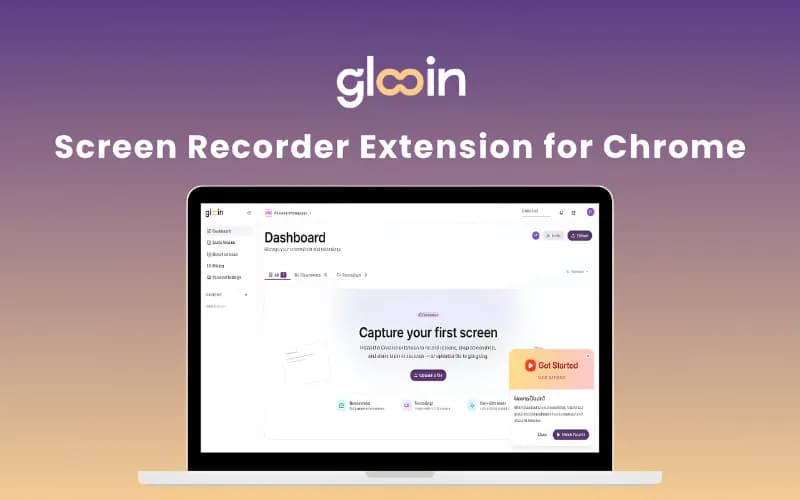
Glooin at a glance
- Platform
- Chrome
- Redeem
- Access is by coupon code, valid for 30 days. One code per user or account.
- Upgrades
- The listing says coupon codes are stackable.
- Support
- Free support and free updates are included.
Our take
Is Glooin worth buying?
Based on the DealFuel listing, Glooin is a browser screen recorder sold in three lifetime tiers, and the entry tier caps recordings at 10 minutes. It suits short async clips more than long productions. Choose the tier by storage and recording length.
Good fit if
- You send short screen walkthroughs and bug reports.
- You want viewers to watch from a link without an account.
- You want a one-time price instead of a monthly recorder fee.
Skip it if
- You need long recordings and only the entry tier fits your budget.
- You need a full video editor.
Which Glooin plan do you need?
Prices in USD, excluding tax.
| Starter LTD | Pro LTD | Power LTD | |
|---|---|---|---|
| One-time price | $26 | $52 | $78 |
| Regular price (DealFuel) | |||
| You save | $73 | $197 | $421 |
| Storage | 25 GB | Not stated | Not stated |
| Max recording length | 10 min | Not stated | Not stated |
| Videos and screenshots | Unlimited | Not stated | Not stated |
| Analytics | Full access | Not stated | Not stated |
Before you buy: DealFuel's terms and extra costs
- Refund. 30-day refund through DealFuel, per the listing.
- Redeem. Access is by coupon code, valid for 30 days. One code per user or account.
- Upgrades. The listing says coupon codes are stackable.
- Support. Free support and free updates are included.
- Platform. Chrome extension; the deal terms also say it works on desktop, mobile and tablet.
What is Glooin?
Glooin is a Chrome extension for recording your screen, a tab or a window, then trimming, annotating and sharing from one dashboard. It also takes screenshots, adds timestamped comments, makes automatic transcripts and shows engagement analytics. Viewers open a link with no install or account. The lifetime deal is sold in three tiers that differ in storage and recording length.
What Glooin says it does
- Record your screen with pause, resume and restart; recordings save to a dashboard
- Share by public link or private email, with no install or account for viewers
- Blur tool for hiding sensitive data in screenshots
- Automatic transcripts and engagement analytics
Why Glooin
It replaces a monthly screen recorder subscription for quick walkthroughs, bug reports and client updates. Storage and maximum recording length depend on the tier, and it is a browser extension, so it is not a long-form video editor.
How does Glooin work?
Redeem the code
Buy on DealFuel and use the coupon code within 30 days.
Install the extension
Add Glooin to Chrome and sign in.
Record or capture
Record a screen, tab or window, or take a screenshot.
Edit and share
Trim, comment, blur, then share a link and track views.
Then it handles:
- Screen recordings
- Full-screen and area screenshots
- Annotation and blur
- Video trimming
- Timestamped comments
- Automatic transcripts
- Link sharing
- Viewer analytics
Who is Glooin for?
Built for
- Teams that send bug repros and walkthroughs
- Freelancers sending client updates
- People who use a screen recorder only for short async clips
Not for
- Anyone who needs multi-track or long-form video editing
- Buyers who need recordings longer than the tier cap, which is 10 minutes on the entry tier
What is included in Glooin?
Capture
- Screen, tab or window recording
- Screenshots full screen or selected area
- Annotation draw, highlight, blur
Edit and share
- Trimming
- Timestamped comments
- Automatic transcripts
- Public or private links
- Engagement analytics
Video review
We have not reviewed Glooin on video yet.
Get notifiedBuyer reviews
No reviews yet. Bought Glooin? Add it to your workspace and share what it replaced.
Add to your workspaceGlooin questions
What is Glooin?
A Chrome extension that records and edits screen videos and screenshots and shares them by link, with transcripts and analytics.
Who is it for?
People who send short walkthroughs, bug reports or client updates and want to replace a monthly screen recorder.
What limits apply?
Per the listing, storage is 25 GB, 100 GB or 250 GB depending on the tier. Maximum recording length is 10 minutes, 25 minutes or unlimited.
Do viewers need an account?
No. Viewers watch from a link with no install or account, per the listing.
What is the refund policy?
DealFuel lists a 30-day refund. The coupon code must be redeemed within 30 days.
Can I stack codes?
The listing says coupon codes are stackable. It does not say what stacking adds.
Often compared with
These are other tools in the same space, not deals on GrabLTD.
- Loom
- ScreenPal
- Snagit
- Zight
- Tella
Sources
Checked . Prices and terms on this page come from: