

Productivity · Lifetime deal
Ivyforms
Build branded, multi-page WordPress forms, then read the answers as live tables and charts instead of a pile of emails. Ivyforms connects entries to wpDataTables and Google Sheets, so the reporting is done before anyone opens a spreadsheet.
Which Ivyforms plan do you need?
Prices in USD, excluding tax.
| Lifetime deal | |
|---|---|
| One-time price | $49 |
| Regular price (AppSumo) | |
| You save | $100 |
What is Ivyforms?
Ivyforms is a WordPress form builder that treats submissions as data you will want to analyse, not as emails you will want to forget. You build multi-page forms with drag-and-drop fields, and the entries flow into filterable tables and charts through the native wpDataTables integration.
What Ivyforms actually does
It covers the usual form-builder ground inside WordPress, then keeps going after the visitor clicks submit.
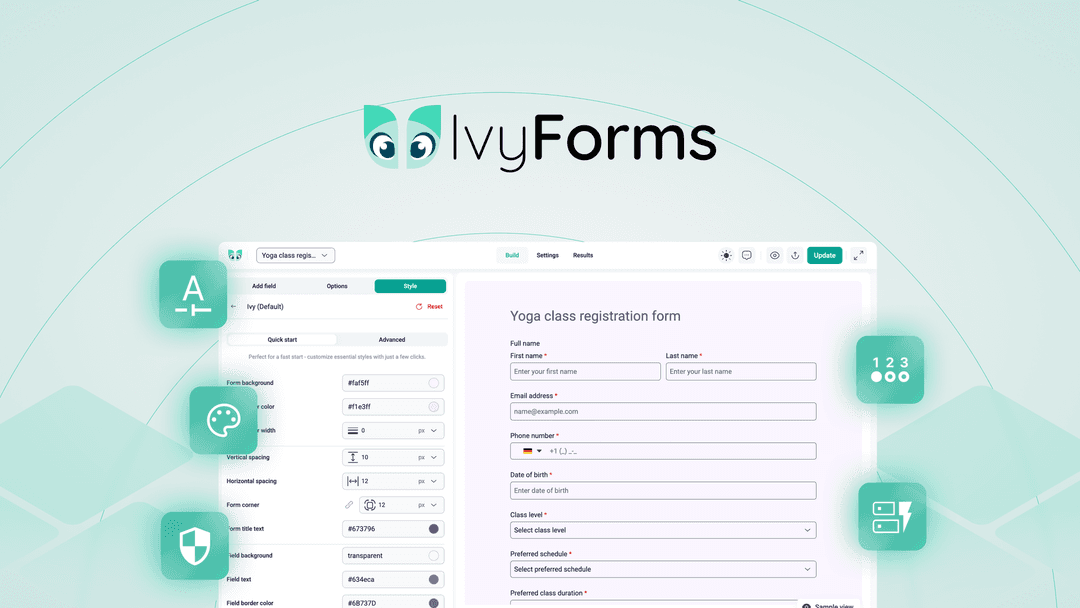
- Describe a form and let AI build it, or start from fields and templates - Style backgrounds, borders, colours and spacing from a styles panel - Split long forms into pages like Basic Info, Preferences and Confirmation - Show or hide fields with conditional logic - Search, star and filter every entry from one dashboard - Send multiple email notifications per form and a custom confirmation message - Block junk entries with reCAPTCHA, hCaptcha or Turnstile - Limit form and entry access by WordPress role or individual user
The features that matter
Most WordPress form plugins stop at the entries screen. You get a list of submissions, and the moment you want to see a pattern you export a CSV and open a spreadsheet. Ivyforms skips that step. Entries feed into dynamic, filterable tables through wpDataTables, those tables stay in sync as new entries arrive, and you can turn the responses into charts and interactive dashboards. The vendor's own example is comparing revenue against expenses at a glance.
That reporting layer is the real reason to pick it. The builder itself is solid and familiar: AI drafting, templates, multi-page layouts and conditional logic are what you would expect from a modern form plugin. The reporting is what you would not expect, and it is where the time savings show up.
Two other integrations are worth knowing about. Entries can be mirrored in Google Sheets, so teammates who never log in to WordPress can still work on the data together in real time. And you can attach intake forms to Amelia, the WordPress booking plugin, to collect client details before every appointment.
How it fits in your stack
Ivyforms lives entirely inside WordPress, so it competes with the form plugin you may already run rather than with a hosted form service. If you already use wpDataTables or Amelia, the fit is unusually tight. If you have no use for reporting on your submissions, a lighter plugin will do the same job.
Who it's built for
This is for WordPress site owners whose forms are part of the business: lead capture, order requests, surveys, client intake or applications that someone has to review and count. Agencies building sites for clients will also like the role-based access, since a client can see their entries without seeing everything else.
A personal blog with one contact form does not need it.
How you actually use it
- Install the plugin and describe the form you want, or pick a template. - Add pages, conditional fields and spam protection, then style it to match the site. - Connect the form to a wpDataTables table or a Google Sheet. - Watch the table and charts update as new entries come in.
The deal
1 Code is $49 (was $149) and covers 1 site. 2 Codes for $98 (was $298) cover 5 sites, and 3 Codes for $147 (was $447) cover unlimited sites. If you build sites for clients, the 2 Codes tier is where the per-site cost starts to make sense.
Video review
We have not reviewed Ivyforms on video yet.
Get notifiedBuyer reviews
No reviews yet. Bought Ivyforms? Add it to your workspace and share what it replaced.
Add to your workspace