

AI Tools · Lifetime deal
Luminar Neo
AI photo editor for Windows and macOS with sky replacement, object erase and retouching, as a perpetual license.
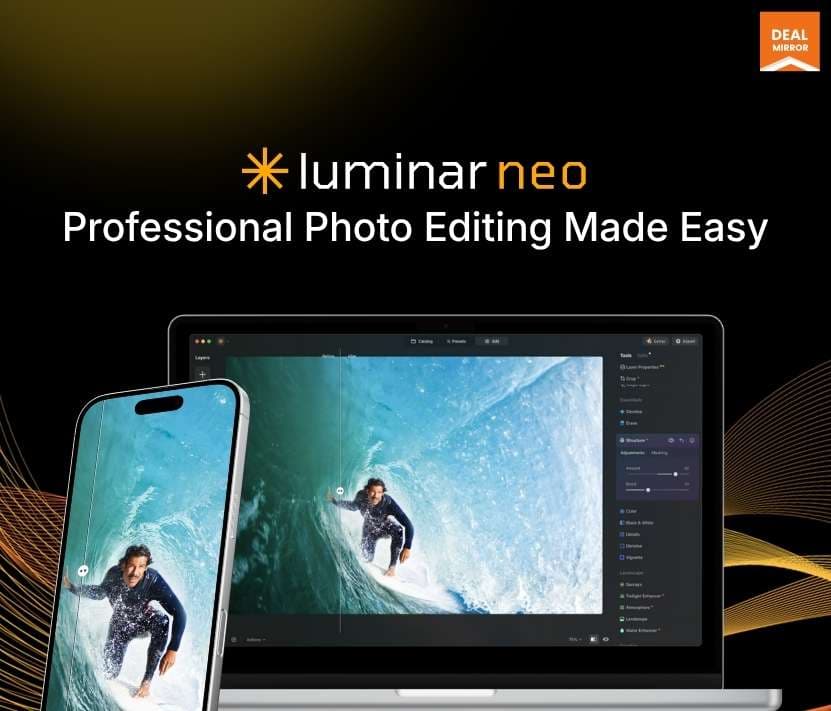
Luminar Neo at a glance
- Platform
- Windows, macOS, iOS, Android, ChromeOS
- Note
- The listing says the license works on 2 devices, in any Mac and Windows combination. It is a perpetual license.
- Support
- Support goes through the Skylum Luminar Neo support page.
Our take
Is Luminar Neo worth buying?
Based on the DealMirror listing, this is a perpetual license for an AI-first photo editor on Windows and macOS, with mobile apps and a one-year creative library only in the higher tiers. It suits people who want to avoid a monthly editing subscription. The 2-device limit and the 60-day redemption window are the things to check.
Good fit if
- You want a one-time license instead of a monthly photo editing plan.
- You like quick AI fixes such as sky swaps and object removal.
- You want mobile editing and are willing to pick Tier 2 or 3.
Skip it if
- You need to install it on more than 2 devices.
- You work mainly on Linux.
Which Luminar Neo plan do you need?
Prices in USD, excluding tax.
| Perpetual Desktop License | Cross-Device Perpetual License | Perpetual Max License | |
|---|---|---|---|
| One-time price | $95 | $127 | $143 |
| Regular price (DealMirror) | |||
| You save | $4 | $12 | $16 |
| License | Desktop perpetual | Cross-device perpetual | Perpetual Max |
| Devices | 2 | 2 | 2 |
| Mobile app | Not included | iOS, Android, ChromeOS | iOS, Android, ChromeOS |
| Creative library | Not included | Not included | 1 year, 1000+ assets |
| Creative add-ons | 100 | 100 | 100 |
DealMirror's plan names: Tier 1; Tier 2; Tier 3.
Before you buy: DealMirror's terms and extra costs
- Refund. DealMirror lists a 30-day money-back guarantee, or 60 days for DealMirror Prime members.
- Redeem. Redeem your code within 60 days of purchase.
- Note. The listing says the license works on 2 devices, in any Mac and Windows combination. It is a perpetual license.
- Support. Support goes through the Skylum Luminar Neo support page.
- Platform. Windows and macOS desktop. Mobile apps depend on the tier.
What is Luminar Neo?
Luminar Neo is a photo editor from Skylum that uses AI for jobs like sky replacement, object removal, portrait retouching and background removal. It runs as a standalone desktop app on Windows and macOS, or as a plug-in. The DealMirror listing sells it as a perpetual license in three tiers, with higher tiers adding mobile apps and a creative library.
What Luminar Neo says it does
- AI sky replacement, object removal, portrait enhancement and background removal
- Works as a standalone app or as a plug-in
- Perpetual license, not a subscription
- Includes 100 creative add-ons and a video course in every tier
Why Luminar Neo
A perpetual license replaces a monthly photo editing subscription with one payment. Luminar Neo leans on AI so cleanup and sky swaps take a few clicks instead of manual masking. The listing says a license works on 2 devices, so it is not meant for a whole studio.
How does Luminar Neo work?
Redeem the code
Buy on DealMirror and redeem the code within 60 days of purchase.
Install Luminar Neo
Download the desktop app for Windows or macOS.
Open your photos
Edit in the standalone app or call it as a plug-in.
Apply AI tools
Use tools such as sky replacement, erase and portrait enhancement.
Add mobile and library
Higher tiers add the mobile app and the creative library.
Then it handles:
- Replacing dull skies
- Erasing objects and people
- Portrait skin and eye retouching
- Removing or swapping backgrounds
- One-click photo enhancement
- Applying creative looks and filters
- Restoring old photos
Who is Luminar Neo for?
Built for
- Hobbyist and enthusiast photographers
- Editors who want an AI-first alternative to a subscription app
- Creators who also want to edit on mobile (higher tiers)
Not for
- Studios that need more than 2 devices per license
- Linux users, since only Windows and macOS desktops are listed
What is included in Luminar Neo?
AI editing tools
- AI sky replacement
- GenEraser remove objects and people
- GenSwap and GenExpand
- AI background removal
- One-click enhancer
Retouching and looks
- Portrait enhancement
- Creative filters and looks
- Layers
- Old-photo restoration
What each tier adds
- 100 creative add-ons and video course listed for every tier
- Mobile app iOS, Android and ChromeOS, higher tiers
- Creative library 1 year of 1000+ assets, top tier
Video review
We have not reviewed Luminar Neo on video yet.
Get notifiedBuyer reviews
No reviews yet. Bought Luminar Neo? Add it to your workspace and share what it replaced.
Add to your workspaceLuminar Neo questions
What is Luminar Neo?
A photo editor from Skylum that uses AI for sky replacement, object removal, portrait retouching and background removal. It runs on Windows and macOS.
Is this a subscription?
No. The listing sells a perpetual license for one payment. Check Skylum's terms for what future updates cover.
How many devices can I use?
The deal page FAQ says the lifetime plan works on 2 devices, in any combination of Mac and Windows.
What do the tiers change?
All three include the desktop app, 100 creative add-ons and a video course. Per the listing, Tier 2 adds the cross-device license with mobile apps, and Tier 3 adds a year of the creative library.
Can I use it inside Lightroom or Photoshop?
The listing says it can be used as a standalone app or as a plug-in.
What is the refund policy?
DealMirror lists 30 days for regular buyers and 60 days for Prime members. Redeem the code within 60 days of purchase.
Often compared with
These are other tools in the same space, not deals on GrabLTD.
- Adobe Lightroom
- Capture One
- DxO PhotoLab
- ON1 Photo RAW
- Darkroom
Sources
Checked . Prices and terms on this page come from: