

Productivity · Lifetime deal
MindNote
AI note-taker that transcribes audio and video, summarizes notes and syncs across devices.
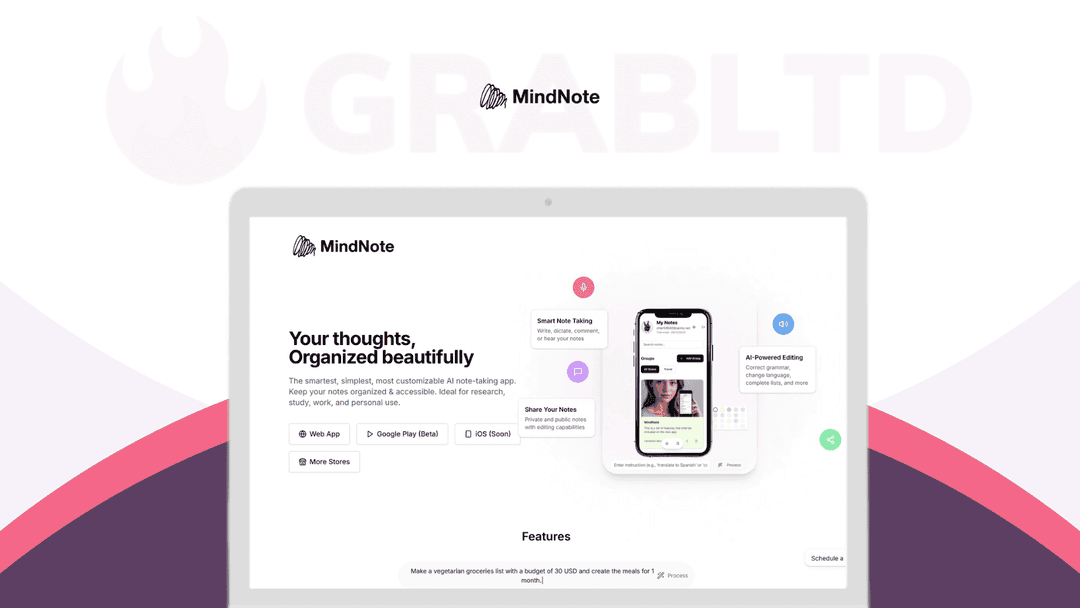
MindNote at a glance
- Platform
- Web, Android
- Upgrades
- Codes cannot be stacked.
- Note
- DealFuel states lifetime means the lifetime of the product. It can do little if the product shuts down or is acquired.
Our take
Is MindNote worth buying?
Based on the DealFuel listing, this is a lifetime plan for an AI note-taker, with a short 7-day redemption and refund window. DealFuel notes that lifetime refers to the product's lifetime. It suits web and Android users who record a lot.
Good fit if
- You record meetings, lectures or videos and want transcripts.
- You use the web or Android.
- You want unlimited AI assistance without a monthly fee.
Skip it if
- You use iOS and need a native app today.
- You cannot redeem and decide within 7 days.
Which MindNote plan do you need?
Prices in USD, excluding tax.
| Lifetime | |
|---|---|
| One-time price | $199 |
| Regular price (DealFuel) | |
| You save | $300 |
| Notes | Unlimited |
| AI assistance | Unlimited |
| Future features | Included |
| Codes per account | 1 (no stacking) |
DealFuel's plan names: Plan A.
Before you buy: DealFuel's terms and extra costs
- Refund. DealFuel lists a 7-day refund policy.
- Redeem. Redeem the code within 7 days of purchase, using the instructions sent after checkout. One code per user or account.
- Upgrades. Codes cannot be stacked.
- Note. DealFuel states lifetime means the lifetime of the product. It can do little if the product shuts down or is acquired.
- Platform. Web, Android phones and tablets, mobile web and Kindle. iOS is planned. An internet connection is required.
What is MindNote?
MindNote is an AI note-taker for capturing text, voice, images and video. It transcribes audio in multiple languages, summarizes and rewrites notes, and reads them aloud. The DealFuel listing sells a lifetime plan with unlimited notes and AI assistance, plus a yearly plan. Features are the same on both.
What MindNote says it does
- Unlimited notes, shared links and AI assistance
- Multilanguage audio-to-text for meetings, lectures and podcasts
- YouTube link transcription on the web version
- All current and future features included
Why MindNote
Meeting notes, lectures and voice memos pile up in separate places. MindNote handles capture, transcription and AI cleanup in one app. The listing says lifetime means the lifetime of the product, so it depends on the vendor staying in business.
How does MindNote work?
Redeem the code
Redeem within 7 days of purchase using the emailed instructions.
Open MindNote
Use the web app or Android app.
Capture
Type, record audio or add a YouTube link.
Use AI tools
Summarize, rewrite, translate or search your notes.
Share or export
Share a link or export to PDF, Doc, Excel or Markdown.
Then it handles:
- Voice and meeting transcription
- YouTube video transcription
- Summaries and rewriting
- Translation
- Note organization with groups
- Text-to-speech
- Exporting and sharing
Who is MindNote for?
Built for
- Students and professionals taking many voice or meeting notes
- Android and web users who want AI cleanup
- Teams that share notes and comment
Not for
- iOS users, since iOS is listed as planned
- Anyone who cannot redeem within 7 days
What is included in MindNote?
Capture
- Audio-to-text multiple languages
- YouTube transcription web version only
- Math and science symbols
AI and organization
- AI summarize, rewrite, translate
- Search and groups
- Text-to-speech
Sync and sharing
- Cloud sync and backup
- Export PDF, Doc, Excel, Markdown
- Collaboration editing, comments, sharing
Video review
We have not reviewed MindNote on video yet.
Get notifiedBuyer reviews
No reviews yet. Bought MindNote? Add it to your workspace and share what it replaced.
Add to your workspaceMindNote questions
What is MindNote?
An AI note-taking app for text, voice, images and video, with transcription, summaries, translation and sharing.
What does lifetime mean?
DealFuel says it means the lifetime of the product, with no recourse if the product shuts down or is acquired.
Which platforms are supported?
Web, Android, mobile web and Kindle. iOS is planned.
Is there a yearly option?
Yes, the listing also sells a yearly plan with the same features.
What is the refund policy?
7 days, per DealFuel. You must redeem within 7 days.
Often compared with
These are other tools in the same space, not deals on GrabLTD.
- Otter.ai
- Fireflies.ai
- Notion AI
- tl;dv
- Obsidian
Sources
Checked . Prices and terms on this page come from: