Marketing · Lifetime deal
MobiMover
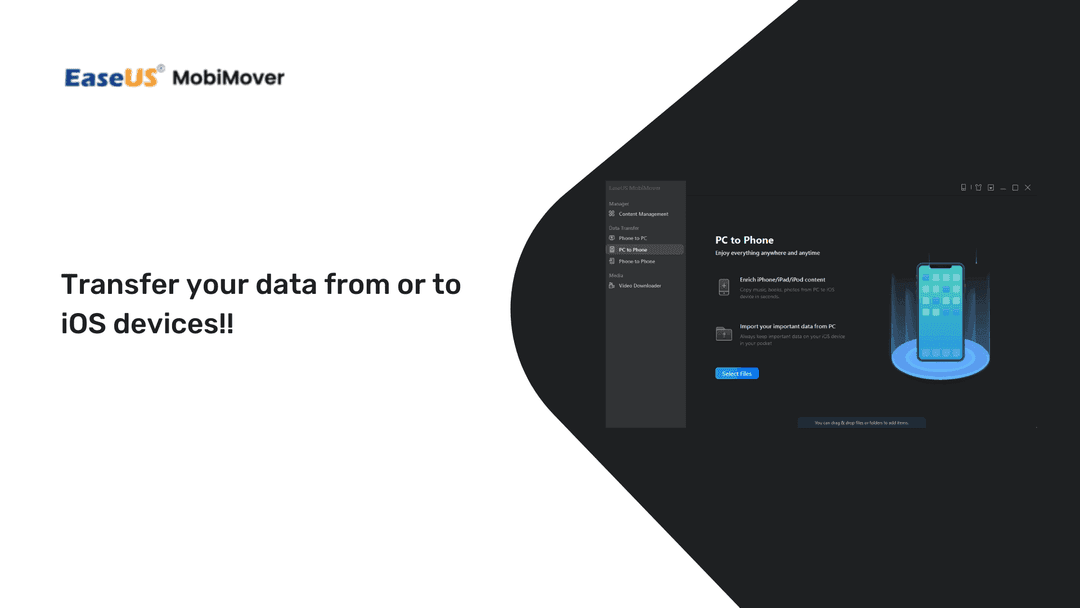
The software can help iOS users to solves many problems not well covered by Apple, and allow iOS users to manage and transfer their data freely from or to iOS devices.
Which MobiMover plan do you need?
Prices in USD, excluding tax.
| Plan | |
|---|---|
| Includes | Unlimited Transfer limitations; Transfer data between the computer and iPhone/iPad; Manage iPhone/iPad files easily; Download Videos and audios; One license for multiple PCs; 24/7 technical support; Lifetime service time; New Pro features to come; 30-day Money Back Guarantee; Premium 24/7 Support; Lifetime Updates and Support FREE |
What is MobiMover?
iTunes was never built for the way most people use an iPhone in 2026, and Apple's modern Finder sync is not much better if you live on Windows. EaseUS MobiMover is the unflashy fix: a desktop app that moves files between an iOS device and a Windows PC without the dance of iCloud uploads, third-party emails, or "shared with me" links.
What MobiMover actually does
It runs three transfer modes from a single window: phone to PC, PC to phone, and phone to phone. You plug the device in, pick what you want, and click. The same job in iTunes usually means syncing, unsyncing, hoping playlists do not break, and then giving up and using a cloud service.
- One-click full-device transfer from iPhone or iPad to a Windows PC - Selective transfer by category, picking Contacts, Notes, Messages, Photos, or Books on their own - PC-to-phone direction for restoring or staging media on a new device - Phone-to-phone migration when you swap to a new iPhone or hand one down - Preview pane before any file moves, so you can see exactly what is in scope - Works with iPhone, iPad, and iPod against a Windows host
The selective mode is the one that gets used most. iCloud and email-yourself workflows usually move everything or nothing; MobiMover lets you grab a single contact group, a particular album, or just the message thread you need for an invoice trail.
The file types it covers
The category list is the reason most people buy a tool like this. Audio covers Music, Voice Memo, Ringtones, Audiobooks, and Playlists. Image handles the Camera Roll, Photo Library, Photo Video, and Photo Stream. Video moves Movies, TV Shows, and Music Videos. The "Other" bucket, the one iTunes is worst at, picks up Contacts, Messages, Notes, Books, and Voicemail. If you have ever needed to pull SMS history off an old phone for a court filing, an insurance claim, or just to keep, this is the section that earns its keep.
Who it fits
Windows users with an iPhone or iPad, basically. If you are on macOS, Finder sync mostly works and the app's value drops sharply. If you are on Windows and have been hand-rolling email-to-self workflows to move contacts and messages onto a new device, MobiMover collapses that into a single drag-and-drop session. Small offices that hand devices between employees benefit too: phone-to-phone is faster than restoring from a backup.
$59.99 once for lifetime access on Windows (regular price $499). One license covers ongoing version updates, so the spend ends here. [Pick up MobiMover on DealMirror](https://grabltd.com/recommends/mobimover/).
Video review
We have not reviewed MobiMover on video yet.
Get notifiedBuyer reviews
No reviews yet. Bought MobiMover? Add it to your workspace and share what it replaced.
Add to your workspaceMobiMover questions
Is the MobiMover lifetime deal still available?
No. This deal has been archived and is no longer purchasable on GrabLTD. MobiMover by EaseUS is still available at easeus.com under their current pricing.
What is EaseUS MobiMover?
EaseUS MobiMover is a Windows desktop application that transfers files between iOS devices (iPhone, iPad, iPod) and a Windows PC, or between two iOS devices. It replaces iTunes and iCloud for common data-transfer tasks.
What types of files can MobiMover transfer?
MobiMover handles audio (music, ringtones, voice memos, playlists), photos (camera roll, photo stream), video (movies, TV shows, music videos), and other data including contacts, messages, notes, books, and voicemail.
Does MobiMover work on macOS?
The lifetime deal was for the Windows version. Mac users have native Finder-based iOS sync and EaseUS does offer a Mac version separately, but the archived deal here was Windows-only.
Can I transfer data from one iPhone to another with MobiMover?
Yes. MobiMover supports phone-to-phone transfer, which is useful when switching to a new iPhone without restoring from a full iCloud backup.
Is MobiMover safe to use?
EaseUS is an established software company. MobiMover transfers data locally between your device and PC without uploading to external servers, keeping your data private.
What was the price of the lifetime deal?
The archived deal was priced at $59.99 as a one-time lifetime payment, against EaseUS's regular pricing of $499.
Often compared with
These are other tools in the same space, not deals on GrabLTD.
- iMazing
- 3uTools
- AnyTrans
- Dr.Fone
- TouchCopy