

Productivity · Lifetime deal
NotionFlow
Ten Chrome extensions for Notion: clipper, planner, deadline tracker, focus mode, tree view and more.
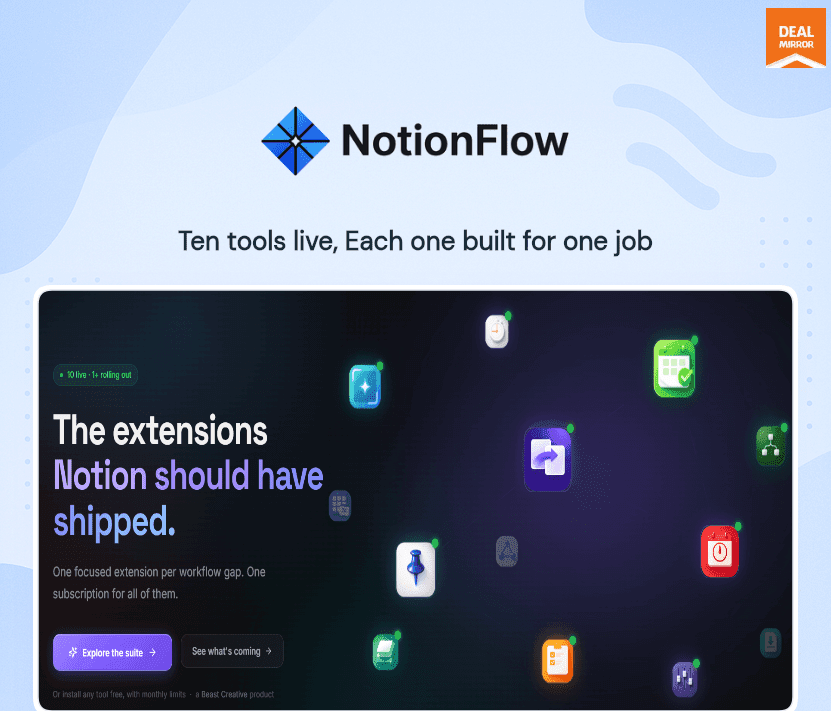
NotionFlow at a glance
- Platform
- Chrome
- Note
- The page lists a yearly tier and a lifetime tier. Check which term applies to the price you pay.
- Support
- Email support at the address listed on the page.
Our take
Is NotionFlow worth buying?
Based on the DealMirror listing, NotionFlow is ten Chrome extensions for Notion, sold as a yearly tier and a lifetime tier. The price stored here matches the yearly tier, not the lifetime one. Check the term before buying.
Good fit if
- You use Notion in Chrome every day.
- You want several Notion add-ons under one license.
- You have confirmed which term you are buying.
Skip it if
- You use Safari or Firefox.
- You expect a lifetime term at the lowest price.
Which NotionFlow plan do you need?
Prices in USD, excluding tax.
| Lifetime | |
|---|---|
| One-time price | $199 |
| Regular price (DealMirror) | |
| You save | $1,800 |
| Tools | 10 |
| Browser | Chrome |
| Future tools | Included |
| Term for stored price | Possibly yearly, check |
Before you buy: DealMirror's terms and extra costs
- Refund. 30-day money-back guarantee through DealMirror. The page says Prime members get 60 days.
- Redeem. Redeem your code within 60 days of purchase.
- Note. The page lists a yearly tier and a lifetime tier. Check which term applies to the price you pay.
- Support. Email support at the address listed on the page.
- Platform. Chrome extensions installed from the Chrome Web Store.
What is NotionFlow?
NotionFlow is a suite of ten small Chrome extensions that run inside the Notion tab. They include a web clipper, daily planner, deadline tracker, page pinning, quick capture, focus mode, a forms-to-database tool, a tree view, template management and a settings tuner. The vendor says no tab switching is needed. The DealMirror page lists a yearly tier and a lifetime tier.
What NotionFlow says it does
- Ten Notion utilities under one license
- Runs inside the Notion tab with no tab switching (NotionFlow's figure)
- Both tiers include future tools, with ExportFlow and LinkFlow planned
- Installs from the Chrome Web Store
Why NotionFlow
It replaces the browser extensions and workarounds Notion power users collect. The limits: it is Chrome only, and the stored price may be the yearly tier, so read the term before buying.
How does NotionFlow work?
Redeem the code
Redeem the DealMirror code within 60 days of purchase.
Install the extensions
Add the tools from the Chrome Web Store.
Open Notion
Use the tools inside your Notion tab.
Capture and plan
Clip pages, plan the day and track deadlines.
Tune the workspace
Use tree view, templates and settings tools.
Then it handles:
- Clipping web content to Notion
- Planning the day
- Tracking deadlines
- Pinning favorite pages
- Quick capture and focus mode
- Turning forms into databases
- Viewing a workspace as a tree
Who is NotionFlow for?
Built for
- Notion power users
- Students and freelancers who live in Notion
- People with many Notion browser extensions
Not for
- Users on other browsers (Chrome extensions)
- People who need a lifetime term but buy the yearly tier
- Teams that need device or workspace limits stated
What is included in NotionFlow?
Capture and planning
- Clipper
- DailyFlow
- DeadlineFlow
- PinFlow
- Snapper
Focus and structure
- FocusFlow
- FormFlow
- TreeView
- TemplateFlow
- Tuner
Video review
We have not reviewed NotionFlow on video yet.
Get notifiedBuyer reviews
No reviews yet. Bought NotionFlow? Add it to your workspace and share what it replaced.
Add to your workspaceNotionFlow questions
What is NotionFlow?
A suite of ten Chrome extensions that add tools inside Notion.
Is it lifetime?
The page lists two tiers: yearly and lifetime. Confirm which one your price covers.
Which browsers work?
Chrome. The tools are Chrome extensions.
Are future tools included?
Both tiers include future tools, with ExportFlow and LinkFlow planned.
What is the refund policy?
30 days through DealMirror, or 60 days for Prime members.
How many devices can I use?
The page does not state a limit.
Often compared with
These are other tools in the same space, not deals on GrabLTD.
- Notion Web Clipper
- Save to Notion
- Notion Enhancer
- Chrome Notion extensions
- Raycast
Sources
Checked . Prices and terms on this page come from: