

Productivity · Lifetime deal
Pabbly Connect
No-code workflow automation across 2,000+ apps with one-time lifetime plans.
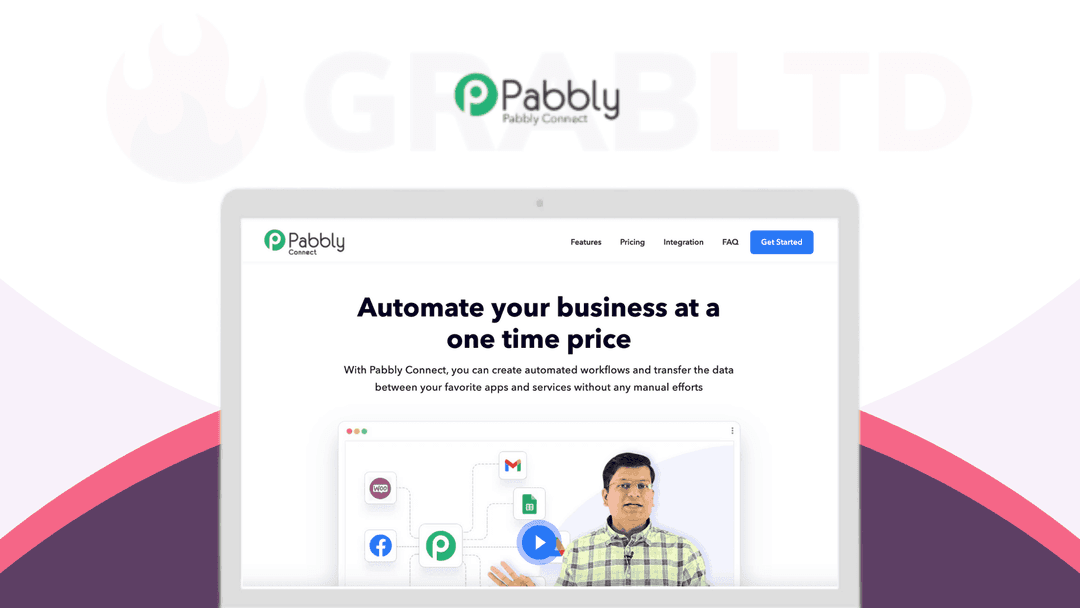
Pabbly Connect at a glance
- Platform
- Web
- Upgrades
- The page warns that one-time plans cannot be upgraded later.
- Support
- The plans list 1 year of customer support, but the description says support assistance is not included. Confirm with Pabbly.
- Note
- Prices on Pabbly's page differ from the tiers listed here; see the plans table before buying.
Our take
Is Pabbly Connect worth buying?
Based on Pabbly's own page, Connect is a no-code automation tool sold with one-time plans that cap tasks per month. The listed plans, prices and task caps differ from the tiers stored here, and the support terms conflict. Check the current plans page before buying.
Good fit if
- You want to replace per-task automation billing with a one-time payment.
- You build visual workflows without code.
- Your task volume fits under the monthly cap of a plan.
Skip it if
- You may need to upgrade the plan later.
- You rely on guaranteed support.
- You run more tasks than the highest plan allows.
Which Pabbly Connect plan do you need?
Prices in USD, excluding tax.
| Standard Plan | Pro Plan | Ultimate Plan | |
|---|---|---|---|
| One-time price | $349 | $799 | $1,298 |
| Regular price (Pabbly) | |||
| You save | $2,141 | $2,653 | $4,334 |
| Includes | 3000 tasks every month; 10 Workflows; Two-Step Workflows; Instant Webhooks; Multi-step Calls; Unlimited Premium Apps; Formatters; Filters; Path Routers; Scheduling & Delaying; Email Parser and Data Forwarder | 6000 tasks every month; 20 Workflows; Two-Step Workflows; Instant Webhooks; Multi-step Calls; Unlimited Premium Apps; Formatters; Filters; Path Routers; Scheduling & Delaying; Email Parser and Data Forwarder | 10,000 tasks every month; Unlimited Workflows; Multi-Step Workflows; Unlimited Internal Tasks; Instant Webhook; Unlimited Premium Apps; Free Internal Tasks; Formatters; Re-execute workflows; Folder Management; 850+ App Integrations; Two Factor Authentication (2FA); Delaying; Scheduling; Email Parser; Iterator; Filter; Unlimited Path Routers; 1 Year Support License |
Before you buy: Pabbly's terms and extra costs
- Refund. 30-day money-back guarantee, per Pabbly's pricing page.
- Upgrades. The page warns that one-time plans cannot be upgraded later.
- Support. The plans list 1 year of customer support, but the description says support assistance is not included. Confirm with Pabbly.
- Note. Prices on Pabbly's page differ from the tiers listed here; see the plans table before buying.
What is Pabbly Connect?
Pabbly Connect is a no-code automation tool that moves data between apps. You pick a trigger, add filters, routers and actions, and the workflow runs in the background. Pabbly says it connects 2,000+ apps. The lifetime plans on this listing cap tasks per month by plan, so check the numbers against Pabbly's current one-time plans page.
What Pabbly Connect says it does
- Connects 2,000+ apps (Pabbly Connect's figure)
- Multi-step workflows with filters, routers and formatters
- Instant webhooks, scheduling and delays
- 30-day money-back guarantee
Why Pabbly Connect
Task-based automation tools bill by usage. A lifetime plan swaps that for a one-time payment with a monthly task cap. The cap and the support terms are the limits to check, and the current Pabbly page differs from the stored tiers.
How does Pabbly Connect work?
Buy and redeem
Buy a one-time plan through Pabbly and activate it on your account.
Pick a trigger app
Choose and authorize the app that starts the workflow.
Add actions and logic
Chain actions with filters, routers and formatters.
Turn it on
Switch the workflow on and watch task history.
Then it handles:
- Syncing data between SaaS apps
- Webhook-triggered workflows
- Filters and path routers
- Scheduling and delaying steps
- Data formatting and iteration
- Parsing incoming emails
Who is Pabbly Connect for?
Built for
- Small businesses automating between several SaaS tools
- Marketers and agencies who want to avoid per-task billing
- Non-developers building workflows visually
Not for
- Teams needing more tasks than the monthly cap of their plan
- Buyers who expect upgrades later (the page says one-time plans cannot be upgraded)
- Anyone who relies on included support, which the page words inconsistently
What is included in Pabbly Connect?
Workflow building
- Multi-step workflows
- Filters and path routers
- Iterator and formatters
- Scheduling and delays
Triggers and apps
- Instant webhooks
- Email parser
- 2,000+ integrations vendor figure
- JavaScript and Python module
Team and safety
- Shared folders
- Two-factor authentication
- Workflow re-execution
Video review
We have not reviewed Pabbly Connect on video yet.
Get notifiedBuyer reviews
No reviews yet. Bought Pabbly Connect? Add it to your workspace and share what it replaced.
Add to your workspacePabbly Connect questions
What is Pabbly Connect?
A no-code automation platform that connects apps and runs workflows from a trigger, with filters, routers and actions.
How many tasks do I get?
It depends on the plan. Pabbly's current page lists 3,000, 10,000 and 20,000 tasks a month for its three lifetime plans. The tiers here may use older numbers, so check.
How many apps does it connect?
Pabbly says 2,000+ integrations.
What is the refund policy?
Pabbly lists a 30-day money-back guarantee.
Can I upgrade a lifetime plan later?
The page says one-time plans cannot be upgraded. Pick the plan you need up front.
Is support included?
The page is inconsistent, listing 1 year of support in one place and saying support is not included in another. Ask Pabbly.
Often compared with
These are other tools in the same space, not deals on GrabLTD.
- Zapier
- Make
- Integrately
- n8n
- Activepieces
Sources
Checked . Prices and terms on this page come from: