

Developer · Lifetime deal
PasswordLink
Share passwords through encrypted, self-destructing one-time links.
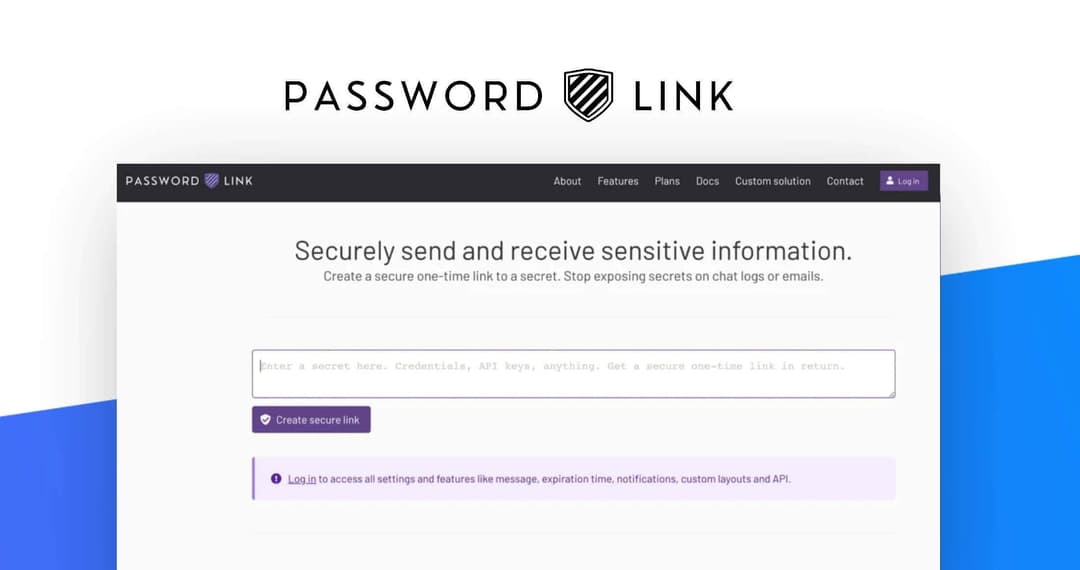
PasswordLink at a glance
- Platform
- Web
- Support
- Dealify promises friendly support; no vendor support details are listed.
- Upgrades
- The listing does not mention stacking.
Our take
Is PasswordLink worth buying?
Based on the Dealify listing, this is a one-plan lifetime deal for the Pro tier of a one-time-link tool. The 500 secrets a month cap is the main limit. It suits teams that share credentials but do not need a vault.
Good fit if
- You share credentials with clients or colleagues regularly.
- You want branded sharing pages and a custom domain.
- A cap of 500 secrets a month is enough.
Skip it if
- You need more than 500 secrets a month.
- You need a password vault.
- You have more than 20 team members.
Which PasswordLink plan do you need?
Prices in USD, excluding tax.
| Lifetime Subscription | |
|---|---|
| One-time price | $99.99 |
| Regular price (Dealify) | |
| You save | $699.01 |
| Secrets per month | 500 |
| Team members | Up to 20 |
| API | Included |
Before you buy: Dealify's terms and extra costs
- Refund. 30-day money-back guarantee through Dealify.
- Redeem. Redeem your code within 60 days of purchase.
- Support. Dealify promises friendly support; no vendor support details are listed.
- Upgrades. The listing does not mention stacking.
- Platform. Browser-based.
What is PasswordLink?
PasswordLink lets you share passwords and other sensitive data through encrypted one-time links that expire after a single view. It encrypts in the browser, notifies you when a link is opened and supports custom pages, branding removal and an API. The Dealify lifetime deal gives the Pro plan with 500 secrets a month and up to 20 team members.
What PasswordLink says it does
- Links self-destruct after a single view
- AES-256-GCM client-side encryption (PasswordLink's figure)
- 500 secrets per month and up to 20 team members on the Pro plan
- No data retention (PasswordLink's figure)
Why PasswordLink
It replaces pasting credentials into chat or email, where copies linger. The lifetime plan caps secrets at 500 a month, so heavy sharers should check that against their use.
How does PasswordLink work?
Redeem the code
Redeem the emailed Dealify code within 60 days of purchase.
Create a secret
Enter the password or data and set expiry options.
Share the link
Send the one-time link to the recipient.
Track access
Get a notification when the link is viewed.
Then it handles:
- Sharing passwords and credentials
- Sharing card details, PINs or wallet addresses
- Setting expiry or invalidating links
- View notifications by email or Slack
- Generating strong passwords
- Logging access
Who is PasswordLink for?
Built for
- Teams that share client or vendor credentials
- Support and IT staff sending access details
- Agencies that want branded secret-sharing pages
Not for
- Buyers who need to send more than 500 secrets a month
- Teams larger than 20 people
- Anyone who needs a full password manager
What is included in PasswordLink?
Secure sharing
- One-time links self-destruct after one view
- Client-side encryption AES-256-GCM, vendor claim
- Adjustable expiry
- Brute-force protection
Team and branding
- Team size up to 20
- Custom pages and hidden branding
- Custom domain
- Granular permissions
Visibility
- Notifications email, Slack and others
- Logs
- API
- Password generator
Video review
We have not reviewed PasswordLink on video yet.
Get notifiedBuyer reviews
No reviews yet. Bought PasswordLink? Add it to your workspace and share what it replaced.
Add to your workspacePasswordLink questions
What is PasswordLink?
A tool for sharing passwords and sensitive data through encrypted links that expire after one view.
What does the lifetime plan include?
Lifetime access to the Pro plan: 500 secrets a month, up to 20 team members, API, logs, notifications and custom pages.
How is data protected?
The vendor says secrets are encrypted in your browser with AES-256-GCM and not retained.
What is the refund policy?
Dealify lists a 30-day money-back guarantee.
Can I use my own domain?
The listing mentions custom domain support.
Is it a password manager?
No. It is for sending secrets once, not for storing them long term.
Often compared with
These are other tools in the same space, not deals on GrabLTD.
- One Time Secret
- PassLink
- 1Password
- Bitwarden Send
- Yopass
Sources
Checked . Prices and terms on this page come from: