

AI Tools · Lifetime deal
PixaSocial Ai
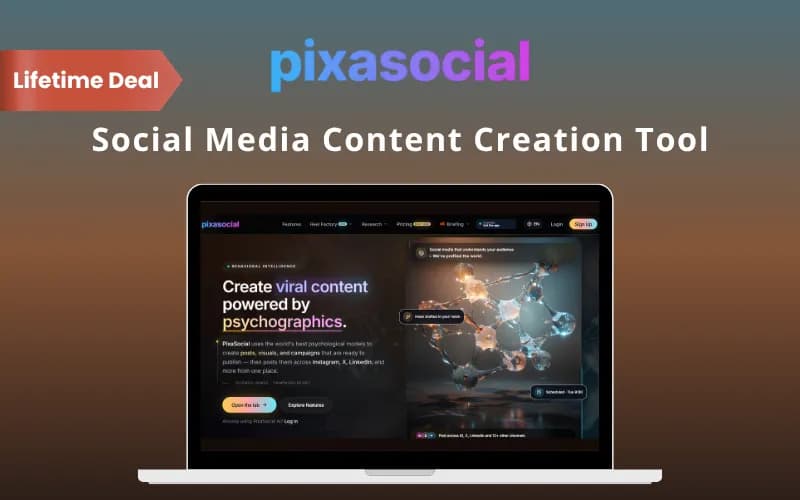
Most schedulers start with the caption. PixaSocial Ai starts with who you are talking to, builds a persona, then drafts the posts, generates images and UGC-style videos, and publishes to 14+ channels including Instagram, LinkedIn, TikTok and YouTube from a single calendar.
Which PixaSocial Ai plan do you need?
Prices in USD, excluding tax.
| Lifetime deal | |
|---|---|
| One-time price | $49 |
| Regular price (DealFuel) | |
| You save | $141 |
What is PixaSocial Ai?
PixaSocial Ai flips the usual order of social media work. You build an audience persona first, then the tool writes captions, makes images and videos, and schedules the lot across your channels. One workspace replaces the pile of apps a single post normally passes through.
What PixaSocial Ai actually does
You start with a product, an idea or a campaign goal. The platform turns that into personas, copy, visuals and a multi-channel calendar.
- Model your audience with psychology-based personas - Draft captions, hooks, comments and replies in your brand voice - Create social images, logos and product videos without a designer - Repurpose one idea into content for every platform - Plan every post on one shared calendar - Publish to every channel without leaving the app - Store every asset in one library - Review and post from your phone with the Android app
The features that matter
The persona step is the part that sets this apart from a plain scheduler. PixaSocial Ai says it uses proven psychological models to work out what makes an audience act, then gives each post one clear emotional angle. Personas are reusable across campaigns, and you can run separate ones per brand or client without mixing them up. Treat the psychology claim as the vendor's own. It is a sensible way to brief an AI writer; it is not a guarantee that a post will land.
Publishing reach is wide. The listing names 14+ channels: Instagram, X, LinkedIn, TikTok, YouTube, Threads, Reddit, Pinterest, Discord, Telegram, Bluesky, Mastodon, WordPress and Rumble, most with one-click setup. Planner and calendar are connected, so one idea becomes a week of posts and you see everything scheduled in one view.
On the creative side there is a built-in Logo Studio, image generation, and AI influencer and UGC-style product videos made without filming. A Reel Factory cuts long videos into shorts, and Media Studio edits images and videos. The tool supports English, Japanese, Vietnamese, French and Spanish.
How it fits in your stack
DealFuel lists PixaSocial Ai as an alternative to Buffer, Hootsuite, Predis.ai, SocialPilot and Vista Social. Against Buffer or Hootsuite it is the more ambitious tool, because it generates the content as well as scheduling it. If you already have a writer and a designer and only need a dependable queue, a plain scheduler is still the calmer choice. This one earns its place when the bottleneck is making the posts.
Who it's built for
A small business owner or solo marketer who is the entire social team, and an agency juggling several client brands that each need their own voice. Creators who want product videos without a camera also fit. If you post twice a month, you will not use enough of it to matter.
The deal
There are four plans. Nemo is $49 (listed at $190), Pro is $99 (listed at $490), Essentials is $199 (listed at $690) and Studio is $349 (listed at $990). Read the plan table closely before you pick. On Nemo, voice and image generation are top-up, while Pro lists 10 connected accounts and 60 posts per month. Across every plan the table says usage refills for 12 months and is top-up after that. So the platform is yours to keep, but the generation allowance is not endless. Price that in. For a one-person team that would otherwise pay for a scheduler, a design tool and a video tool, Pro at $99 looks like the plan to weigh first.
Video review
We have not reviewed PixaSocial Ai on video yet.
Get notifiedBuyer reviews
No reviews yet. Bought PixaSocial Ai? Add it to your workspace and share what it replaced.
Add to your workspace