

Video & Audio · Lifetime deal
RECnGO
Live streaming and multi-camera recording studio that runs on your phones and tablets.
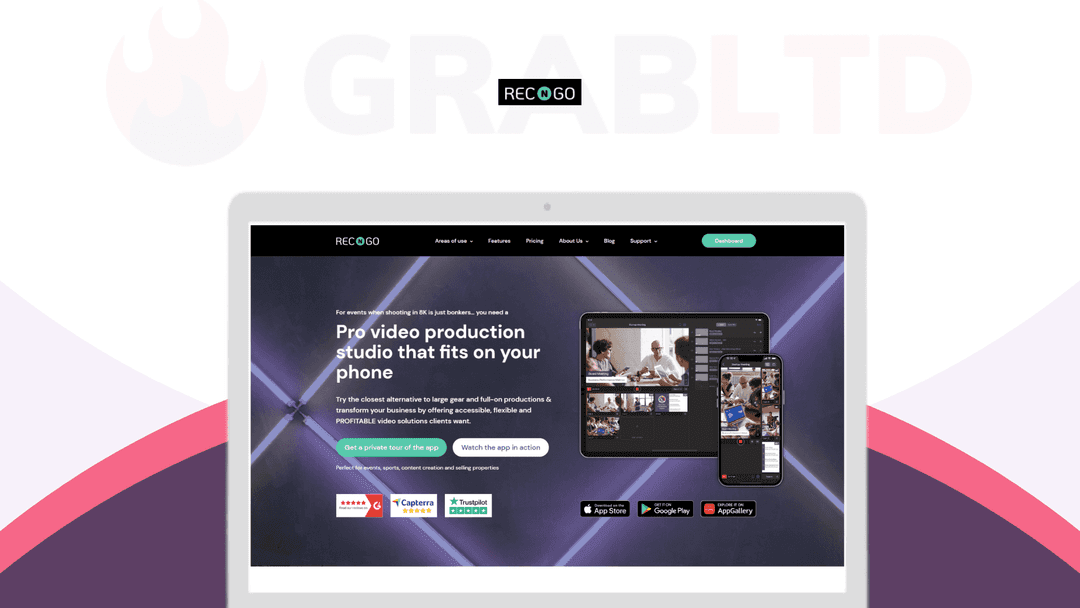
RECnGO at a glance
- Platform
- iOS, Android, Huawei
- Redeem
- The page states no redemption deadline.
- Upgrades
- All future updates are included. Stacking is not mentioned.
- Support
- The page says support is available by email, 24x7.
- Updates
- All future updates
Our take
Is RECnGO worth buying?
Based on the DealMirror listing, this is a single lifetime plan for multi-camera mobile live production. It suits small crews and creators who want to stream from phones. The countdown on the page reads zero, so check that the deal is still open.
Good fit if
- You stream events or sports with a small crew.
- You already own several phones or tablets to use as cameras.
- You want RTMP streaming without paying per stream.
Skip it if
- You need post-production editing.
- You rely on a weak network, since multi-device setups need a good connection.
Which RECnGO plan do you need?
Prices in USD, excluding tax.
| RECnGO | |
|---|---|
| One-time price | $49 |
| Regular price (DealMirror) | |
| You save | $250 |
| Camera devices | Up to 12 (same Wi-Fi or shared 4G/5G) |
| Streaming quality | HD (720p) and Full HD (1080p) |
| Transition effects | 6 |
| Updates | All future updates |
Before you buy: DealMirror's terms and extra costs
- Refund. DealMirror lists a 30-day money-back guarantee, or 60 days for Prime members.
- Redeem. The page states no redemption deadline.
- Upgrades. All future updates are included. Stacking is not mentioned.
- Support. The page says support is available by email, 24x7.
- Platform. Mobile app for iOS, Android and Huawei phones and tablets.
What is RECnGO?
RECnGO turns phones and tablets into a multi-camera live production studio. You connect several devices over the same Wi-Fi or a shared mobile connection, switch angles, mix audio, add overlays and stream to Facebook, YouTube, Twitch or any RTMP address. Recording can be saved on the devices. The deal is a one-time lifetime license with future updates included.
What RECnGO says it does
- Up to 12 camera angles or devices on the same Wi-Fi or shared 4G/5G (RECnGO's figure)
- Streams to Facebook, YouTube, Twitch and custom RTMP with one tap
- Serverless design that avoids surprise streaming bills (RECnGO's figure)
- Overlays for graphics, logos, video, audio and text, with 6 transition effects (RECnGO's figure)
Why RECnGO
A live multi-camera shoot normally needs cameras, cables and a switcher. RECnGO does the switching and streaming from devices a team already owns. It is built for live production, not editing afterward, and multi-device setups need a reliable connection.
How does RECnGO work?
Buy and install
Get the deal at DealMirror and install the app on your devices.
Prepare a project
Add logos, text overlays and B-roll ahead of the event.
Connect devices
Link phones and tablets on the same network.
Switch and mix
Change camera angles and manage audio from the studio device.
Go live or record
Stream to a platform or RTMP address, or save the footage.
Then it handles:
- Live streaming to social platforms and RTMP
- Switching between several phone cameras
- Per-device audio control
- Overlays, logos and lower thirds
- Recording each camera angle
- Preparing projects in advance
Who is RECnGO for?
Built for
- Event and sports videographers on a small crew
- Creators who want multi-camera streams from phones
- Realtors, educators and journalists streaming on short notice
Not for
- Anyone who wants a desktop video editor for post-production
- Streamers who need a full broadcast switcher such as vMix or OBS
What is included in RECnGO?
Multi-camera streaming
- Up to 12 devices same Wi-Fi or shared 4G/5G
- One-tap streaming Facebook, YouTube, Twitch, RTMP
- HD and Full HD streaming
- Automatic bitrate balancing 10-second buffer
Live editing
- Angle switching
- Per-device audio mute and adjust
- Overlays graphics, logos, video, text, slides
- Six transition effects
Recording and setup
- Broadcast-quality recording saved on the devices
- Remote control white balance and zoom
- Guided tour on demand
Video review
We have not reviewed RECnGO on video yet.
Get notifiedBuyer reviews
No reviews yet. Bought RECnGO? Add it to your workspace and share what it replaced.
Add to your workspaceRECnGO questions
What is RECnGO?
A mobile app that turns phones and tablets into a multi-camera live streaming and recording studio.
How many devices can I connect?
The listing says up to 12 devices, on the same Wi-Fi or a shared 4G/5G connection.
Where can I stream?
To Facebook, YouTube, Twitch and custom RTMP destinations, per the listing.
Does it edit video afterward?
No. It is built for live production and recording, not post-production editing. Use a separate editor for that.
What is the refund policy?
DealMirror lists 30 days for regular buyers and 60 days for Prime members.
Is the deal still live?
The page still shows a buy button, but its countdown reads zero, so confirm status at DealMirror before buying.
Often compared with
These are other tools in the same space, not deals on GrabLTD.
- Streamlabs
- OBS Studio
- Larix Broadcaster
- Switcher Studio
- vMix
Sources
Checked . Prices and terms on this page come from: