

Productivity · Lifetime deal
Safe Screen Share
Safe Screen Share
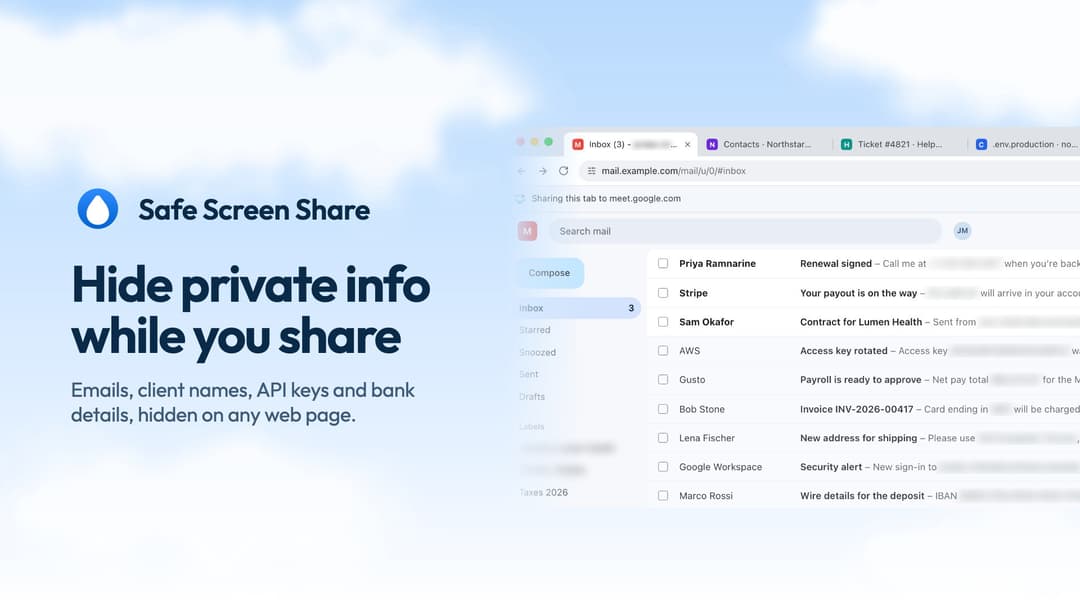
Safe Screen Share at a glance
- Note
- Lifetime access to Safe Screen Share
- Note
- All future plan updates
- Upgrades
- Please note: This deal is not stackable
Which Safe Screen Share plan do you need?
Prices in USD, excluding tax.
| 1 Code | |
|---|---|
| One-time price | $29 |
| Regular price (AppSumo) | |
| You save | $30 |
| Includes | Unlimited plan Lifetime access; Unlimited Active browsers; Unlimited Profiles; 50+ formats Auto-hide; Included, on-device AI Deep scan; Auto-protect; Your words; Blur, Blackout and Erase; Hide things by hand; Hides stay after reload; Hide tab titles & icons; Chrome, Edge, Firefox Supported browsers; Future updates; Private sites; Safe screenshots; 35 Languages |
Before you buy: AppSumo's terms and extra costs
- Note. Lifetime access to Safe Screen Share
- Redeem. You must redeem your code(s) within 60 days of purchase
- Note. All future plan updates
- Upgrades. Please note: This deal is not stackable
What is Safe Screen Share?
Hides private info the moment you share
What Safe Screen Share says it does
- Hide 50+ kinds of private info automatically, right on your computer (Safe Screen Share's figure)
- Turn on by itself the moment you share your screen or join a call
What is included in Safe Screen Share?
Features
- Hide private info automatically **Auto-hide finds 50+ formats**: emails, phone numbers, card numbers, IBANs, ID numbers,…
- Turns on by itself when you share **Share your screen on Zoom, Google Meet, Teams, Discord or Slack** and…
- Hide your own words on every site **Add client names, project names or any word once** and they stay…
- Click anything to hide it, and it stays hidden **Click any element, select text or drag over an area** to hide…
Video review
We have not reviewed Safe Screen Share on video yet.
Get notifiedBuyer reviews
No reviews yet. Bought Safe Screen Share? Add it to your workspace and share what it replaced.
Add to your workspace