

Video & Audio · Lifetime deal
SameMovie All-In-One Video Downloader
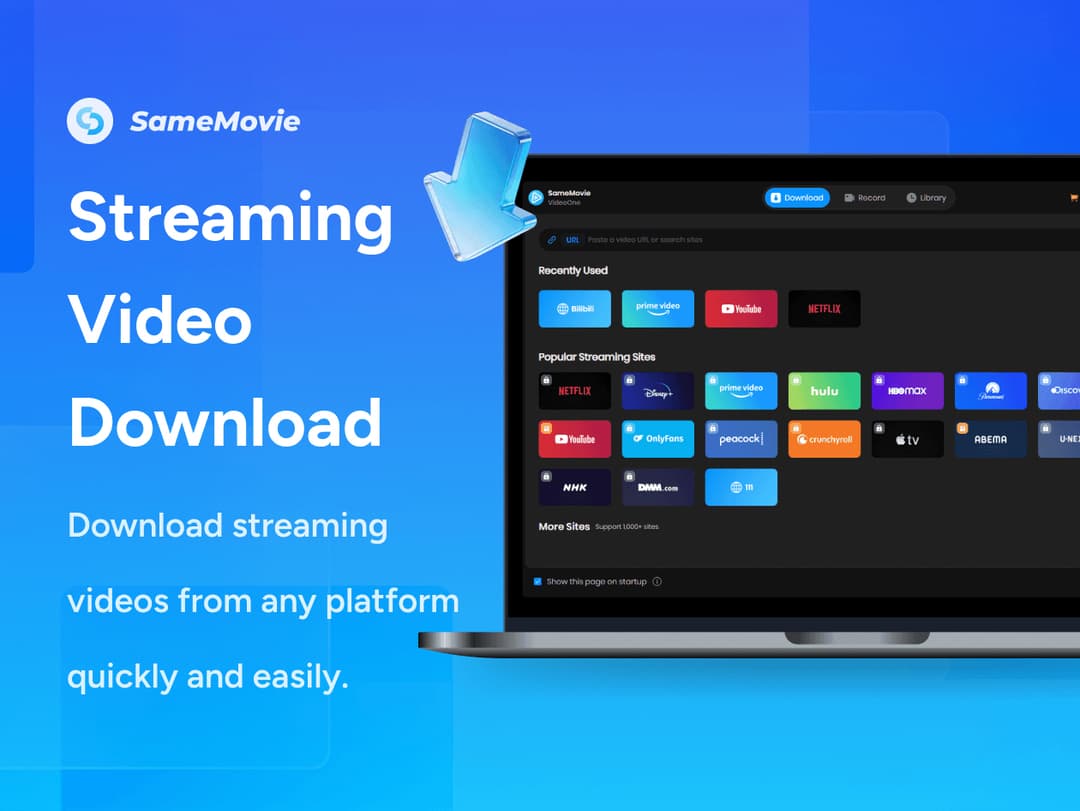
Queue a whole season from Netflix, Prime Video, Disney+ or Hulu and get ordinary MP4 or MKV files back, with audio tracks and subtitles kept. SameMovie handles the big streaming services and 1,000+ other sites from one Windows app, at up to 10x speed.
Which SameMovie All-In-One Video Downloader plan do you need?
Prices in USD, excluding tax.
| Lifetime deal | |
|---|---|
| One-time price | $99 |
What is SameMovie All-In-One Video Downloader?
SameMovie All-In-One Video Downloader is a Windows app that saves movies and TV shows from Netflix, Prime Video, Disney+, HBO Max, Hulu and 1,000+ other sites as plain MP4 or MKV files. One program covers the lot, so the season you queue tonight plays on the plane tomorrow.
What SameMovie actually does
Most streaming apps have a download button, but the title stays locked inside that app and on that device. Free downloaders go the other way: they hand you a normal file, then stop at sites like YouTube. This one does both jobs. It reaches the subscription services and still gives you a standard file at the end.
- Download from Netflix, Prime Video, Disney+, HBO Max, Hulu, YouTube, TikTok, Facebook and 1,000+ other sites in one place - Save videos as MP4 or MKV files that play offline on compatible computers, phones, tablets and TVs - Pick up to 1080p, 4K or 8K, depending on what the platform and source video offer - Queue multiple movies or entire TV seasons and run them at up to 10x speed - Resume interrupted downloads automatically once your connection returns - Keep available multilingual audio and 5.1 surround sound, with subtitles embedded or saved as SRT or VTT - Choose H.264 or H.265 output to fit your player and your storage space - Extract audio as MP3 or AAC
You find titles through a built-in browser, by name or by pasting a URL, so there is no copying links between windows. Downloads from supported services come without ads. The codec choice matters more than it sounds. H.265 keeps a 4K film at a size a laptop drive can live with, while H.264 is the safe pick for an older TV or a cheap tablet that chokes on newer formats.
The batch queue is the part that changes how you use it. Add a ten-episode season, walk away, and come back to ten files with their audio tracks and subtitles intact. If the Wi-Fi drops halfway through episode six, the download picks up where it left off instead of starting over. That is the difference between a tool you run before every trip and one you try once.
Our take: the single-app design is the reason to buy this, not the 8K badge. Very little streaming content exists in 8K, and the vendor says plainly that quality depends on the platform and the source. What you feel day to day is not having four downloaders with four interfaces and four update cycles.
Who it's built for
This suits people who already pay for several streaming services and spend real time away from a good connection: frequent flyers, long-distance commuters, families packing a tablet for a road trip, anyone in a house where the broadband gives up at eight in the evening. It also fits people who want a show to play on a device with no app for that service, since the output is an ordinary video file.
Check three limits before you go further. It runs on Windows 10 and 11 only, and the license code will not activate the Mac version. The license covers one computer at a time. And it does not include any streaming subscription. You need your own account for each service you download from, plus an internet connection for activation and for the downloads themselves.
Disk space is the other practical point. The vendor gives no storage requirement for the app, but HD, 4K and 8K files take up significant room, so a full season in 4K wants an external drive. Version 2.1.0 is the current release. Keep the files for your own offline viewing, and read the terms of the services you use, because some of them restrict saving copies outside their apps.
If the plan is one season before one holiday, the download button in the streaming app will do. If you load a tablet every week from three or four services, a single queue that turns all of them into files you can move around is the simpler setup. Have a look at the deal and see whether your services are on the supported list.
Video review
We have not reviewed SameMovie All-In-One Video Downloader on video yet.
Get notifiedBuyer reviews
No reviews yet. Bought SameMovie All-In-One Video Downloader? Add it to your workspace and share what it replaced.
Add to your workspace