

AI Tools · Lifetime deal
ShadowGit
Local code history with automatic snapshots, one-click restore and an MCP server for AI tools.
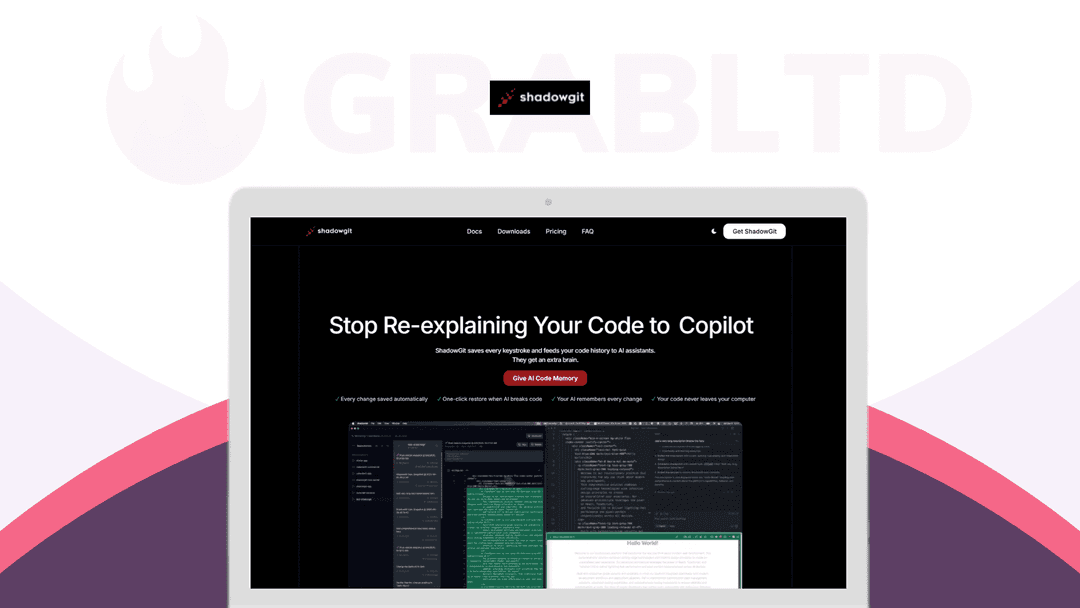
ShadowGit at a glance
- Platform
- Windows, Mac, Linux
- Upgrades
- Codes are not stackable. One code per user or account.
- Support
- Support and updates are free.
- Note
- The deal applies to new and existing users. The page does not state a device limit.
Our take
Is ShadowGit worth buying?
Based on the DealFuel listing, this is a low-priced local history tool for people who code with AI assistants. It stores everything on your machine and offers an MCP server for Claude, Cursor, Codex and Windsurf. The page does not state a device limit, so check that before buying for several machines.
Good fit if
- You code with AI assistants and want a rollback safety net.
- You want code history stored locally.
- You use Git already and can run Node.js for MCP.
Skip it if
- You need cloud-synced history across a team.
- You need a license for several computers and the limit is unclear to you.
Which ShadowGit plan do you need?
Prices in USD, excluding tax.
| Standard | |
|---|---|
| One-time price | $15 |
| Regular price (DealFuel) | |
| You save | $4 |
| Snapshot interval | 15 seconds (adjustable) |
| Platforms | Windows, Mac, Linux |
| Codes per account | 1 (no stacking) |
DealFuel's plan names: Plan A.
Before you buy: DealFuel's terms and extra costs
- Refund. 30-day refund through DealFuel.
- Redeem. Redeem the coupon code within 30 days.
- Upgrades. Codes are not stackable. One code per user or account.
- Support. Support and updates are free.
- Platform. macOS 10.15+, Windows 10+ or Ubuntu 20.04+. Needs Git 2.0+, and Node.js 18+ for MCP.
- Note. The deal applies to new and existing users. The page does not state a device limit.
What is ShadowGit?
ShadowGit is a desktop tool that snapshots your codebase automatically into a hidden git repository, so you can see what changed and restore a previous version in one click. Its MCP server lets AI tools such as Claude, Cursor, Codex and Windsurf read that history. Everything is stored locally. The deal is one plan with lifetime access.
What ShadowGit says it does
- Snapshots every 15 seconds, with an adjustable interval (ShadowGit's figure)
- One-click restore to a previous version
- Code history stays on your machine, with no cloud uploads (ShadowGit's figure)
- MCP server works with Claude, Cursor, Codex and Windsurf
Why ShadowGit
AI coding tools change many files quickly, and normal commits rarely capture each step. ShadowGit keeps a separate history so you can roll back and give AI tools context. It needs Git installed, and the MCP part needs Node.js.
How does ShadowGit work?
Redeem the code
Redeem your DealFuel coupon within 30 days.
Install the app
Install it on macOS, Windows or Linux and point it at a project.
Let it track changes
It saves snapshots to a hidden .shadowgit repository and respects .gitignore.
Connect your AI tool
Add the MCP server so your AI assistant can search the history.
Restore when needed
Roll back to any earlier snapshot in one click.
Then it handles:
- Automatic snapshots of your code
- One-click restore
- Finding what changed before a bug
- Giving AI tools read-only history access
- Keeping the main repo history clean
- Cleaner commits through a Session API
Who is ShadowGit for?
Built for
- Developers who code with AI assistants
- Freelancers who want a safety net between commits
- People who want code history kept local
Not for
- Anyone on macOS older than 10.15 or Windows older than 10
- Teams that need cloud-synced history
- People without Git 2.0 or later installed
What is included in ShadowGit?
History and restore
- Automatic snapshots every 15 seconds, adjustable
- One-click restore
- Hidden .shadowgit repository keeps the main repo clean
- Respects .gitignore
AI integration
- MCP server Claude, Cursor, Codex, Windsurf
- Read-only AI access
- Sandboxed git commands
- Session API for clean commits
Privacy
- Fully local storage no cloud
Video review
We have not reviewed ShadowGit on video yet.
Get notifiedBuyer reviews
No reviews yet. Bought ShadowGit? Add it to your workspace and share what it replaced.
Add to your workspaceShadowGit questions
What is ShadowGit?
A desktop tool that snapshots your code into a hidden git repository and lets you restore any version. Its MCP server gives AI tools access to that history.
Does my code leave my machine?
The vendor says history is stored locally with no cloud, uploads or AI training on your work.
Which AI tools does it work with?
The listing names Claude, Cursor, Codex and Windsurf through an MCP server. The MCP integration is open source on GitHub.
What do I need to run it?
Git 2.0 or later, and Node.js 18 or later for MCP. The page also lists at least 256 MB of RAM and about 50 MB of storage plus space for history.
How many computers can I use it on?
The page does not state a device limit. One reviewer hoped for a future license covering three computers.
What is the refund policy?
DealFuel lists a 30-day refund. You must redeem the coupon code within 30 days, and codes cannot be stacked.
Often compared with
These are other tools in the same space, not deals on GrabLTD.
- Pieces for Developers
- GitLens
- Cursor
- Git (manual commits)
Sources
Checked . Prices and terms on this page come from: