

Design · Lifetime deal
SnapText
AI OCR that turns images and PDFs into editable text in 50+ languages.
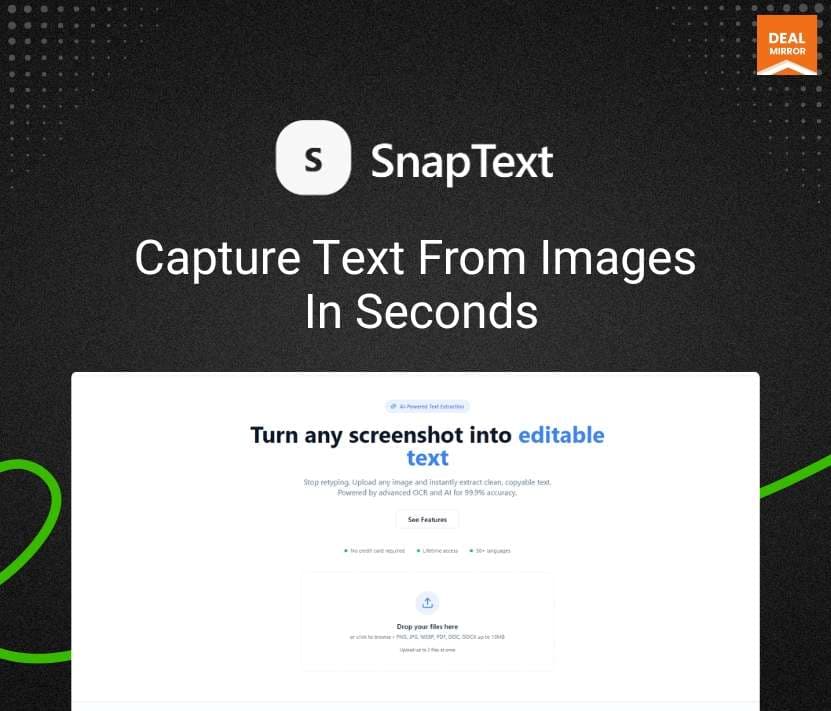
SnapText at a glance
- Platform
- Web
- Upgrades
- The page does not mention stacking.
- Support
- Email support and an FAQ. The address is hidden on the page.
- Note
- If you reach your monthly credit limit, processing may slow down until the next reset.
Our take
Is SnapText worth buying?
Based on the DealMirror listing, this is a credit-based OCR web app with three tiers. The page lists the same features on every tier, so confirm which tier has table extraction and batch processing. It suits people who regularly pull text out of images and scans.
Good fit if
- You extract text from screenshots, scans and PDFs often.
- You work in several languages.
- You want a replacement for a monthly OCR tool.
Skip it if
- You need a public API now.
- You need exact per-tier feature guarantees before buying.
Which SnapText plan do you need?
Prices in USD, excluding tax.
| Creator | Professional | Automation | |
|---|---|---|---|
| One-time price | $69 | $129 | $219 |
| Regular price (DealMirror) | |||
| You save | $30 | $70 | $80 |
| Credits per month | 300 | 1,200 | 3,500 |
| AI actions per month | 100 | 400 | 1,200 |
| Table extraction | No | Yes | Yes |
| Batch processing | No | Yes | Yes |
Before you buy: DealMirror's terms and extra costs
- Refund. 30-day money-back guarantee through DealMirror. Prime members get 60 days.
- Redeem. Redeem the code within 60 days of purchase.
- Upgrades. The page does not mention stacking.
- Support. Email support and an FAQ. The address is hidden on the page.
- Platform. Web-based. Works on phone, tablet and laptop with no install.
- Note. If you reach your monthly credit limit, processing may slow down until the next reset.
What is SnapText?
SnapText is an AI OCR tool that turns images, screenshots and PDFs into editable text in 50+ languages. It cleans recognition errors, keeps line breaks and exports to TXT or Word. Higher tiers add table extraction, AI summaries and batch processing. The deal has three tiers with monthly credits and AI actions.
What SnapText says it does
- Text extraction in 50+ languages (SnapText's figure)
- Handles screenshots, photos and PDFs
- Files are processed securely and not used for training (SnapText's figure)
- Works on phone, tablet and laptop with no install
Why SnapText
It saves retyping text locked in images and scans. The deal page shows the same feature list on every tier, so it is not clear which tier gets table extraction or batch processing.
How does SnapText work?
Redeem the code
Redeem your DealMirror code within 60 days of purchase.
Add an image or PDF
Upload or paste a file in the web workspace.
Extract the text
Run OCR and review the cleaned result.
Export
Copy the text or export it as TXT or Word.
Then it handles:
- OCR for images and PDFs
- Multi-language detection
- Table extraction to Excel or CSV
- AI summaries and rewrites
- Batch processing
- Exporting to TXT and Word
Who is SnapText for?
Built for
- Students and researchers digitizing notes
- Office workers pulling text from screenshots and scans
- Freelancers who handle documents in several languages
Not for
- Buyers who need a public API today (listed on the 2026 roadmap)
- Anyone who needs unlimited monthly volume
- Teams that need to know exactly which tier has each feature
What is included in SnapText?
OCR
- AI OCR for images and PDFs
- Multi-language detection 50+ languages
- Handwriting support including cursive, per the page
- Rich workspace editor
Documents and AI
- Table extraction Excel and CSV
- AI summaries and rewrite
- Batch processing
- Large document handling
Export
- TXT and Word export
- Structured notes formatting
Video review
We have not reviewed SnapText on video yet.
Get notifiedBuyer reviews
No reviews yet. Bought SnapText? Add it to your workspace and share what it replaced.
Add to your workspaceSnapText questions
What is SnapText?
An AI OCR tool that turns images, screenshots and PDFs into clean, editable text.
How do the tiers differ?
Creator lists 300 credits and 100 AI actions a month, Professional 1,200 and 400, and Automation 3,500 and 1,200.
Which features does each tier get?
The page shows the same list on every tier and says PDF support and exports depend on the plan. The stored tier lists give table extraction and batch processing to Professional and up.
Is my data used for training?
The listing says files are processed securely and are not used for training.
What is on the roadmap?
The page lists searchable PDF export, a public API, mobile optimization and faster processing for 2026.
What is the refund policy?
30 days for regular buyers and 60 days for DealMirror Prime members. Redeem within 60 days of purchase.
Often compared with
These are other tools in the same space, not deals on GrabLTD.
- ABBYY FineReader
- Adobe Acrobat
- Microsoft Lens
- Google Cloud Vision
- Tesseract
Sources
Checked . Prices and terms on this page come from: