

AI Tools · Lifetime deal
Speech to Note
Record your voice and get formatted notes in 50+ languages, with offline mobile recording.
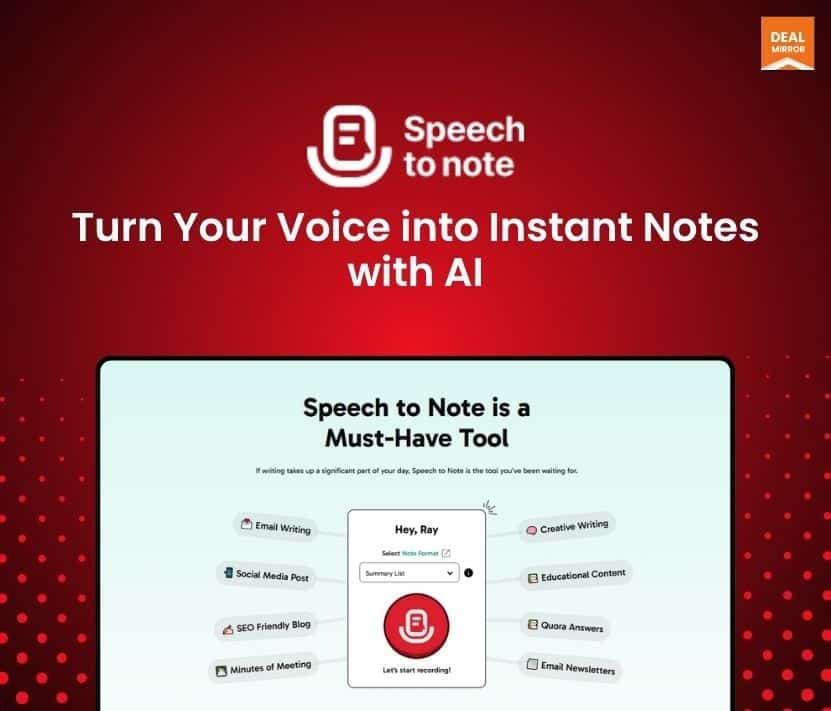
Speech to Note at a glance
- Platform
- Web, Android, iOS, iPadOS
- Upgrades
- You can stack up to 2 codes.
- Support
- Email support, with priority email support listed on both plans. A Telegram community group is also linked.
- Note
- Notes are processed with models the page names as GPT-4o, Claude Haiku 3.5 and Llama 3.3 70B.
Our take
Is Speech to Note worth buying?
Based on the DealMirror listing, this is a voice-note app with two tiers split by recording length and upload credits. Recording per note is capped at 15 or 60 minutes, and the page is inconsistent on formats and custom formats. It suits people who capture ideas by voice rather than long meetings.
Good fit if
- You capture ideas and tasks by voice.
- You want notes formatted automatically.
- You use Android, iOS or iPadOS for offline recording.
Skip it if
- You need long recordings and only plan to buy Pro.
- You need offline transcription.
Which Speech to Note plan do you need?
Prices in USD, excluding tax.
| Pro | Pro Plus | |
|---|---|---|
| One-time price | $59 | $99 |
| Regular price (DealMirror) | ||
| You save | $20 | $100 |
| Recording limit per note | 15 minutes | 60 minutes |
| Monthly upload credits | 100 | 300 |
| Custom formats | No | Yes |
| Support | Priority email |
Before you buy: DealMirror's terms and extra costs
- Refund. 30-day money-back guarantee through DealMirror. Prime members get 60 days.
- Redeem. Redeem your code within 60 days of purchase.
- Upgrades. You can stack up to 2 codes.
- Support. Email support, with priority email support listed on both plans. A Telegram community group is also linked.
- Platform. Web, plus native apps for Android, iOS and iPadOS.
- Note. Notes are processed with models the page names as GPT-4o, Claude Haiku 3.5 and Llama 3.3 70B.
What is Speech to Note?
Speech to Note records your voice and turns it into structured, formatted notes. It transcribes in 50+ languages, offers 40+ note formats such as meeting summaries and task lists, and lets you upload existing recordings. Native Android, iOS and iPadOS apps can record offline. The deal has two tiers that differ by recording length and upload credits.
What Speech to Note says it does
- Transcription in 50+ languages (Speech to Note's figure)
- 40+ predefined note formats (Speech to Note's figure)
- Offline recording in the native apps, with transcription needing an internet connection
- Notes can be shared by public link and exported as PDF
Why Speech to Note
It turns spoken ideas into usable notes instead of raw transcripts. Recording length per note is capped by tier, and the page is inconsistent on built-in format counts and on which plan gets custom formats.
How does Speech to Note work?
Redeem the code
Redeem your DealMirror code within 60 days of purchase.
Record or upload
Record in the web or mobile app, or upload an audio file.
Pick a format
Choose a note format, such as a summary or task list.
Organize and share
Tag, search, export to PDF or share by link.
Then it handles:
- Voice-to-note recording
- Meeting summaries
- Task lists from speech
- Uploading existing recordings
- Folders, tags and search
- Sharing notes by link
Who is Speech to Note for?
Built for
- People who capture ideas by voice on the go
- Professionals who want formatted meeting notes
- Multilingual users
Not for
- Users who need transcription without an internet connection
- Pro buyers who need recordings longer than 15 minutes per note
- Teams that need live meeting bots
What is included in Speech to Note?
Recording and transcription
- Voice recording 15 or 60 minutes per note
- 50+ languages
- Upload external audio 100 or 300 monthly credits
- Native mobile apps offline recording
Notes and formats
- 40+ templates
- Custom formats Pro Plus
- Folders, tags and search
- PDF export
Sharing and storage
- Note sharing public link or email
- Audio playback and download kept for 60 days
Video review
We have not reviewed Speech to Note on video yet.
Get notifiedBuyer reviews
No reviews yet. Bought Speech to Note? Add it to your workspace and share what it replaced.
Add to your workspaceSpeech to Note questions
What is Speech to Note?
A voice recording app that transcribes speech and shapes it into formatted notes, in 50+ languages.
How do the tiers differ?
Pro lists a 15-minute recording limit per note and 100 monthly upload credits. Pro Plus lists 60 minutes and 300 credits, plus custom formats.
Does it work offline?
The native apps can record offline. Transcription needs an internet connection.
Can I stack codes?
Yes, up to 2 codes, according to the listing.
Which models does it use?
The page names GPT-4o, Claude Haiku 3.5 and Llama 3.3 70B for note enhancement.
What is the refund policy?
30 days for regular buyers and 60 days for DealMirror Prime members. Redeem within 60 days of purchase.
Often compared with
These are other tools in the same space, not deals on GrabLTD.
- Otter.ai
- Notta
- Avoma
- Voicenotes
- Google Recorder
Sources
Checked . Prices and terms on this page come from: