

Productivity · Lifetime deal
SwifDoo
Windows PDF editor with conversion, OCR and signing on a one-device lifetime license.
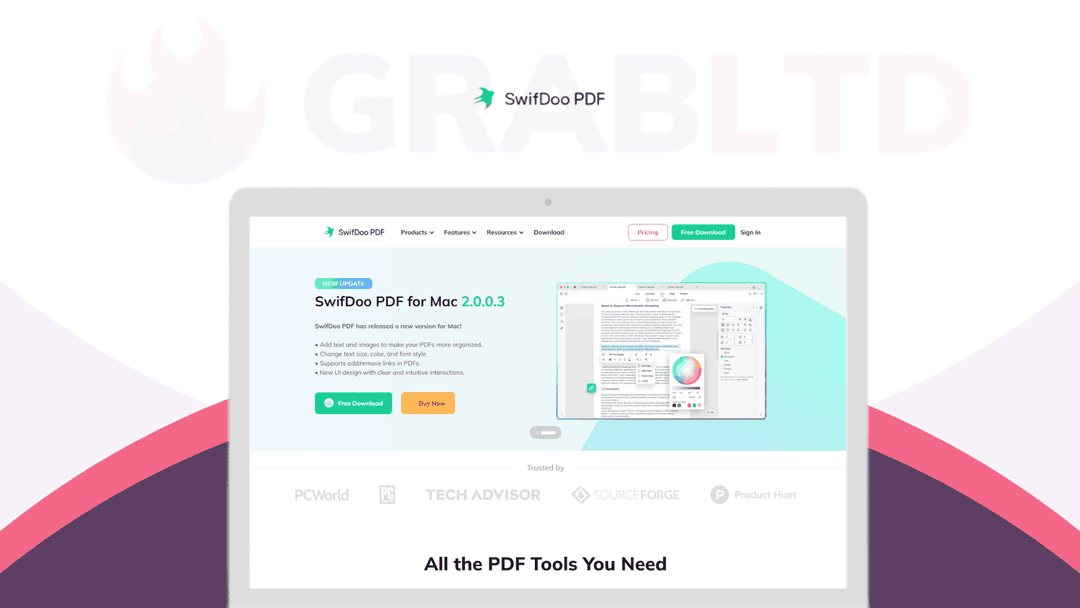
SwifDoo at a glance
- Platform
- Windows
- Upgrades
- Updates are included. Only for new users, and one email can activate up to 2 keys.
- Updates
- Included
Our take
Is SwifDoo worth buying?
Based on the StackSocial listing, this is a Windows-only lifetime PDF editor for one device. It suits people who edit PDFs often and want to avoid a subscription. The refund is store credit before redemption only, and it needs an internet connection.
Good fit if
- You use Windows and edit PDFs regularly.
- You want OCR and conversion without a subscription.
- You are a new SwifDoo user.
Skip it if
- You need Mac, mobile or offline use.
- You want a cash refund after redeeming.
Which SwifDoo plan do you need?
Prices in USD, excluding tax.
| Plan A | |
|---|---|
| One-time price | $34.99 |
| Regular price (StackSocial) | |
| You save | $94.01 |
| Devices | 1 per license |
| Platform | Windows only |
| Eligibility | New users only |
| Updates | Included |
Before you buy: StackSocial's terms and extra costs
- Refund. StackSocial says unredeemed licenses can be returned for store credit within 30 days. All sales are final after redemption.
- Redeem. Redeem within 30 days of purchase.
- Upgrades. Updates are included. Only for new users, and one email can activate up to 2 keys.
- Platform. Windows 11, 10, 8 or 7. Internet connection required, no offline mode.
What is SwifDoo?
SwifDoo PDF Pro is a Windows PDF editor. It opens, edits and annotates PDFs, merges and splits files, compresses them, signs and encrypts them, and converts to and from Word, Excel, PowerPoint and image formats. OCR and batch processing are listed as advanced features. The StackSocial deal is a one-device lifetime license for new users.
What SwifDoo says it does
- Convert to and from Word, Excel, PowerPoint, JPG, HEIC, EPUB and CAD
- OCR for scanned documents and batch processing
- Rated 4.8 out of 5 from 54 reviews on StackSocial (SwifDoo's figure)
- Updates included
Why SwifDoo
A full PDF editor is often a monthly subscription. This is a one-time Windows license. It needs an internet connection at all times and does not work offline, and each key covers only one device.
How does SwifDoo work?
Redeem your key
Buy on StackSocial and redeem within 30 days.
Install on Windows
Install SwifDoo PDF on your PC.
Activate
Enter the license key. Each key can be activated once.
Work on PDFs
Edit, merge, convert, sign or run OCR.
Then it handles:
- Editing and annotating PDFs
- Merging and splitting files
- Compressing PDFs
- Converting to and from Office and image formats
- OCR for scanned files
- Signing and encrypting
- Watermarks and printing options
Who is SwifDoo for?
Built for
- Windows users who want a PDF editor without a subscription
- People who edit and convert PDFs often
- Users who need OCR on scans
Not for
- Mac, mobile or offline users
- Existing SwifDoo users, since the deal is for new users only
What is included in SwifDoo?
Edit and organize
- Edit and annotate
- Merge and split
- Compress
- Add links, pages and images
Convert and secure
- Format conversion Word, Excel, PowerPoint, JPG, EPUB, CAD
- OCR and batch processing
- Encrypt and sign
- Watermarks
Video review
We have not reviewed SwifDoo on video yet.
Get notifiedBuyer reviews
No reviews yet. Bought SwifDoo? Add it to your workspace and share what it replaced.
Add to your workspaceSwifDoo questions
What is SwifDoo PDF Pro?
A Windows PDF editor with conversion, OCR, signing and compression tools.
How many devices does a key cover?
One device. One email address can activate up to two keys.
Does it work offline?
No. The page says it does not support offline mode.
Who can buy it?
Only new SwifDoo users.
What is the refund policy?
Unredeemed licenses can be returned for store credit within 30 days. Redeemed licenses are final.
Is there a Mac version?
Not in this deal. It lists Windows only.
Often compared with
These are other tools in the same space, not deals on GrabLTD.
- Adobe Acrobat
- Nitro PDF
- Foxit PDF Editor
- PDF-XChange Editor
- Smallpdf
Sources
Checked . Prices and terms on this page come from: