

Design · Lifetime deal
TurboStyle
Chrome extension to edit any live webpage by clicking, with responsive preview and CSS or Tailwind export.
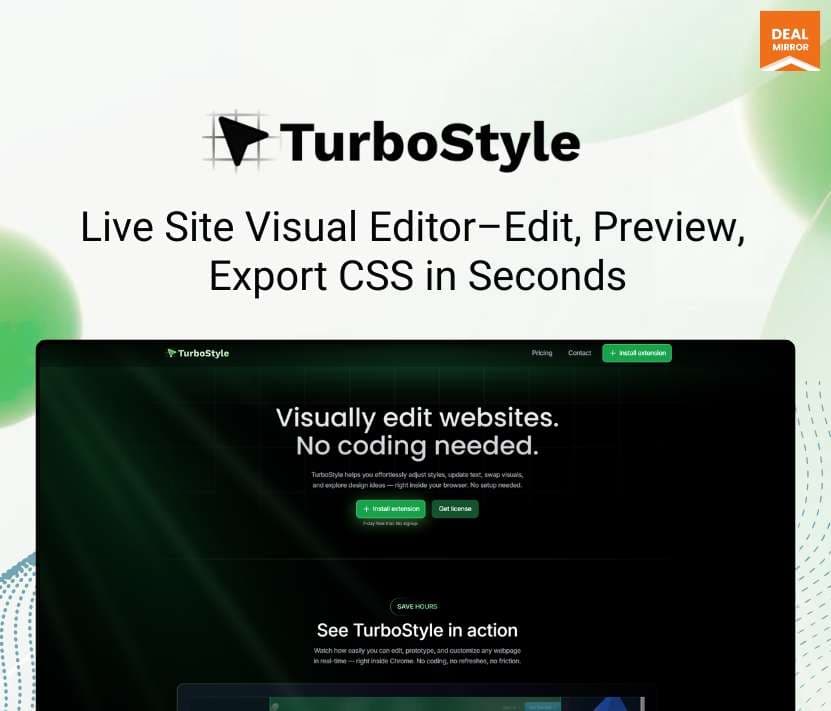
TurboStyle at a glance
- Platform
- Chrome, Chromium browsers
- Note
- Lifetime updates are included. One license covers 3 devices.
- Updates
- Lifetime
Our take
Is TurboStyle worth buying?
Based on the DealMirror listing, this is a single lifetime license for a Chrome extension that edits live pages and exports CSS or Tailwind. It suits quick prototyping and copy review. The listing gives no vendor support address, and one buyer review on the page questions support and documentation, so weigh that before buying.
Good fit if
- You want to try copy and style changes on live pages without a developer.
- You use Chrome or another Chromium browser.
- You want to hand off clean CSS or Tailwind after a review.
Skip it if
- You use Firefox or Safari.
- You need edits to publish to a live site rather than only in your browser.
- You need a documented support channel.
Which TurboStyle plan do you need?
Prices in USD, excluding tax.
| Pro | |
|---|---|
| One-time price | $29 |
| Regular price (DealMirror) | |
| You save | $20 |
| Devices | 3 |
| Edits | Unlimited |
| Export | CSS and Tailwind |
| Updates | Lifetime |
Before you buy: DealMirror's terms and extra costs
- Refund. 30-day money-back guarantee for regular buyers, 60 days for DealMirror Prime members, per the listing.
- Redeem. Redeem within 60 days of purchase.
- Note. Lifetime updates are included. One license covers 3 devices.
- Platform. Chrome extension, also works in Chromium browsers such as Brave, Arc, Edge and Opera.
What is TurboStyle?
TurboStyle is a Chrome extension for editing a live webpage by clicking on it. You change text, images, colors, spacing, borders and shadows in place, preview the result at mobile, tablet and desktop sizes, and compare before and after. When you are happy, you export the changes as CSS or Tailwind. One license covers 3 devices.
What TurboStyle says it does
- Edit text, images and styles of any element directly on the page
- Responsive preview for mobile, tablet and desktop
- Export changes as CSS or Tailwind
- Lifetime updates included
Why TurboStyle
Trying a copy or style change on a live page usually means a ticket to a developer. TurboStyle lets you make the change on the rendered page and hand over the CSS. It edits the page in your browser only, so it is for prototyping and review, not for publishing changes to a site.
How does TurboStyle work?
Redeem the code
Buy on DealMirror and redeem your code within 60 days.
Install the extension
Add TurboStyle to Chrome or another Chromium browser.
Click and edit
Select an element on any page and change its text or style.
Export
Copy the result as CSS or Tailwind for your site.
Then it handles:
- Editing text and images on a live page
- Changing colors, spacing, borders and shadows
- Previewing responsive layouts
- Comparing before and after
- Exporting CSS
- Exporting Tailwind classes
- Applying style presets
Who is TurboStyle for?
Built for
- Marketers and founders reviewing copy on live pages
- Designers and front-end developers prototyping style changes
- Agencies making quick client revisions
Not for
- Firefox or Safari users, as it is a Chromium extension
- Anyone who needs edits to publish to a live site
- Buyers who need more than 3 devices on one license
What is included in TurboStyle?
Visual editing
- Click to edit text, images, videos and styles
- Style presets instant common changes
- Edit any style of any element
Review and export
- Responsive preview mobile, tablet, desktop and custom sizes
- Before and after comparison
- CSS export
- Tailwind export
Video review
We have not reviewed TurboStyle on video yet.
Get notifiedBuyer reviews
No reviews yet. Bought TurboStyle? Add it to your workspace and share what it replaced.
Add to your workspaceTurboStyle questions
What does TurboStyle do?
It is a Chrome extension that lets you click any element on a live webpage and edit its text, images and styles directly in the browser, without reloading the page.
Who is it for?
Marketers, founders, designers and front-end developers who want to prototype or review changes on live pages, and agencies making quick client revisions.
What does the lifetime deal include?
The Pro license gives unlimited edits, the full feature set, responsive preview, before and after comparison, CSS and Tailwind export and lifetime updates, on up to 3 devices.
Which browsers work?
Chromium browsers such as Chrome, Brave, Arc, Edge and Opera. It is not available for Firefox or Safari.
Do edits change my real site?
No. It edits the rendered page in your browser, so it suits prototyping and demos. You export CSS to apply the changes yourself.
What is the refund policy?
DealMirror lists 30 days for regular buyers and 60 days for Prime members. Redeem within 60 days of purchase.
Often compared with
These are other tools in the same space, not deals on GrabLTD.
- VisBug
- CSS Peeper
- Stylebot
- Webflow
- Figma
Sources
Checked . Prices and terms on this page come from: