

Video & Audio · Lifetime deal
VideoProc Converter AI
Desktop video converter, compressor, downloader and recorder with AI upscaling.
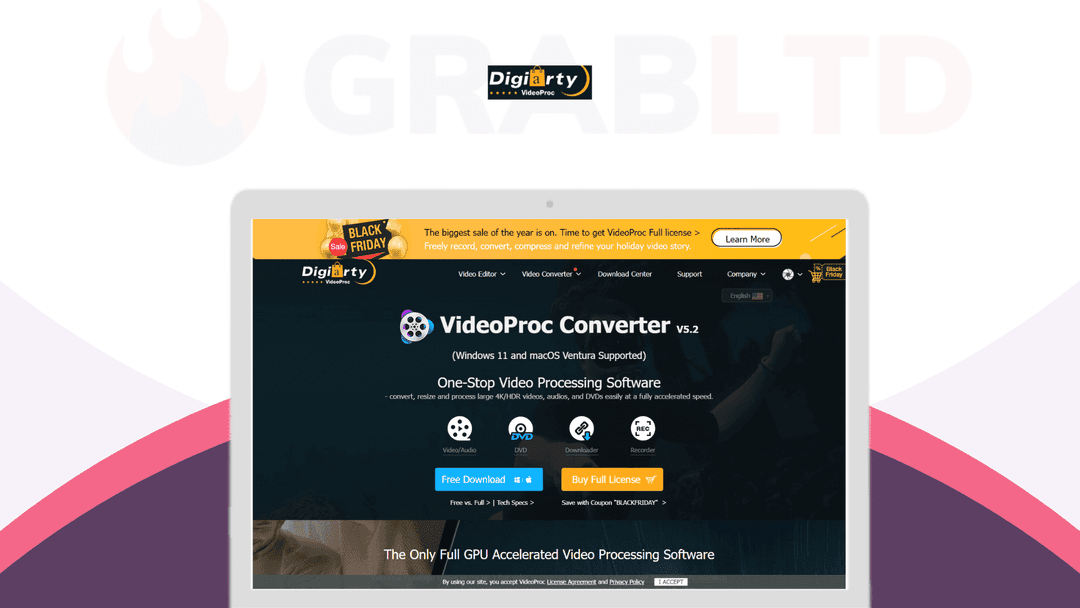
VideoProc Converter AI at a glance
- Platform
- Windows, Mac
- Upgrades
- Licenses cover 1 PC or 5 PCs, on Windows or Mac.
- Support
- Email support from the vendor.
- Note
- Lifetime access to full features and updates, with no limits and no watermark.
- Updates
- Lifetime
Our take
Is VideoProc Converter AI worth buying?
Based on the DealMirror listing, these are lifetime licenses for desktop video software, split by operating system and 1 or 5 PCs. It suits people who want one tool for conversion and compression. Pick the plan that matches your system and device count.
Good fit if
- You convert and compress video often.
- You want a downloader and screen recorder in the same app.
- You want a one-time license for 1 or 5 PCs.
Skip it if
- You use Linux.
- You need advanced timeline editing.
Which VideoProc Converter AI plan do you need?
Prices in USD, excluding tax.
| Windows, 1 PC | Mac, 1 PC | Windows, 5 PCs | Mac, 5 PCs | |
|---|---|---|---|---|
| One-time price | $29.95 | $29.95 | $39.95 | $39.95 |
| Regular price (DealMirror) | ||||
| You save | $20 | $20 | $40 | $40 |
| PCs | 1 | 1 | 5 | 5 |
| Platform | Windows | Mac | Windows | Mac |
| Updates | Lifetime | Lifetime | Lifetime | Lifetime |
DealMirror's plan names: Plan A; Plan B; Plan C; Plan D.
Before you buy: DealMirror's terms and extra costs
- Refund. 30-day money-back guarantee, per the listing.
- Redeem. Redeem within 60 days of purchase.
- Upgrades. Licenses cover 1 PC or 5 PCs, on Windows or Mac.
- Support. Email support from the vendor.
- Platform. Windows 7 to 11 and macOS, including Apple Silicon.
- Note. Lifetime access to full features and updates, with no limits and no watermark.
What is VideoProc Converter AI?
VideoProc Converter AI is desktop software from Digiarty for converting, compressing, downloading and recording video. It converts to 420+ formats, shrinks large files, downloads from 1,000+ sites, records the screen and does basic edits. AI features include upscaling, frame interpolation and stabilization. The deal sells lifetime licenses for 1 or 5 PCs on Windows or Mac.
What VideoProc Converter AI says it does
- Convert to 420+ formats and download from 1,000+ sites (VideoProc Converter AI's figure)
- AI upscaling of images and videos by up to 400% (VideoProc Converter AI's figure)
- Compression that shrinks files by up to 90% (VideoProc Converter AI's figure)
- GPU acceleration up to 47x faster than real-time (VideoProc Converter AI's figure)
Why VideoProc Converter AI
Video jobs often need a converter, a compressor, a downloader and a recorder. VideoProc Converter AI puts them in one app with GPU acceleration. The deal is a per-PC license, so check the plan matches your operating system and device count.
How does VideoProc Converter AI work?
Redeem the code
Buy on DealMirror and redeem within 60 days.
Install the app
Download the Windows or Mac version for your plan.
Add your video
Convert, compress, record or download.
Export
Save in the format and size you need.
Then it handles:
- Converting video and audio formats
- Compressing large 4K and 8K files
- Downloading video from streaming sites
- Recording screen and webcam
- Cutting, merging and cropping video
- Upscaling with AI
- Digitizing DVDs
Who is VideoProc Converter AI for?
Built for
- Creators and editors who handle many video formats
- Home users who want to shrink or convert large files
- People who need a screen recorder and downloader in one app
Not for
- Linux users, as only Windows and Mac are listed
- Buyers needing more than 5 PCs
- Anyone who needs advanced non-linear editing
What is included in VideoProc Converter AI?
Convert and compress
- Conversion 420+ formats
- Compression shrinks files, up to 90% per vendor
- DVD digitizing
Capture and edit
- Video downloader 1,000+ sites
- Screen and webcam recording
- Basic editing cut, trim, merge, crop, rotate
AI and speed
- AI upscaling up to 400%
- AI frame interpolation
- AI stabilization
- GPU acceleration
Video review
We have not reviewed VideoProc Converter AI on video yet.
Get notifiedBuyer reviews
No reviews yet. Bought VideoProc Converter AI? Add it to your workspace and share what it replaced.
Add to your workspaceVideoProc Converter AI questions
What is VideoProc Converter AI?
Desktop software from Digiarty for converting, compressing, downloading and recording video, with AI upscaling and stabilization.
Which plan do I need?
Plans are split by platform and device count: 1 PC or 5 PCs, each for Windows or Mac.
Does it add watermarks?
The listing says no limits and no watermark.
Which systems work?
Windows 7 to 11 and macOS including Apple Silicon, per the listing.
What is the refund policy?
A 30-day money-back guarantee. Redeem within 60 days.
Often compared with
These are other tools in the same space, not deals on GrabLTD.
- HandBrake
- Adobe Media Encoder
- Any Video Converter
- Movavi Video Converter
- Wondershare UniConverter
Sources
Checked . Prices and terms on this page come from: