

Design · Lifetime deal
WonderFox HD Video Converter Factory Pro
Windows video and audio converter with editing, batch mode, downloads and GPU speed.
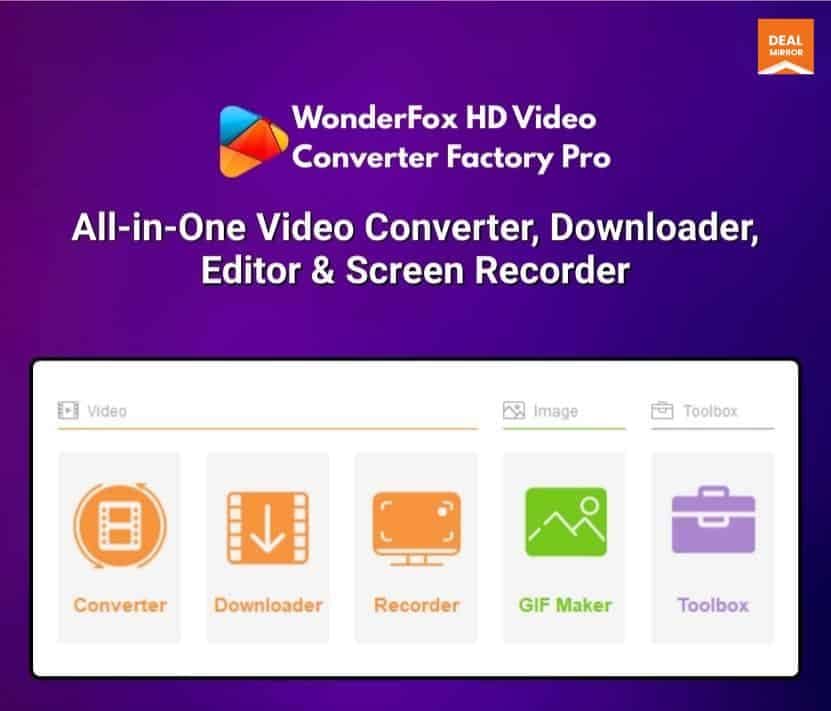
WonderFox HD Video Converter Factory Pro at a glance
- Platform
- Windows
- Support
- Free tech support by email, quoting your DealMirror purchase information.
- Note
- Free updates and upgrades. License covers 1 or 3 Windows PCs by plan.
- Updates
- Free
Our take
Is WonderFox HD Video Converter Factory Pro worth buying?
Based on the DealMirror listing, this is a Windows converter with a one PC and a three PC license that share the same features. It is Windows only, with free updates. The countdown reads zero, so confirm availability before buying.
Good fit if
- You convert video or audio on Windows regularly.
- You want conversion, light editing and downloads in one app.
- You want a one-time license with free updates.
Skip it if
- You use Mac or Linux.
- You need a license for more than 3 PCs.
- You need professional-grade editing.
Which WonderFox HD Video Converter Factory Pro plan do you need?
Prices in USD, excluding tax.
| License Tier 1 | License Tier 2 | |
|---|---|---|
| One-time price | $19 | $29 |
| Regular price (DealMirror) | ||
| You save | $20.95 | $50.92 |
| Windows PCs | 1 | 3 |
| Batch conversion | Up to 10 files | Up to 10 files |
| Updates | Free | Free |
Before you buy: DealMirror's terms and extra costs
- Refund. 30-day money-back guarantee for regular buyers, 60 days for DealMirror Prime members.
- Redeem. Redeem your code within 60 days of purchase.
- Support. Free tech support by email, quoting your DealMirror purchase information.
- Platform. Windows only, Windows 11 down to Windows 7.
- Note. Free updates and upgrades. License covers 1 or 3 Windows PCs by plan.
What is WonderFox HD Video Converter Factory Pro?
WonderFox HD Video Converter Factory Pro is a Windows program that converts video and audio between many formats, edits clips, upscales footage, records the screen and downloads media. Conversion can use GPU acceleration. The lifetime license covers one Windows PC or three PCs, depending on the plan, with free updates.
What WonderFox HD Video Converter Factory Pro says it does
- 500+ output presets for video and audio conversion (WonderFox HD Video Converter Factory Pro's figure)
- Downloads from 1,000+ sites, up to 12K (WonderFox HD Video Converter Factory Pro's figure)
- GPU acceleration with Intel Quick Sync and NVIDIA NVENC (WonderFox HD Video Converter Factory Pro's figure)
- Batch conversion of up to 10 files at once (WonderFox HD Video Converter Factory Pro's figure)
Why WonderFox HD Video Converter Factory Pro
Converting, trimming and downloading video usually takes several programs. This one bundles them for a single payment. It runs on Windows only, and the license is tied to the number of PCs on your plan.
How does WonderFox HD Video Converter Factory Pro work?
Redeem the code
Redeem your DealMirror code within 60 days of purchase.
Install on Windows
Install the program on your licensed PC.
Add files
Load video or audio, or download from a supported site.
Choose a format
Pick an output format or device preset.
Convert
Convert singly or in batches, optionally with GPU acceleration.
Then it handles:
- Converting video and audio formats
- Batch conversion
- Trimming, cropping and merging clips
- Upscaling low-resolution video
- Downloading online video
- Recording the screen
Who is WonderFox HD Video Converter Factory Pro for?
Built for
- Windows users converting files regularly
- Creators who want conversion and light editing in one app
- Buyers who prefer a one-time license
Not for
- Mac or Linux users
- Anyone needing more than 3 PCs on one license
- Users who need heavy professional editing
What is included in WonderFox HD Video Converter Factory Pro?
Conversion
- Audio and video conversion 500+ presets
- Batch conversion up to 10 files
- GPU acceleration Intel Quick Sync, NVIDIA NVENC
- Compression
Editing and extras
- Video editing trim, crop, merge, subtitles
- GIF and ringtone maker
- Subtitle extractor
Download and record
- Download from 1,000+ sites up to 12K
- Screen recording 4 modes
Video review
We have not reviewed WonderFox HD Video Converter Factory Pro on video yet.
Get notifiedBuyer reviews
No reviews yet. Bought WonderFox HD Video Converter Factory Pro? Add it to your workspace and share what it replaced.
Add to your workspaceWonderFox HD Video Converter Factory Pro questions
What is WonderFox HD Video Converter Factory Pro?
A Windows program that converts, edits and downloads video and audio, with screen recording and GPU acceleration.
How do the plans differ?
Only by the number of PCs: 1 on Tier 1 and 3 on Tier 2. Features are the same.
Does it run on Mac?
No. The listing says it is Windows only.
Are updates included?
Yes. The listing says free updates and upgrades.
Is there a refund?
30 days for regular buyers and 60 days for DealMirror Prime members.
Is the deal still active?
Buy Now is shown, but the countdown reads zero, so confirm availability.
Often compared with
These are other tools in the same space, not deals on GrabLTD.
- VideoProc Converter
- HandBrake
- Any Video Converter
- Movavi Video Converter
- Freemake Video Converter
Sources
Checked . Prices and terms on this page come from: