

Design · Lifetime deal
WorkMonit
Windows time, attendance and activity monitoring with cloud reports for payroll and billing.
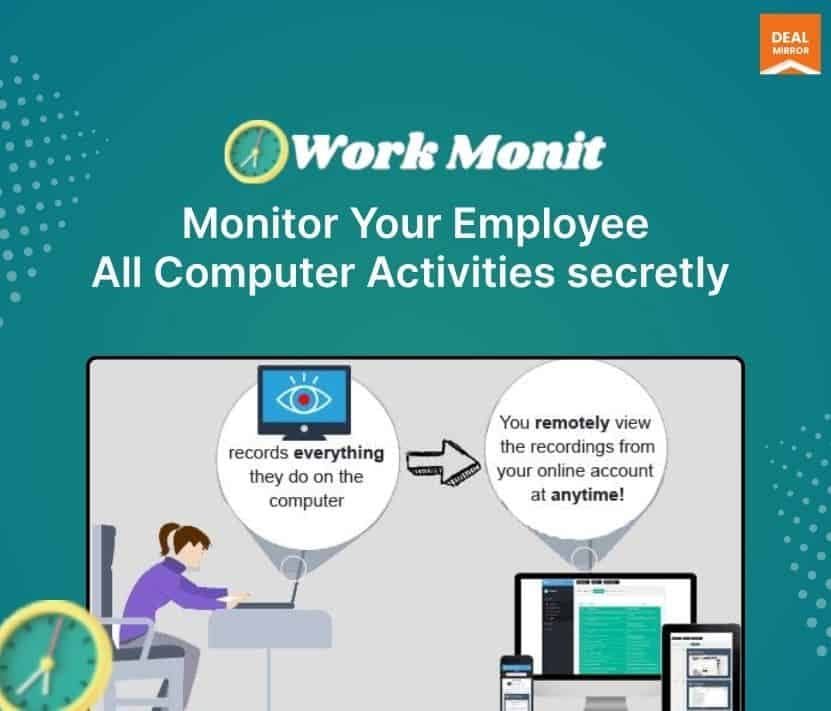
WorkMonit at a glance
- Platform
- Windows, Web
- Note
- Licensed per monitored computer. Moving the license to another device is free.
- Support
- Email support is offered; the address is hidden on the page.
Our take
Is WorkMonit worth buying?
Based on the DealMirror listing, WorkMonit is a Windows-only monitoring tool licensed per computer, with the same features on every tier. It suits agencies and remote teams with a disclosed monitoring policy. The invisible mode needs legal and ethical review before you use it.
Good fit if
- You bill clients by tracked time on Windows machines.
- You need attendance records for a remote team.
- You have a written monitoring policy staff know about.
Skip it if
- Your team uses Mac or Linux computers.
- You cannot legally or ethically monitor staff this way.
Which WorkMonit plan do you need?
Prices in USD, excluding tax.
| Tier 1 | Tier 2 | Tier 3 | Tier 4 | Tier 5 | Tier 6 | |
|---|---|---|---|---|---|---|
| One-time price | $79 | $199 | $299 | $499 | $999 | $1,799 |
| Regular price (DealMirror) | ||||||
| You save | $418 | $795 | $1,192 | $1,488.98 | $1,486 | $2,183 |
| Computers | 1 | 3 | 5 | Not stated | Not stated | Not stated |
| Screenshots | Unlimited | Unlimited | Unlimited | Not stated | Not stated | Not stated |
| Triggers | Unlimited | Unlimited | Unlimited | Not stated | Not stated | Not stated |
Before you buy: DealMirror's terms and extra costs
- Refund. 30-day money-back guarantee, or 60 days for DealMirror Prime members.
- Redeem. Redeem the code within 60 days of purchase.
- Platform. Windows only. Installation needs admin access and an internet connection.
- Note. Licensed per monitored computer. Moving the license to another device is free.
- Support. Email support is offered; the address is hidden on the page.
What is WorkMonit?
WorkMonit is Windows software that tracks work hours, app and website use, idle time and attendance on monitored computers. Data goes to a cloud portal, and reports export for payroll and client billing. It has visible and invisible modes. The deal is a lifetime license priced by the number of computers covered, with six tiers listed.
What WorkMonit says it does
- Unlimited screenshots and triggers on every tier
- Time tracking, attendance and idle-time monitoring
- Cloud portal with remote management and calendarized reports
- Installs in about two minutes (WorkMonit's figure)
Why WorkMonit
Teams that bill by the hour or manage remote staff often rely on manual timesheets. WorkMonit logs time and activity automatically. It monitors per computer, not per person, and its invisible mode raises legal and trust questions you must settle yourself.
How does WorkMonit work?
Redeem the code
Buy on DealMirror and redeem within 60 days of purchase.
Install on each computer
Run the Windows installer with admin access on every monitored machine.
Choose a mode
Pick visible or invisible software, based on your policy and local law.
Review the portal
Check hours, apps, screenshots and attendance in the cloud portal.
Export reports
Download activity reports for payroll or client billing.
Then it handles:
- Tracking active work hours
- Attendance and login records
- App and website usage
- Idle time monitoring
- Screenshots on triggers
- Exporting payroll and billing reports
- Remote management of monitored machines
Who is WorkMonit for?
Built for
- Agencies that bill clients by tracked time
- Remote-first companies that need attendance records
- Businesses with a clear and disclosed monitoring policy
Not for
- Mac or Linux fleets, since the software is Windows only
- Teams that need per-user licensing rather than per-computer
- Anyone who cannot disclose monitoring where the law requires it
What is included in WorkMonit?
Tracking
- Time and attendance tracking
- Application usage and idle time
- Keystroke monitoring
- Unlimited screenshots and triggers
Portal and reports
- Cloud monitoring portal access from any device
- Calendarized reports
- Remote management
- Teams
Deployment
- Visible and invisible modes
- Auto cloaks
- Two-minute installation vendor figure
Video review
We have not reviewed WorkMonit on video yet.
Get notifiedBuyer reviews
No reviews yet. Bought WorkMonit? Add it to your workspace and share what it replaced.
Add to your workspaceWorkMonit questions
What is WorkMonit?
Windows monitoring software that logs work hours, apps, websites, idle time and attendance to a cloud portal.
How is it licensed?
Per monitored computer. The tiers list 1, 3, 5, 10, 20 and unlimited computers. Monitoring two devices on a one-computer tier needs a second license.
Can I switch which computer is monitored?
Yes. The page says you can change the target device for free as often as you like.
Does it run invisibly?
The listing describes visible and invisible modes. Whether covert monitoring is allowed depends on your local law and company policy.
Which systems does it run on?
Windows only. The page lists XP through 11 in one place and Windows 7 to 10 in the FAQ, so confirm your version.
What is the refund policy?
30 days for regular buyers and 60 days for DealMirror Prime members. Redeem within 60 days of purchase.
Often compared with
These are other tools in the same space, not deals on GrabLTD.
- Hubstaff
- Time Doctor
- Teramind
- ActivTrak
- Monitask
Sources
Checked . Prices and terms on this page come from: