

Productivity · Lifetime deal
WPvivid
WordPress backup, restore and migration plugin with staging, sold as a lifetime license.
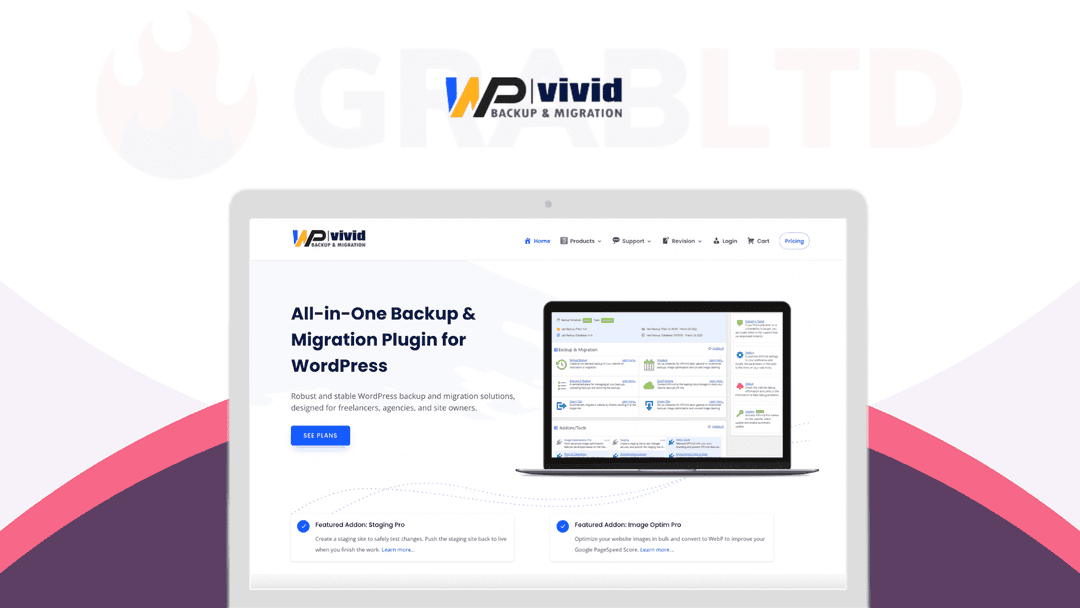
WPvivid at a glance
- Platform
- WordPress
- Support
- 24/7 support through tickets. Lifetime plans keep Pro updates and support for life.
- Upgrades
- You can upgrade or downgrade between plans.
- Note
- Licenses can be moved by removing the site in your account and activating another. The smallest plan allows a transfer to 1 website within 3 days.
- Support
- 24/7 tickets
Our take
Is WPvivid worth buying?
Based on the vendor's pricing page, WPvivid is a backup, restore and migration plugin with a lifetime option priced by domain count. Features are the same on every plan. A free version exists, so check whether the Pro features justify the price.
Good fit if
- You want scheduled off-site backups for WordPress.
- You migrate or stage sites for clients.
- You prefer paying once over annual renewals.
Skip it if
- The free version already covers your backup needs.
- Your site is not on WordPress.
Which WPvivid plan do you need?
Prices in USD, excluding tax.
| Blogger | Freelancer | Small Business | Ultimate | |
|---|---|---|---|---|
| One-time price | $99 | $139 | $199 | $299 |
| Regular price (WPvivid) | ||||
| You save | $699 | $1,159 | $1,999 | $2,591 |
| Domains | 2 | Up to 10 | Up to 50 | Unlimited |
| License transfer | Limited (3-day window) | Unlimited | Unlimited | Unlimited |
| Support | 24/7 tickets | 24/7 tickets | 24/7 tickets | 24/7 tickets |
WPvivid's plan names: Plan A; Plan B; Plan C; Plan D.
Before you buy: WPvivid's terms and extra costs
- Refund. Full refund within 30 days of purchase, per the vendor's pricing page.
- Support. 24/7 support through tickets. Lifetime plans keep Pro updates and support for life.
- Upgrades. You can upgrade or downgrade between plans.
- Note. Licenses can be moved by removing the site in your account and activating another. The smallest plan allows a transfer to 1 website within 3 days.
- Platform. WordPress plugin.
What is WPvivid?
WPvivid is a WordPress plugin for backups, restores and site migration. It runs scheduled backups, restores a site in one click and moves a site to a new domain or server. Copies can go to cloud storage or FTP. The Pro version adds incremental backups, multiple staging sites and more. The deal is a lifetime license, priced by domain count.
What WPvivid says it does
- Scheduled backups with one-click restore
- Migration to a new domain, server or subdirectory
- Pro adds incremental backups, staging sites and encryption of database backups
- Multisite support and 24/7 ticket support
Why WPvivid
Backups, restores and migrations usually take several tools. WPvivid covers them in one plugin and stores copies off your server. Domain count and transfer rules differ by plan, and the smallest plan limits license transfers.
How does WPvivid work?
Buy a lifetime license
Choose a plan by the number of domains you need.
Install the plugin
Add WPvivid Pro and activate the license on your site.
Set a backup schedule
Pick what to back up and where to store it.
Restore or migrate
Restore in one click or move the site to a new domain.
Then it handles:
- Scheduled backups
- One-click restores
- Site migration
- Staging sites
- Backups to Dropbox, Google Drive and FTP
- Incremental backups
- Multisite backup and migration
Who is WPvivid for?
Built for
- WordPress owners who want automatic off-site backups
- Freelancers and agencies who migrate sites often
- Users who need staging and restore in one plugin
Not for
- Sites not built on WordPress
- Buyers on the smallest plan who need to move licenses often, since transfers are limited to 3 days
- People who only need the free version's basic backups
What is included in WPvivid?
Backup and restore
- Scheduled backups advanced and multiple schedules in Pro
- One-click restore
- Incremental backups Pro
- Rollback of core, plugins and themes Pro
Migration and staging
- Site migration
- Multiple staging sites Pro, with push to live
- Multisite support
Storage and control
- Cloud and FTP destinations more storage options in Pro
- Whitelabel offer as a service, not resale
- Roles and capabilities
Video review
We have not reviewed WPvivid on video yet.
Get notifiedBuyer reviews
No reviews yet. Bought WPvivid? Add it to your workspace and share what it replaced.
Add to your workspaceWPvivid questions
What is WPvivid?
A WordPress plugin for scheduled backups, one-click restore and site migration, with a Pro version that adds staging and more.
How many domains does each plan cover?
The vendor lists 2 domains on Blogger, up to 10 on Freelancer, up to 50 on Small Business and unlimited on Ultimate.
Do plans differ in features?
The vendor page lists the same features on all tiers. Plans differ by domain count and license transfer rules.
Can I move my license?
Yes, by removing the old site in your account. The smallest plan only allows a transfer to 1 website within 3 days.
What is the refund policy?
A full refund within 30 days of purchase, on orders not older than 30 days.
Is there a free version?
Yes. The vendor offers a free plugin with basic backup, migration and restore. The paid version adds Pro features.
Often compared with
These are other tools in the same space, not deals on GrabLTD.
- UpdraftPlus
- BlogVault
- BackupBuddy
- Jetpack Backup
- All-in-One WP Migration
Sources
Checked . Prices and terms on this page come from: