

Video & Audio · Lifetime deal
Yes Captions
AI captions for short video with animated styles, brand presets, translation and social export.
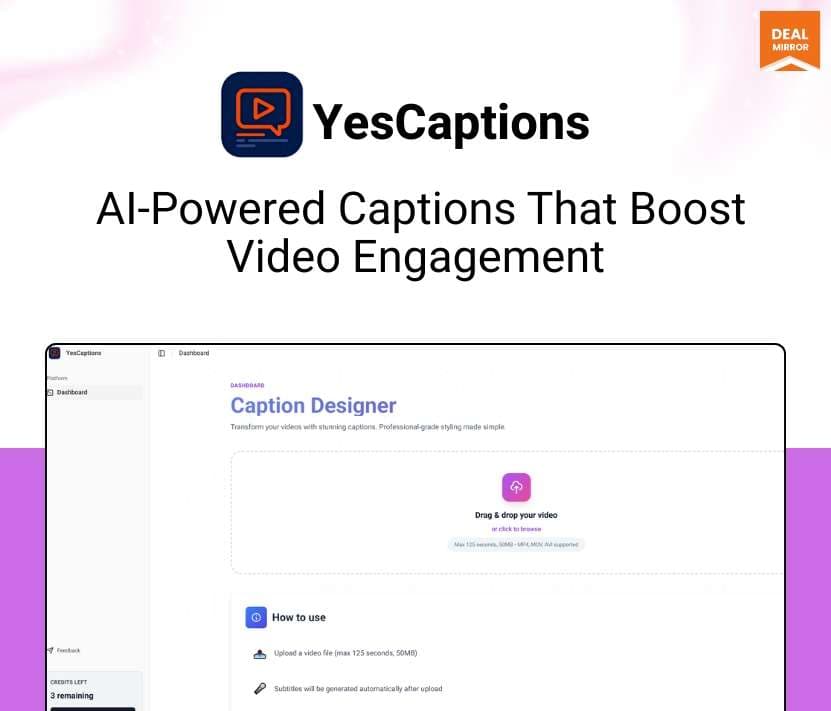
Yes Captions at a glance
- Platform
- Web
- Support
- Email support, with replies typically within 24 hours on business days. Tier 2 lists priority email.
- Note
- Lifetime access with monthly video caps that differ by tier.
Our take
Is Yes Captions worth buying?
Based on the DealMirror listing, Yes Captions is a lifetime short-video captioning tool with monthly caps on videos and languages. It suits creators and small teams posting vertical video. The page gives no detail on accuracy or how the tool runs, so check the refund window.
Good fit if
- You post short video and caption it by hand today.
- You want brand presets for consistent caption style.
- You need captions in a few languages.
Skip it if
- You need long-form video editing features.
- You expect more than the monthly video caps.
Which Yes Captions plan do you need?
Prices in USD, excluding tax.
| Tier 1 | Tier 2 | |
|---|---|---|
| One-time price | $39 | $74 |
| Regular price (DealMirror) | ||
| You save | $40 | $75 |
| Videos per month | 150 | 500 |
| Languages per video | Up to 3 | Up to 40 |
| Users | Not stated | Up to 5 |
| Support | Priority email |
Before you buy: DealMirror's terms and extra costs
- Refund. 30-day money-back guarantee, or 60 days for DealMirror Prime members.
- Redeem. Redeem the code within 60 days of purchase.
- Support. Email support, with replies typically within 24 hours on business days. Tier 2 lists priority email.
- Note. Lifetime access with monthly video caps that differ by tier.
What is Yes Captions?
Yes Captions generates captions for short video from an uploaded clip. It times captions to the spoken words, lets you edit the transcript, and applies animation styles and saved brand presets. It can translate captions and export for TikTok, Reels and Shorts, as burned-in video or SRT files. The deal is a lifetime license in two tiers, set by monthly video volume.
What Yes Captions says it does
- Captions timed to the frame with speech
- Animation styles such as fade, slide, bounce and kinetic text
- Saved brand presets for fonts, colors and styles
- Export as burned-in video or SRT files
Why Yes Captions
Most short video is watched with the sound off, so captions matter, and hand-timing them is slow. Yes Captions automates the transcription, timing and styling. Volume is capped per month, and the page does not say how the tool runs or what the accuracy is.
How does Yes Captions work?
Redeem the code
Buy on DealMirror and redeem within 60 days of purchase.
Upload a clip
Add a short video, or several in Tier 2 for batch processing.
Review the transcript
Edit wording, punctuation and speaker labels.
Style the captions
Pick an animation style or a saved brand preset.
Export
Export for TikTok, Reels or Shorts, or download an SRT file.
Then it handles:
- Auto-generating captions
- Editing transcripts
- Animated caption styles
- Brand presets
- Translating captions
- Exporting in several aspect ratios
- Batch processing on Tier 2
Who is Yes Captions for?
Built for
- Creators and social managers posting short video
- Small teams that want brand-consistent captions
- Agencies captioning many clips each month
Not for
- Buyers who need long-form video editing
- Teams of more than 5 users, since Tier 2 lists up to 5
- Anyone who cannot redeem within 60 days
What is included in Yes Captions?
Captioning
- AI caption generation
- Word-timed captions
- Editable transcripts wording, punctuation, speaker labels
Styling and export
- Caption animations fade, slide, bounce, kinetic
- Brand presets
- Burned-in video or SRT export
Languages and scale
- Multi-language captions 3 languages on Tier 1, up to 40 on Tier 2
- Batch uploads Tier 2
Video review
We have not reviewed Yes Captions on video yet.
Get notifiedBuyer reviews
No reviews yet. Bought Yes Captions? Add it to your workspace and share what it replaced.
Add to your workspaceYes Captions questions
What is Yes Captions?
A tool that auto-generates word-timed captions for short video, with animation styles, brand presets and translation.
What are the limits?
Tier 1 lists 150 videos a month and up to 3 languages per video. Tier 2 lists 500 videos, up to 5 users and up to 40 languages.
Which formats can I export?
TikTok, Reels and Shorts aspect ratios, as burned-in video or SRT files.
Can I edit the captions?
Yes. You can edit wording, punctuation and speaker labels in the transcript.
What is the refund policy?
30 days for regular buyers and 60 days for DealMirror Prime members. Redeem within 60 days of purchase.
Is there batch processing?
Tier 2 lists bulk processing with multi-upload in the same style.
Often compared with
These are other tools in the same space, not deals on GrabLTD.
- Captions
- Submagic
- Kapwing
- VEED
- CapCut
Sources
Checked . Prices and terms on this page come from: