
Paying once for software can take a monthly renewal off the list, but the billing label does not tell you what job the product does. A CRM moves leads and follow-up. A shared address book keeps a team's contacts in sync. An invoicing tool sends bills and chases payment. They are related, but they are not interchangeable. The supplied product pages were last checked on 1 October 2026, so the figures below are a dated snapshot rather than a promise of same-day availability.
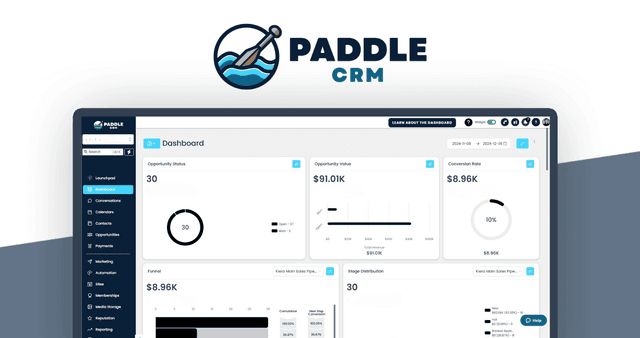
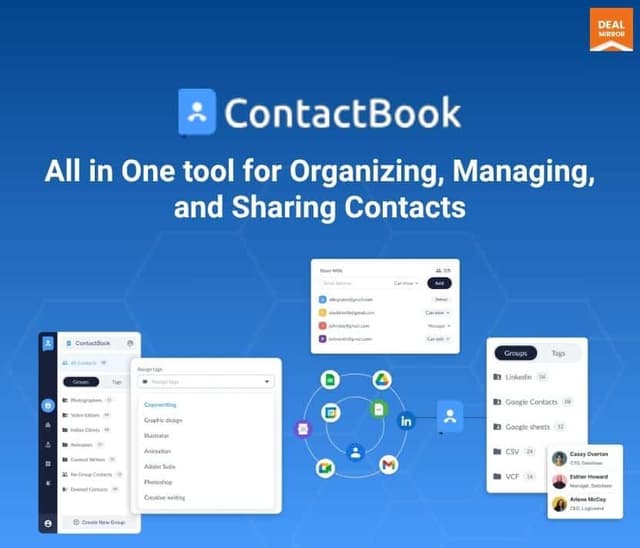
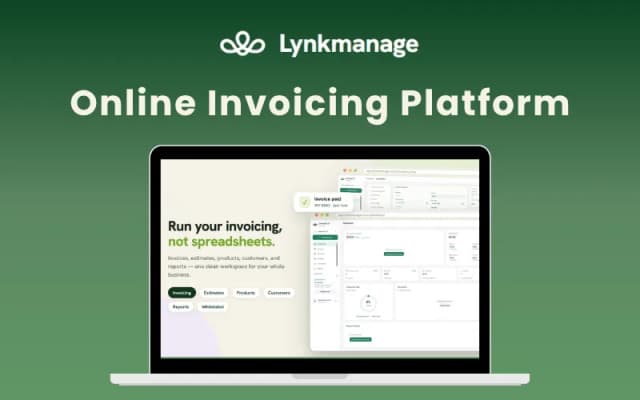
Paddle CRM is the full CRM in this set: pipelines, two-way texting, review requests, email and invoices for local service businesses. ContactBook is a shared contact manager with group permissions, real-time updates and mobile apps. Lynkmanage handles cloud invoices, estimates, recurring bills, reminders and online payments. The blunt buying rule is simple: do not buy a shared address book to solve pipeline management, and do not buy invoicing software hoping it becomes a CRM. Match the job first. Then check the caps.
Match the product to the job before the plan
If you need lead stages, text conversations, missed-call follow-up, reputation requests, email campaigns and invoices in one system, Paddle CRM is the relevant offer in this set. Its description places it in local service businesses, and its higher plans add funnels, websites and workflows. If the problem is duplicated contact lists, inconsistent edits and deciding who may see which contacts, ContactBook addresses that narrower job. It provides shared groups, per-group permissions, mobile apps and a Chrome extension.
If the work is creating estimates, sending recurring invoices, issuing reminders and taking online payments, Lynkmanage is the closer fit. The listing says payments settle to your own payment account and that Lynkmanage takes no cut. It also includes a branded client portal. That does not make it a CRM. It makes it an invoicing and payment workflow.
A one-time price can tempt you to treat near-neighbouring tools as one bundle. That is where purchases go wrong. Paddle CRM covers CRM, messaging, reputation and email. ContactBook covers a shared contact directory. Lynkmanage covers invoicing and billing. None of the three descriptions presents a single replacement for all of those jobs. Your shortlist should therefore name the task first: pipeline, shared contacts or invoices. Only then do plan names mean anything. You can scan further options in the software directory, but keep that category distinction intact.
Compare limits before prices
Paddle CRM's Starter plan is $297 for one user and up to 1,000 contacts. Growth is $497 for five users and up to 5,000 contacts. Agency is $997 for up to three sub-accounts, each with up to five users and 10,000 contacts. The marketing copy says users are unlimited, but each plan listing sets a cap. The listing is the useful part of that comparison: an agency plan can hold more contacts, but its user allowance remains tied to each sub-account. If the team grows past five users on one account, this product does not fit that requirement.
ContactBook uses a different scale. Basic is $89 with 5,000 contacts and up to 50 shared groups. Pro is $179 with 25,000 contacts, 100 groups and 10 GB of attachments. Pro + (Business) is $499 with unlimited contacts and groups, 100 GB and Google Sync. Every tier covers five users. The page also says contact counts are one-time allotments for the tier, so “5,000 contacts” is capacity, not a monthly top-up. That distinction matters when you compare it with Paddle CRM's contact caps.
Lynkmanage's Pro plan is $49 and includes three team seats. Business is $119 and has unlimited seats. The Pro plan lists unlimited invoices and estimates, while Business is described as adding full white-label functionality. The seat count still changes the practical size of the account, even though the billing is one-time.
Before you spend, write down the number of people who need access and the number of records each account must hold. Then check the highest-value work: the plan limit that blocks the job. A one-time payment does not make a five-user cap disappear. Neither does a larger contact allowance solve a missing pipeline or invoicing feature.
Check the features that remove duplicate work
Paddle CRM has the broadest task list here. It covers two-way text and email, missed-call text back, a web chat widget, forms, surveys, trigger links, sales pipelines, calendars, email campaigns, invoices and reputation tracking. Growth and Agency add funnels, websites and workflows. The listed integrations are Google Calendar, Stripe, Twilio, Mailgun, Facebook, Instagram, Google Business Profile and Zapier.
That is a long checklist, but two usage costs remain unstated on the page: Twilio and Mailgun. Do not treat the one-time plan price as the whole operating cost until those charges are clear.
ContactBook's value is narrower: one shared address book organised into groups, with notes, attachments and group-level permissions. Contacts can be imported from Google or Microsoft accounts. Its Chrome extension can capture details from Gmail, LinkedIn, Twitter and Instagram, and the same contacts are available through Android and iOS apps. Google Sync is included only on Business and runs every four hours. Lower tiers can import Google or Microsoft accounts, but they do not include that sync.
Lynkmanage concentrates on the money side of client work. Its feature list includes estimates that convert to invoices, recurring billing, automatic reminders, products and tax rates, a client portal, reports, PDF exports, REST API and webhooks. Payments go to your own account, with no cut taken according to the listing. Its Business tier adds full white-label, and the listing says up to two codes can be stacked. The useful comparison is not whether each product has more checkboxes. It is which repeated task the product is built to remove.
Separate listed features from caveats and roadmap items
Paddle CRM's page lists 14-day done-for-you onboarding. Support is claimed as 24/7/365 by email, in-app chat and knowledge base, with replies within one business day. Priority support is a paid upgrade. The bigger buying caveat is the conflict around unlimited users. Plan tables still set the usable limits, so compare against those tables rather than the broad marketing line. The listing also does not mention stacking.
ContactBook has two similarly important cautions. Duplicate handling is described inconsistently: one answer says it can detect and merge duplicates, while another says smart duplicate detection is still in progress. Two-factor authentication and audit logs are described as being explored, not available. If either security feature is required for your buying decision, Business does not solve it. That distinction should affect the decision rather than disappear behind the one-time price.
Lynkmanage is web-based. A mobile-optimized experience, native Zapier, more payment gateways, expense and bill tracking and more templates are on its roadmap. Do not buy the listed plan on the assumption that roadmap items are included. A roadmap is an intention in the listing, not a feature you can use. Likewise, support is described as email support, while the page also mentions 24/7 customer support, so the level of support is not perfectly clear.
Here is the opinion worth stating plainly: a lifetime price cannot repair a product mismatch. Buying ContactBook because it manages contacts does not give you Paddle CRM's pipelines, just as buying Lynkmanage does not give you ContactBook's shared directory or Google Sync. Match the category first. Then examine the caps.
Read the one-time terms as a dated snapshot
All three offers use one-time prices in USD, excluding tax. Paddle CRM lists a 30-day money-back guarantee. ContactBook and Lynkmanage list 30 days for regular buyers and 60 days for eligible Prime members. Each code must be redeemed within 60 days. Paddle CRM's and ContactBook's listings do not mention code stacking; Lynkmanage's says up to two codes can be stacked. These are concrete terms to put beside the product choice, not footnote details.
The source pages for these three products were last checked on 1 October 2026. Treat the prices, caps and feature lists as seen by that date. In practical terms, you should revisit each linked product page before checkout rather than treat this article as a same-day availability check. The Paddle CRM page also flags that Twilio and Mailgun usage costs are not stated, while priority support is an upgrade. Its $297 starting payment can therefore sit beside costs that remain open questions.
Use a short decision test. If you need lead pipeline, messaging, reviews and email in one place, start with Paddle CRM. If you need one shared, permissioned contact source, start with ContactBook. If you need estimates, recurring invoices, reminders and online payments, start with Lynkmanage. Then choose the tier by hard constraints: Paddle CRM's user and contact limits, ContactBook's five-user allowance and contact allotments, or Lynkmanage's three seats versus unlimited seats.
There are three final warnings. Do not choose Paddle CRM's Starter plan when you need funnels or workflows. Do not choose ContactBook Business for 2FA or audit logs, because those are described as explored rather than available. Do not choose Lynkmanage for a mobile app or native Zapier if you need them now, because both appear on the roadmap. The cleanest purchase is rarely the product with the broadest label. It is the one whose listed plan covers the job you already have, without forcing a second workaround.
Before paying, confirm five things: the user count, the contact or invoice volume, the missing feature, the third-party charges and the redemption deadline. If all five line up, the lifetime price is easy to judge. If one does not, the saving is not the point. You are choosing a system to carry work, not a receipt.