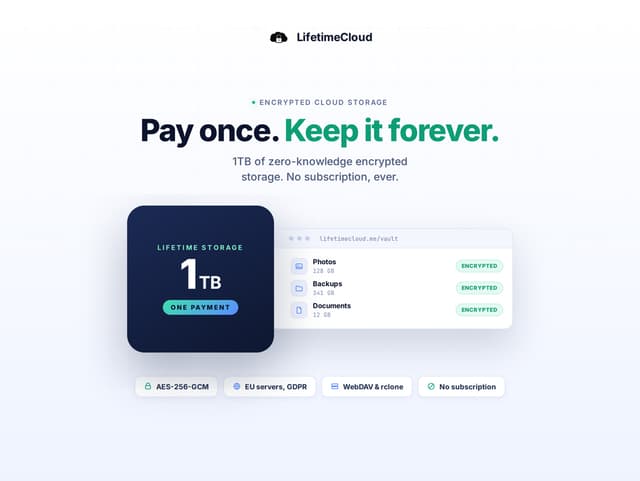
Google One's 2 TB plan has listed at about $9.99 a month in the US (the price varies by country; check the current price). LifetimeCloud Secure Storage is a different kind of product: an encrypted, browser-based file store you pay for once. It comes in two sizes on the same page. The 1 TB plan costs $39.99 and breaks even in month 4, but it holds half of what Google One gives you. The 2 TB plan costs $74.99, matches Google One's size and breaks even in month 8.
That is the main thing to settle before you switch. Google One's storage is shared across Drive, Gmail and Google Photos. LifetimeCloud is a file store. It does not replace Google Photos, and it does not handle a mail archive. If your storage is mostly documents, archives and project files, it fits well. If it is mostly photos, it does not.
Who should switch and who should stay
Switch if your Drive files total under 1 TB, you are a new user who wants to pay once, and you care about encryption on your own device. The listing says files are encrypted before they leave your device, which is a real difference from a standard cloud drive. It also suits a family, since the 1 TB plan allows family sharing for up to five members.
Stay on Google One if you have more than 1 TB of Drive files, if your photos are the main reason you pay, or if you need desktop sync. Stay also if you already have a LifetimeCloud account, since the code is for new users only, or if any single file is larger than 1.5 GB.
Cost over three years
Google One's 2 TB plan at about $9.99 a month comes to about $360 over three years. LifetimeCloud's 1 TB plan costs $39.99 once. That saves about $320 over three years and about $80 in the first year, but you get half the space. The like-for-like comparison is the 2 TB plan on the same product page at $74.99 once: it saves about $285 over three years and about $45 in the first year. If you pay Google annually, the gap narrows but does not close.
The saving is only real if your files really fit. Moving to a smaller plan and paying for storage somewhere else would undo the saving.
What you lose
You lose desktop sync, the Google ecosystem, and Google's own support. You also lose the easy path for photos. LifetimeCloud has a file limit of 1.5 GB, and the listing names no vendor support channel beyond StackSocial.
What you gain is a single payment and a file store that encrypts your data before upload. The trade is real. Test the upload path with a few folders before you move everything, and keep Google One active until you have checked what matters.