Developer · Lifetime deal
CSS Inspector
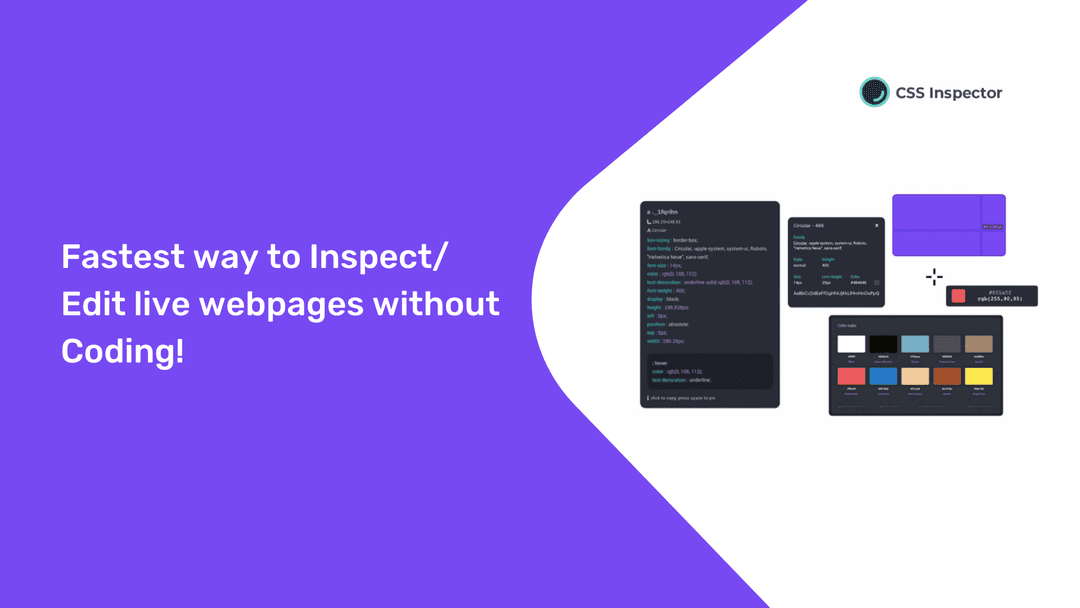
CSS Inspector Is The Easiest & Fastest Way To Inspect/Edit Live Webpages Without Coding. It's Simple, Just Click & Copy!
Which CSS Inspector plan do you need?
Prices in USD, excluding tax.
| Plan | |
|---|---|
| Includes | Inspect/edit live webpages without coding; CSS Properties Copy & Paste Tool; Color Palette Detector; Color Hover Detector; Measure: Get distance between elements; Font Detector; Chrome Extension; All future updates and improvements included; 30-day Money Back Guarantee |
What is CSS Inspector?
How often do you think: What is that exact color on that website? What is that exact font or style?
And then you open ‘inspect element’ in your browser and get lost in the code and give up. What a waste of time.
Now there is CSS Inspector! An easy way to inspect the CSS of any element with only hover over, and copy its entire CSS with one click.
With this super simple, but highly effective Chrome Extension you will save a huge amount of time on the daily struggles of a marketer, designer or developer.
What can you do with CSS Inspector?
Get CSS Properties simply by selecting an element
Get the color palette from any website
Get a color reading from any point in your browser, elements or images, and paste it
Get distance between elements in the page
Inspect fonts, color and other font properties. All typographies in one place
Get Lifetime access to CSS Inspector now!
Video review
We have not reviewed CSS Inspector on video yet.
Get notifiedBuyer reviews
No reviews yet. Bought CSS Inspector? Add it to your workspace and share what it replaced.
Add to your workspaceCSS Inspector questions
Is the CSS Inspector lifetime deal still available?
No. This deal is archived and no longer active on GrabLTD. It was sold via Dealify for a one-time price of $24.
What is CSS Inspector?
CSS Inspector is a browser extension (Chrome and compatible browsers) that lets you inspect, copy, and understand the CSS of any live webpage by simply hovering and clicking on elements — no coding knowledge required.
What specific features does CSS Inspector include?
Key features include CSS inspection and one-click copying, exact hex color detection, font and typography detection, a full color palette extractor, and measurement tools for spacing between elements.
Who is CSS Inspector designed for?
It is useful for designers, marketers, and non-developers who want to understand or replicate the styling of any webpage without needing to dig into browser dev tools.
Does CSS Inspector require coding skills?
No. The tool is positioned as a no-code solution — hover over any element to see its CSS, colors, and fonts, then click to copy.
Are there free alternatives to CSS Inspector?
Yes. Chrome DevTools (built into the browser) provides full CSS inspection for free. CSS Peeper is a popular free Chrome extension with similar hover-to-inspect capabilities.
Can CSS Inspector edit live webpages?
Yes. Beyond just reading CSS, the tool allows in-browser CSS edits to see changes live, which is useful for experimenting with style tweaks before implementation.
Often compared with
These are other tools in the same space, not deals on GrabLTD.
- CSS Peeper (free Chrome extension)
- Chrome DevTools
- WhatFont (font detection)
- ColorZilla (color picker)