Developer · Lifetime deal
Locker
Securely save unlimited passwords and sensitive information instantly.
Which Locker plan do you need?
Prices in USD, excluding tax.
| Plan A | |
|---|---|
| Includes | Unlimited Passwords; Unlimited Confidential notes; Unlimited Credit card information; Unlimited Personal identities; Unlimited Devices (logged in at the same time); With-a-click password saving; Sign in with FaceID and TouchID; Strong password generator; Built-in Locker Authenticator; Item sharing; Item quick share; Private email; Password health checker; Data breach scanner; Excluded URLs; Emergency Access; Offline mode; Cross-device support |
What is Locker?
“You changed your password 2 months ago”
Of course, you remember you changed your password 2 months ago. You just can’t remember what.
Is it “Noobmaster69” or “N00bMaster69”? No way to know.
You can’t keep resetting your passwords either. It is frustrating and a waste of time.
Introducing Locker
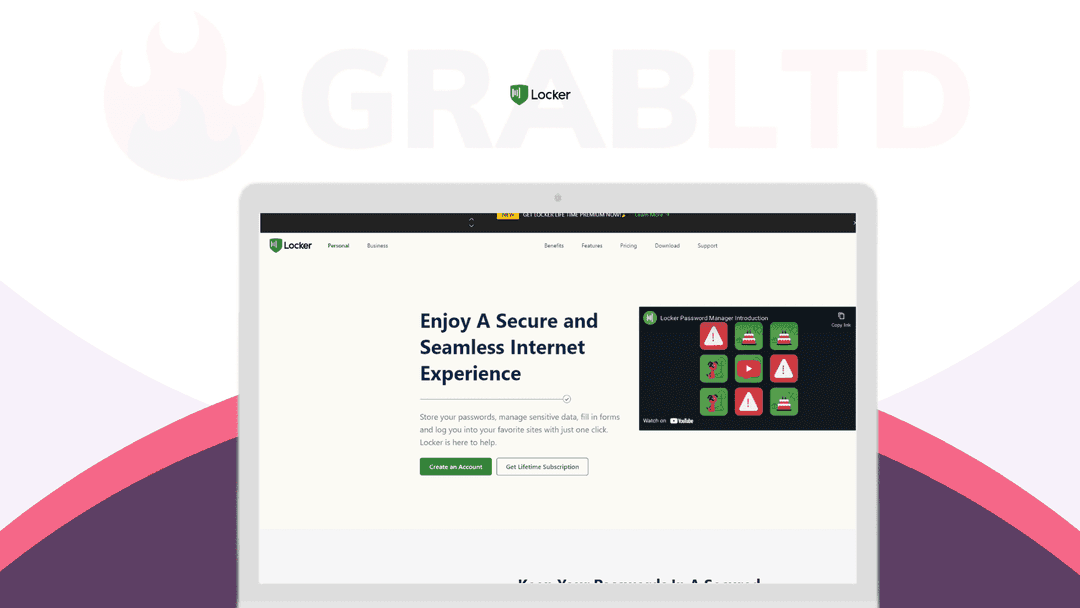
Locker helps you store, share, and manage all your Passwords, Personal Identities, and other sensitive data for secure access with just one click.
Sign up for a gazillion productivity tools, forget your passwords, and still access them all instantly with Locker.
One-click save your password with military-grade encryption on your first log-in to any account. So you’re automatically logged in thereafter.
Add another layer of biometric security, because you can also log in with your Face ID or Touch ID.
Save your time in thinking of a strong password with upper case, numbers, and a special character whenever you sign up on any platform.
Auto-generate super-strong passwords instantly to create your account.
With Locker, also check your existing password health. Update and secure them even from the most brutal cyber attacks.
Protect your personal documents, credit card information, and every other sensitive information in one place. So that you can access them from anywhere at any time.
Need to share a personal ID for a legal requirement? Quickly share it securely from anywhere in the world.
Also, create and save unlimited confidential notes to revisit later.
You can access your passwords and confidential items on unlimited devices with Locker.
And across all devices including Windows, MacOS, iOS, Android, and Linux.
Secure all your accounts and sensitive information while enjoying hassle-free access from anywhere.
Video review
We have not reviewed Locker on video yet.
Get notifiedBuyer reviews
No reviews yet. Bought Locker? Add it to your workspace and share what it replaced.
Add to your workspaceLocker questions
Is this Locker deal still available?
No. The Locker lifetime deal offered via SaaS Mantra is archived and no longer available for purchase. Locker continues as a paid subscription product at locker.io.
What did the Locker lifetime deal include?
The deal offered Locker Premium for a one-time payment of $69.99, covering unlimited password and secure note storage, cross-device sync, AES-256 encryption, zero-knowledge architecture, dark web monitoring, password health checker, and emergency access for trusted contacts.
How does Locker protect my data?
Locker uses military-grade AES-256 encryption combined with PBKDF2 and RSA algorithms in a zero-knowledge architecture, meaning even Locker cannot read your stored data. All vaults are end-to-end encrypted.
Does Locker work across multiple devices?
Yes. The Premium plan supports unlimited devices with real-time sync, and includes mobile apps with FaceID/TouchID biometric unlock and browser extensions.
Can Locker alert me if my passwords are compromised?
Yes. Locker includes a dark web monitoring feature that sends 24/7 notifications if your credentials appear in known data breaches, as well as a password health checker for weak or reused passwords.
Does Locker support sharing passwords securely?
Yes. Locker allows encrypted password sharing with other users, and also includes an emergency access feature so trusted contacts can request vault access in an emergency.
What is the @maily.org email alias feature?
Locker Premium includes a privacy-first email alias using the @maily.org domain, letting you sign up for services without exposing your real email address.
What are the best alternatives to Locker now that the deal is gone?
Strong password manager alternatives include Bitwarden (free and open source, with a $10/year Premium tier), 1Password (starting at $2.99/month), and Dashlane (starting at $4.99/month). Bitwarden is the closest open-source equivalent.
Often compared with
These are other tools in the same space, not deals on GrabLTD.
- Bitwarden
- 1Password
- Dashlane
- Keeper
- NordPass