

Productivity · Lifetime deal
Meget
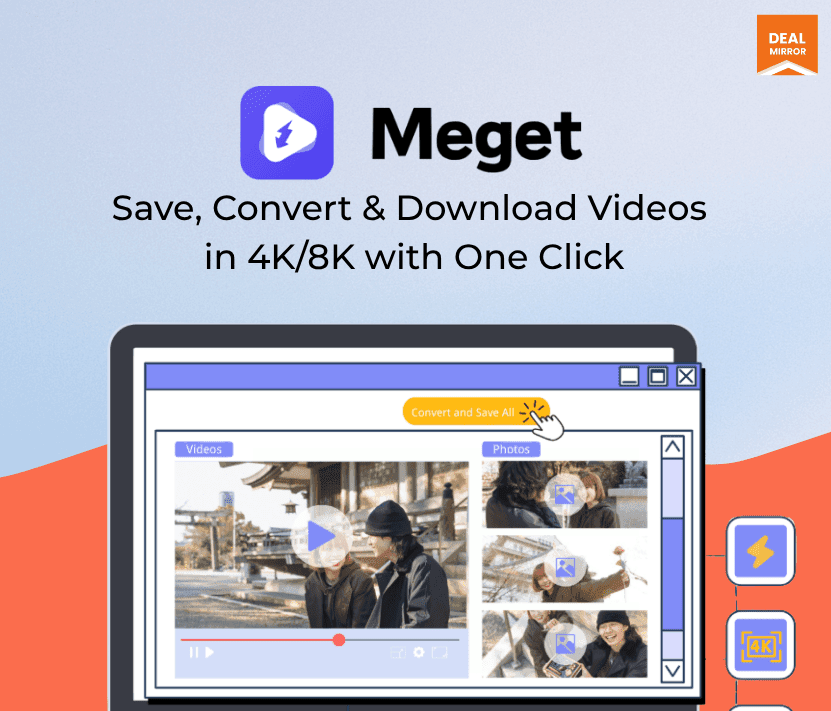
Desktop video and audio downloader with batch downloads, format conversion and up to 8K quality.
Meget at a glance
- Platform
- Windows, macOS
- Note
- All editions are described as perpetual full-featured licenses. Roadmap items for 2026 are not guaranteed.
- Support
- Email support.
Our take
Is Meget worth buying?
Based on the DealMirror listing, this is a perpetual license for a desktop video downloader and converter, sold in several editions by device count. The 10,000-site and 8K figures are the vendor's. Check platform support, since the page conflicts on Android.
Good fit if
- You download and convert many videos.
- You want a perpetual desktop license.
- You need playlists and batches handled in one tool.
Skip it if
- You only need an occasional single download.
- You need confirmed Android support.
Which Meget plan do you need?
Prices in USD, excluding tax.
| Meget LTD | Meget Family | Meget Pro LTD | |
|---|---|---|---|
| One-time price | $24.95 | $34.95 | $34.95 |
| Regular price (DealMirror) | |||
| You save | $45 | $65 | $55 |
| Edition | Meget | Not stated | Not stated |
| Devices | 1 (PC, Mac, Android per plan card) | Not stated | Not stated |
| License | Perpetual | Not stated | Not stated |
Before you buy: DealMirror's terms and extra costs
- Refund. DealMirror lists a 30-day money-back guarantee, or 60 days for DealMirror Prime members.
- Redeem. Redeem within 60 days of purchase.
- Note. All editions are described as perpetual full-featured licenses. Roadmap items for 2026 are not guaranteed.
- Support. Email support.
- Platform. Windows and macOS per the FAQ. Some plan cards also list Android.
What is Meget?
Meget is a desktop app that downloads video and audio from the web and converts it to formats such as MP4, MP3, AVI, MOV and WAV. The listing says it works across 10,000+ sites, handles batches and playlists, and keeps original quality up to 8K. The DealMirror deal sells perpetual licenses in several editions by device count.
What Meget says it does
- Downloads from 10,000+ sites, including playlists in batches (Meget's figure)
- Original quality up to 8K (Meget's figure)
- Converts to MP4, MP3, AVI, MOV, WAV and other formats
- Keeps subtitles and metadata
Why Meget
Free browser downloaders often cap resolution or fail on batches. Meget is a desktop tool for bulk downloads and conversion on a perpetual license. The speed claims are the vendor's, and platform support is inconsistent on the page.
How does Meget work?
Redeem the code
Redeem within 60 days of purchase.
Install Meget
Install the desktop app on Windows or macOS.
Paste links
Add video links or playlists.
Pick a format
Choose output format and quality.
Download
Run the batch and collect your files.
Then it handles:
- Downloading videos and playlists
- Batch downloads
- Converting video and audio formats
- Saving subtitles and metadata
- Bulk-saving page images and video (Pro)
Who is Meget for?
Built for
- Editors and archivists who download many clips
- Users who convert between video and audio formats
- Buyers who want a one-time desktop license
Not for
- Anyone who wants a browser-only tool
- Users who need confirmed Android support, since the page conflicts
What is included in Meget?
Download and convert
- 10,000+ supported sites vendor figure
- Batch and playlist downloads
- Format conversion MP4, MP3, AVI, MOV, WAV
- Original quality up to 8K
Meget Pro extras
- Bulk export from a webpage videos and images
- Full-quality detection no compression
- Built-in browser
Video review
We have not reviewed Meget on video yet.
Get notifiedBuyer reviews
No reviews yet. Bought Meget? Add it to your workspace and share what it replaced.
Add to your workspaceMeget questions
What is Meget?
A desktop downloader and converter for video and audio, with batch downloads and many output formats.
Which editions are there?
Per the page: Meget (1 device), Meget Family (5 devices), Meget Pro (1 device) and Meget Pro Family.
What does Pro add?
Bulk export of videos and images from a page, full-quality detection and a built-in browser.
Which platforms are supported?
The FAQ says Windows and macOS. Some plan cards also list Android, so confirm before buying.
What is the refund policy?
30 days for regular buyers and 60 days for Prime members. Redeem within 60 days.
Often compared with
These are other tools in the same space, not deals on GrabLTD.
- 4K Video Downloader
- yt-dlp
- JDownloader
- Freemake Video Downloader
- Wondershare UniConverter
Sources
Checked . Prices and terms on this page come from: