AI Tools · Lifetime deal
Power Formulas
Power Formulas is the Google Sheets add-on that integrates your spreadsheet
Which Power Formulas plan do you need?
Prices in USD, excluding tax.
| Plan A | Plan B | Plan C | |
|---|---|---|---|
| Includes | Unlimited formula refreshes; Schedule hourly/ daily data refreshes; Access to all formulas; Formula Builder; Live email and chat support; Unlimited article generation using GPT-4; Unlimited image generation using Dall-E; Add your own OpenAl key for unlimited usage | Unlimited formula refreshes; 5 users in Google Workspace; Schedule hourly/ daily data refreshes; Access to all formulas; Formula Builder; Live email and chat support; Unlimited article generation using GPT-4; Unlimited image generation using Dall-E; Add your own OpenAl key for unlimited usage | Unlimited formula refreshes; Unlimited users in Google Workspace; Schedule hourly/ daily data refreshes; Access to all formulas; Formula Builder; Live email and chat support; Unlimited article generation using GPT-4; Unlimited image generation using Dall-E; Add your own OpenAl key for unlimited usage |
What is Power Formulas?
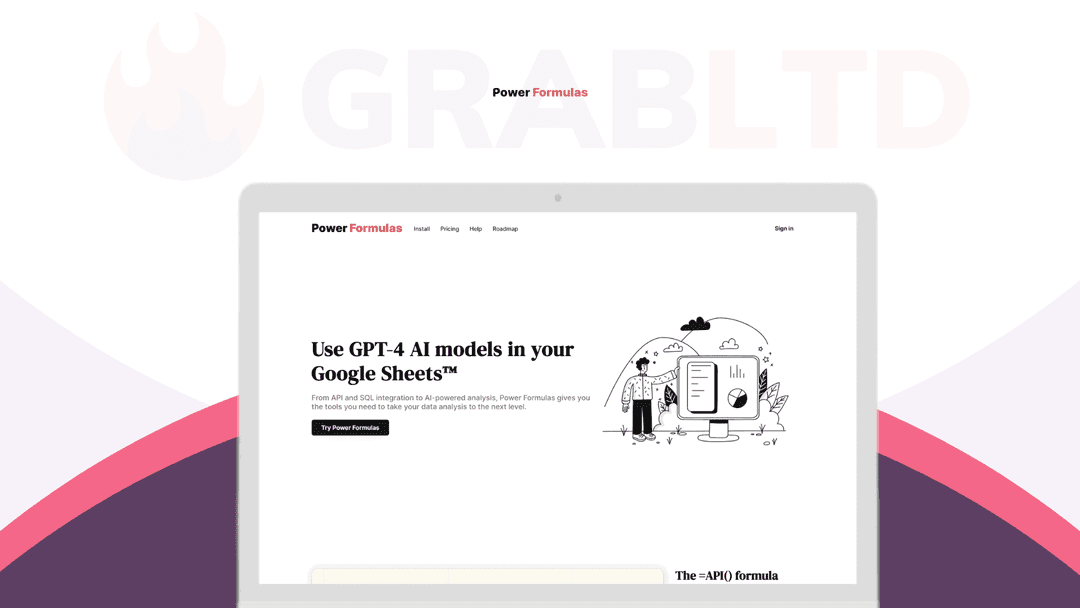
Power Formulas is a Google Sheets add-on that integrates your spreadsheet with OpenAI’s strong GPT language.
From API and SQL integration to AI-powered analysis, Power Formulas gives you the tools you need to take your data analysis to the next level.
With Power Formulas, creating AI-generated content and images in bulk in Google Sheets is simple and can be achieved with our =AI() and =AI_IMAGE formulas.
Your Google Sheets experience is completely transformed with Power Formulas, which makes it more intelligent and integrated.
Harness The Power Of =AI()
With the =AI() formula, Power Formulas brings OpenAI’s GPT-4 and GPT-4o into your spreadsheet, transforming it into a smart assistant for problem-solving and more.
The =AI() formula is like having your own personal AI assistant within Google Sheets.
This powerful feature leverages the capabilities of OpenAI’s GPT-4 text generation API, bringing the power of AI into your spreadsheets.
With =AI(), you can send a request to the GPT-4 API and get the result right in your spreadsheet.
This means you can use your spreadsheet to ask questions, solve problems, and perform a myriad of tasks that you would typically do with chatGPT.
Our new =AI_IMAGE() formula enables you to create images right in Google Sheets and utilize OpenAI’s DALL·E 3 image generation models.
Generate Images Using DALL·E Models
Look at the simplicity and strength of the =AI_IMAGE() formula! This formula is the ideal tool for anyone who wants to rapidly and effectively turn textual prompts—regardless of how complicated or simple—into eye-catching visual elements.
The =AI_IMAGE() formula, which is changing the field of visual content production, is a real ally for marketers and design enthusiasts. Get ready to transform your content with this innovative fusion of practicality and creativity!
The =API() Formula That GETs You
Improve your Google Sheets experience by using Power Formulas’ =API() formula.
Connect to any API with ease and import JSON data.
Use the power of real-time data updates to improve your data analysis skills and make well-informed decisions.
=SQL(), Right In Google Sheets
For a flawless experience, quickly set up connections to several databases, run SQL queries, and synchronize data.
Use real-time database updates to enhance your data analysis.
No-Formula, As In No-Code
Create and modify formulas with ease by utilizing our intuitive UI. Simply choose the required data, enter it, and let Power Formulas create the calculations for you.
Video review
We have not reviewed Power Formulas on video yet.
Get notifiedBuyer reviews
No reviews yet. Bought Power Formulas? Add it to your workspace and share what it replaced.
Add to your workspacePower Formulas questions
Is this Power Formulas lifetime deal still available?
No. The Power Formulas lifetime deal has expired. The product may still be available via AppSumo at its standard price, but the discounted lifetime deal featured here is no longer active.
What is Power Formulas?
Power Formulas is a Google Sheets add-on that connects your spreadsheet to AI language models including GPT-4, Claude, and Gemini. It lets you run AI prompts, generate text, and create images directly inside Google Sheets cells using custom formulas — no coding required.
Does Power Formulas include AI credits?
No. Power Formulas is a connector tool only. You must supply your own API keys from OpenAI, Anthropic, Google AI, or Cohere. The cost of AI usage is billed directly by those providers — Power Formulas itself does not include AI credits.
What AI models does Power Formulas support?
Power Formulas supports GPT-4 and GPT-5 (OpenAI), Claude (Anthropic), Gemini (Google AI), and models from Cohere. You connect via API keys you obtain directly from each provider.
What can you do with Power Formulas in Google Sheets?
You can use it to bulk-generate content (product descriptions, email copy, summaries), classify or categorize data, extract structured information from unstructured text, generate images, and build AI-powered spreadsheet workflows — all without leaving Google Sheets.
Who is Power Formulas for?
It suits marketers, ecommerce operators, data analysts, and anyone who works in Google Sheets and wants to automate content generation or data enrichment tasks using AI without writing code.
What were the limitations reported by users?
Users noted that initial setup (API key management) can be confusing for beginners, and bulk processing can be slow with large datasets. Since AI costs are separate, heavier use can become expensive depending on the models used.
Often compared with
These are other tools in the same space, not deals on GrabLTD.
- SheetMagic
- GPT for Sheets and Docs (Talarian)
- Numerous.ai
- Rows
- Bardeen