Productivity · Lifetime deal
QuickTools
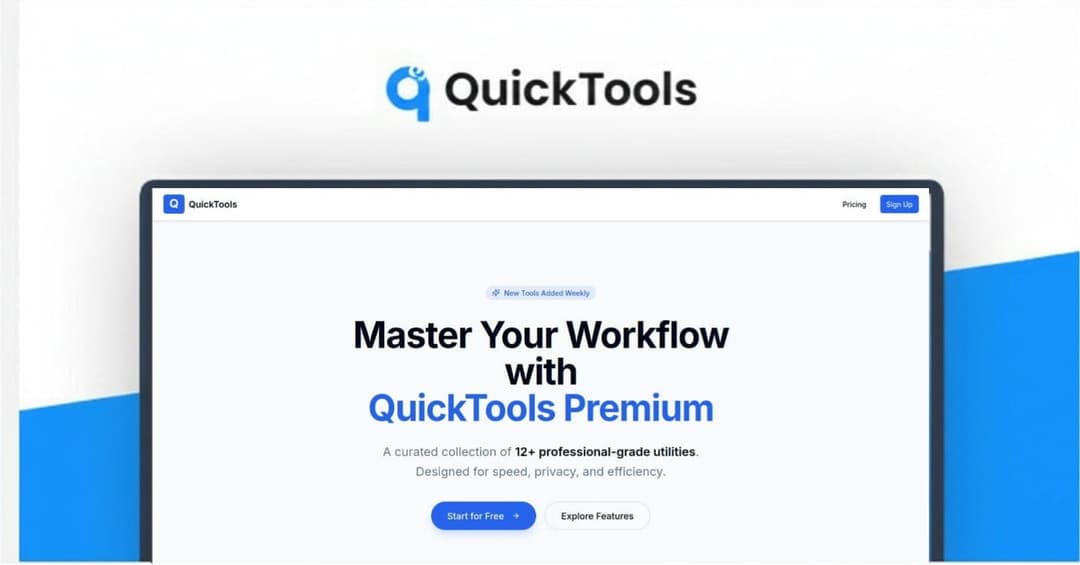
Browser hub of 14+ utilities: URL shortener, QR codes, image tools, PDF editor and more.
QuickTools at a glance
- Platform
- Web
- Support
- Priority support is listed in the stored tier details.
- Note
- Unlimited usage of the Pro tools and all future updates, per the stored tier details. Not verified on a live page.
- Updates
- All future updates
- Support
- Priority
Our take
Is QuickTools worth buying?
Based on the stored listing, QuickTools bundles many small browser utilities under one lifetime plan. We could not read the Dealify product page, which redirected to a general listing, so the deal may have ended and all terms are unverified.
Good fit if
- You regularly need small file and link utilities.
- You want to stop juggling free tools with ads.
- You have confirmed the deal is still live.
Skip it if
- You need professional-grade PDF or image editing.
- You cannot confirm the current terms with Dealify.
- You cannot redeem within 60 days of purchase.
Which QuickTools plan do you need?
Prices in USD, excluding tax.
| Lifetime Subscription | |
|---|---|
| Tools | All Pro tools |
| Usage | Unlimited |
| Updates | All future updates |
| Support | Priority |
Before you buy: Dealify's terms and extra costs
- Refund. 30-day money-back guarantee, per the stored tier details.
- Redeem. Redeem your code within 60 days of purchase, per the stored tier details.
- Support. Priority support is listed in the stored tier details.
- Note. Unlimited usage of the Pro tools and all future updates, per the stored tier details. Not verified on a live page.
- Platform. Browser based.
What is QuickTools?
QuickTools is a browser-based dashboard of 14 or more everyday utilities, according to the stored listing. It covers URL shortening with click analytics, QR codes, image compression and conversion, PDF editing, and other small tools such as a logo creator and background remover. The listing says no install or account is needed and files are not retained server-side. Treat these details as unverified, because the Dealify page could not be read.
What QuickTools says it does
- 14+ browser utilities in one workspace (QuickTools's figure)
- No installs or account requirement, and files not retained server-side (QuickTools's figure)
- URL shortener with click analytics and QR code generation
- Image compression, format conversion and PDF editing
Why QuickTools
People often hunt for separate sites to shorten a link, compress an image or edit a PDF. QuickTools groups them in one dashboard. We could not verify the current deal, tools list or terms, because the Dealify product page returned a general listing.
How does QuickTools work?
Redeem the code
Redeem your code within 60 days of purchase.
Open the dashboard
Use it in the browser, with nothing to install.
Pick a tool
Choose a utility such as the shortener, compressor or PDF editor.
Drop in a file or link
Process it and download or copy the result.
Then it handles:
- Shortening URLs with click analytics
- Generating QR codes
- Compressing images
- Converting image formats
- Editing and merging PDFs
- Creating logos
- Removing image backgrounds
Who is QuickTools for?
Built for
- Freelancers and small teams who use many small utilities
- People tired of ad-heavy single-purpose sites
- Anyone who wants one paid hub for routine file tasks
Not for
- Buyers who cannot confirm the deal is still live
- People who need heavy-duty editing beyond simple utilities
- Buyers who cannot redeem within 60 days
What is included in QuickTools?
Links and codes
- URL shortener with click analytics
- QR code generator URLs, text, vCards
Images and documents
- Image compressor quality controls, bulk processing
- Format converter PNG, JPEG, WEBP, SVG, ICO
- PDF editor add text, merge, split, compress
- Background remover
Video review
We have not reviewed QuickTools on video yet.
Get notifiedBuyer reviews
No reviews yet. Bought QuickTools? Add it to your workspace and share what it replaced.
Add to your workspaceQuickTools questions
What is QuickTools?
A browser-based hub of 14 or more small utilities, such as a URL shortener, QR generator, image compressor, format converter and PDF editor.
Do I need to install anything?
The stored listing says no installs and no account requirement. Confirm this with the seller.
Is the deal still available?
The Dealify product page redirected to a general listing when we checked, so it may have ended.
What does the plan include?
The stored details list all Pro tools, unlimited usage, all future updates and priority support.
What is the refund policy?
The stored details list a 30-day money-back guarantee and a 60-day redemption window. These were not confirmed on a live page.
Often compared with
These are other tools in the same space, not deals on GrabLTD.
- Bitly
- Smallpdf
- Squoosh
- CloudConvert
- Remove.bg