

Productivity · Lifetime deal
Systweak PDF Editor Pro
Offline desktop PDF editor with conversion, OCR, signing and redaction on a 2-device license.
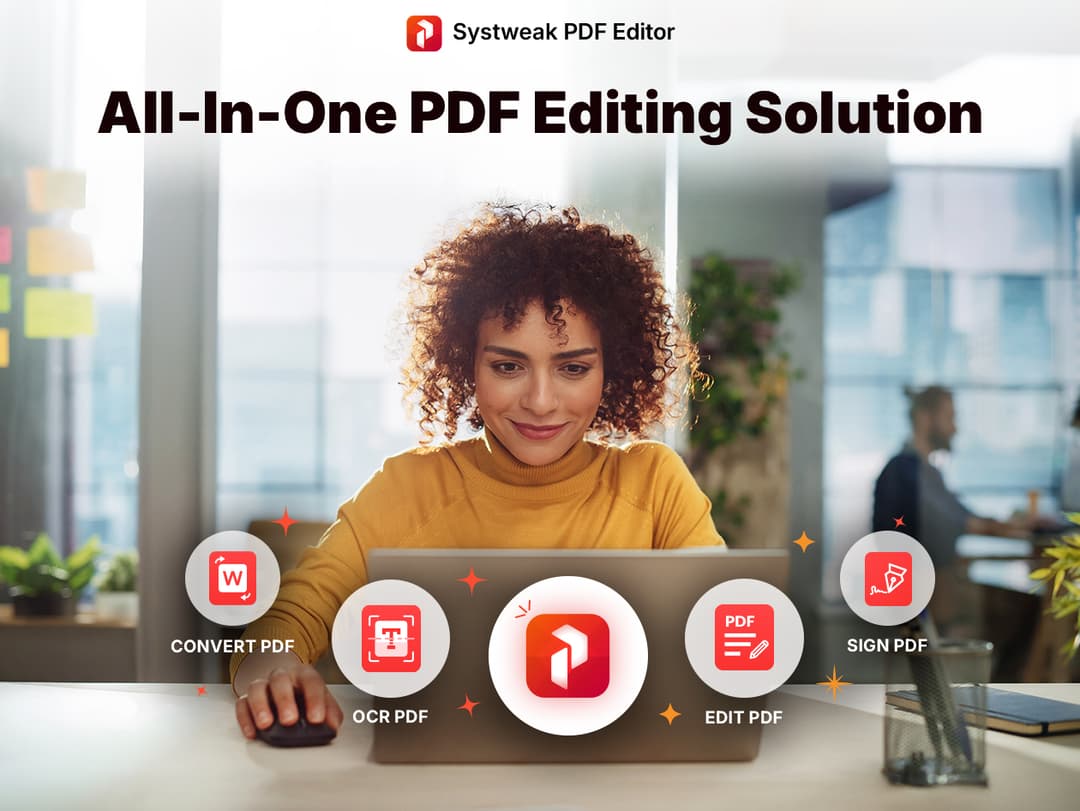
Systweak PDF Editor Pro at a glance
- Platform
- Windows, macOS
- Support
- Support is by email.
Our take
Is Systweak PDF Editor Pro worth buying?
Based on the DealMirror listing, this is a perpetual desktop PDF editor for up to 2 devices. It suits people who want offline editing and OCR without a subscription. The page conflicts on Mac support and the stored summary mentioned a year of updates, which the page does not state.
Good fit if
- You edit PDFs often and want to avoid a subscription.
- You want files processed on your own machine.
- You need OCR, redaction and batch tools.
Skip it if
- You need mobile or AI features now.
- You rely on Mac support being confirmed.
Which Systweak PDF Editor Pro plan do you need?
Prices in USD, excluding tax.
| Lifetime deal | |
|---|---|
| One-time price | $49 |
| Regular price (DealMirror) | |
| You save | $250 |
| Devices | Up to 2 |
| License | Perpetual |
| Platform | Windows and Mac (per deal terms) |
Before you buy: DealMirror's terms and extra costs
- Refund. DealMirror lists 30 days, or 60 days for DealMirror Prime members.
- Redeem. Redeem within 60 days of purchase.
- Support. Support is by email.
- Platform. Desktop software for up to 2 devices. The page lists Windows and Mac in the deal terms but calls it Windows software in the overview.
What is Systweak PDF Editor Pro?
Systweak PDF Editor Pro is a desktop PDF editor that works mostly offline. It edits text, images and links, converts to and from Office and image formats, merges, splits, compresses, signs and redacts PDFs, and includes OCR and batch processing. The DealMirror deal is a perpetual license for up to 2 devices.
What Systweak PDF Editor Pro says it does
- Convert offline to and from Word, Excel, PowerPoint, images and HTML
- OCR for scanned documents and batch processing
- Internet needed only for activation and updates (Systweak PDF Editor Pro's figure)
- Roadmap lists web e-signature, a mobile app and AI features in Q3 2026 (Systweak PDF Editor Pro's figure)
Why Systweak PDF Editor Pro
Renting a PDF editor by the month adds up. This is a one-time license that keeps files on your machine. The page is inconsistent about Mac support, and roadmap features such as AI and mobile are not shipped yet.
How does Systweak PDF Editor Pro work?
Redeem your code
Buy on DealMirror and redeem within 60 days.
Install
Download the desktop app for your system.
Activate
Enter your license. Internet is needed for activation.
Work on PDFs
Edit, convert, sign, redact or run OCR.
Then it handles:
- Editing PDF text, images and links
- Converting to and from Office formats
- Merging, splitting and compressing
- Signing and password protection
- Redaction and watermarks
- OCR on scans
- Batch processing
Who is Systweak PDF Editor Pro for?
Built for
- Windows users who want a one-time PDF editor
- People who prefer files to stay on their own machine
- Users who need OCR and redaction
Not for
- Anyone who needs mobile or AI features today, as they are roadmap items
- Buyers who need Mac support confirmed, since the page is inconsistent
What is included in Systweak PDF Editor Pro?
Edit and organize
- Edit text, images, links
- Merge, split, compress
- Annotate and bookmark
- Rotate and organize pages
Convert and protect
- Offline conversion Word, Excel, PowerPoint, images, HTML
- OCR and batch processing
- Sign, password, redact
- Watermarks
Video review
We have not reviewed Systweak PDF Editor Pro on video yet.
Get notifiedBuyer reviews
No reviews yet. Bought Systweak PDF Editor Pro? Add it to your workspace and share what it replaced.
Add to your workspaceSystweak PDF Editor Pro questions
What is Systweak PDF Editor Pro?
A desktop PDF editor with conversion, OCR, signing and redaction tools.
How many devices?
The perpetual license covers up to 2 devices.
Does it work offline?
Mostly. Internet is needed only for activation and updates.
Does it run on Mac?
The deal terms list Windows and Mac, but the overview says Windows. Confirm before buying.
What is the refund policy?
30 days, or 60 days for DealMirror Prime members.
Often compared with
These are other tools in the same space, not deals on GrabLTD.
- Adobe Acrobat
- Foxit PDF Editor
- Nitro PDF
- PDF-XChange Editor
- Wondershare PDFelement
Sources
Checked . Prices and terms on this page come from: