Productivity · Lifetime deal
Vimageo
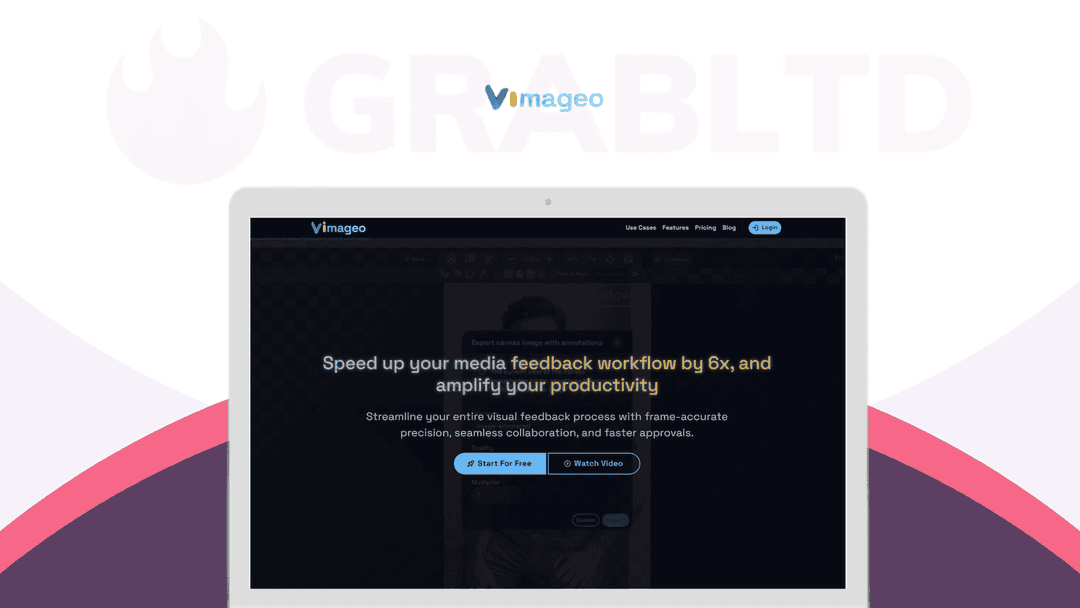
Vimageo brings frame-accurate annotations and contextual comments directly onto your images and videos.
Which Vimageo plan do you need?
Prices in USD, excluding tax.
| Plan A | Plan B | Plan C | |
|---|---|---|---|
| Includes | All Markup and Commenting Tools; Google drive, Dropbox, Box and Onedrive integration (1 integration); 1 share link per file; Export annotated files | All Markup and Commenting Tools; Google drive, Dropbox, Box and Onedrive integration (3 integrations); 3 share links per file; Export annotated files; 5GB Vimageo storage; Slack integration (1 integration) | All Markup and Commenting Tools; Google drive, Dropbox, Box and Onedrive integration (Unlimited integrations); Unlimited share links per file; Export annotated files; 20GB Vimageo storage; Slack integration (Unlimited integrations) |
What is Vimageo?
With Vimageo, it does. Say goodbye to confusing screenshots, endless email threads, and feedback lost in Slack.
Vimageo brings frame-accurate annotations and contextual comments directly onto your images and videos — so your creative process stays fast, clear, and beautifully aligned.
No more back-and-forth. Just focused collaboration that moves your projects forward.
Why teams love Vimageo:
- 6x Faster Review Cycles – Accelerate approvals with precise, visual feedback. - Crystal-Clear Communication – Comments appear exactly where they’re needed. - All-in-One Workflow – Stop switching between tools; keep everything in one place. - Smart Integrations – Syncs effortlessly with Slack and your cloud storage.
Perfect for:
Creative agencies, freelance editors, content creators, marketing teams, product designers, sports analysts — anyone who works with visual media.
Just connect your cloud storage and start collaborating like never before.
With Vimageo, feedback isn't a roadblock — it's part of the creative flow.
Why Vimageo?
Because giving feedback on creative work shouldn’t feel like a scavenger hunt.
Vimageo brings your entire visual review process into one focused space — so you can collaborate faster, communicate clearly, and keep momentum high. Instead of juggling screenshots, email threads, and third-party tools, you and your team can leave precise, visual comments right on the media itself.
Whether you're reviewing a video ad, a product photo, or a sports highlight, Vimageo gives you:
- Frame-accurate annotations for total clarity - Slack and cloud integrations that fit right into your flow - Activity logs to track every note and revision - Shared links to keep everyone aligned without the back-and-forth
From creative agencies to sports analysts, remote design teams to solo freelancers — Vimageo helps you move projects forward without losing the plot.
In short: it’s not just feedback. It’s a creative collaboration, finally done right.
The Key Features Behind the 6x Speedup
- Image Annotation: Powerful tools for image annotation, including texts, free drawing, polylines, and shapes. - Video Annotation: Efficient video annotation with frame-by-frame annotation tools. - AI-Assisted Annotation: Leverage machine learning to speed up your annotation process and improve accuracy. - Integrate Cloud Storage: Connect your cloud storage like Google Drive, Dropbox, Box, and One Drive to expand your storage capacity. - Integrate Collaboration Tools: Integrate with popular collaboration tools like Slack for real-time collaboration and team communication. - Share and Collaborate: Generate shareable links to request annotations or share your work with others, enhancing collaboration and feedback. - Export Annotations: Export your annotated images and video frames as JPG format. - Local Files Annotation: Annotate unlimited local files without the need to upload. Export your annotations for free. - Activity logs: Keep track of comments and annotations
Who's Vimageo Best For?
Vimageo is built for anyone who collaborates on visual media and wants to save time, reduce confusion, and keep feedback flowing.
It’s a perfect fit for:
- 🎨 Creative Agencies – Streamline client feedback on designs, ads, and campaigns. - 📹 Video Production Teams – Get frame-accurate notes without endless replays. - ✏️ Freelancers & Creators – Share work, collect feedback, and look ultra professional. - 📈 Marketing Teams – Review visuals, social clips, and brand assets — all in one place. - 🧠 Remote Product & Design Teams – Keep collaboration tight, even across time zones. - 🏅 Sports Analysts & Coaches – Break down footage and annotate performance with precision.
If your work involves images, video, feedback, and people, Vimageo is your new favourite tool.
Just plug in your cloud storage, loop in your team, and let the magic begin.
Video review
We have not reviewed Vimageo on video yet.
Get notifiedBuyer reviews
No reviews yet. Bought Vimageo? Add it to your workspace and share what it replaced.
Add to your workspaceVimageo questions
Is Vimageo still available to purchase?
No. The Vimageo lifetime deal has been archived and is no longer purchasable through GrabLTD. Vimageo the product itself continues to operate at vimageo.com, though it is no longer offered at a one-time lifetime price here.
What does Vimageo do?
Vimageo is a visual collaboration and annotation tool for images and videos. You can leave frame-accurate annotations, draw shapes, add text, and leave contextual comments directly on media files — eliminating the need for confusing screenshot emails or scattered Slack threads.
What annotation types does Vimageo support?
Vimageo supports text annotations, free-hand drawing, polylines, shapes, and frame-by-frame video annotation. It also includes AI-assisted annotation to speed up repetitive markup tasks.
Does Vimageo integrate with other tools?
Yes. Vimageo integrates with Slack for real-time team communication and connects to cloud storage services including Google Drive, Dropbox, Box, and OneDrive. Annotations can be exported as JPG files.
What collaboration workflow features does Vimageo include?
Vimageo supports shareable review links, activity logs, status tracking (Needs Review, In Progress, Approved), side-by-side version comparison, and the ability to resolve or reopen annotation threads.
Who was Vimageo designed for?
Vimageo targets creative agencies, video production teams, marketing teams, freelancers, remote design teams, and sports analysts — anyone who reviews visual media collaboratively and needs precise, contextual feedback.
How fast did Vimageo claim to speed up review cycles?
Vimageo marketed a 6x faster review cycle versus traditional methods like email feedback chains or scattered tool switching.
What are the best subscription alternatives to Vimageo?
Frame.io (acquired by Adobe, free tier available), Ziflow (proofing platform, plans from ~$9/month), and MarkUp.io are the strongest alternatives for visual annotation and creative review workflows.
Often compared with
These are other tools in the same space, not deals on GrabLTD.
- Frame.io
- Ziflow
- MarkUp.io
- Filestage
- ReviewStudio