

Video review
OptimusDesk full walkthrough: clients, quotes, calendar and AI in one desk
We set OptimusDesk up for GrabLTD from scratch: the six-step setup from a website, clients, products, projects and the Smart Board, quotes with e-signatures, the type-a-sentence calendar and booking page, Pip the AI assistant, and what the lifetime deal includes and does not.
Recorded by GrabLTD on a GrabLTD lifetime license (Tier 1). GrabLTD sells this deal and earns from each sale. Features and prices may change.
Chapters
- 0:00Intro (opens in a new tab)
- 0:21What it is (opens in a new tab)
- 0:33Setup in six steps (opens in a new tab)
- 1:41The guided tour (opens in a new tab)
- 2:03Clients (opens in a new tab)
- 2:27Products and services (opens in a new tab)
- 2:40Projects and tasks (opens in a new tab)
- 3:20Quotes and agreements (opens in a new tab)
- 4:01Calendar and bookings (opens in a new tab)
- 4:31Pip, the AI assistant (opens in a new tab)
- 4:54More tools (opens in a new tab)
- 5:33What the lifetime deal includes (opens in a new tab)
- 6:15Who it is for (opens in a new tab)
The product
Sales & CRM
OptimusDesk
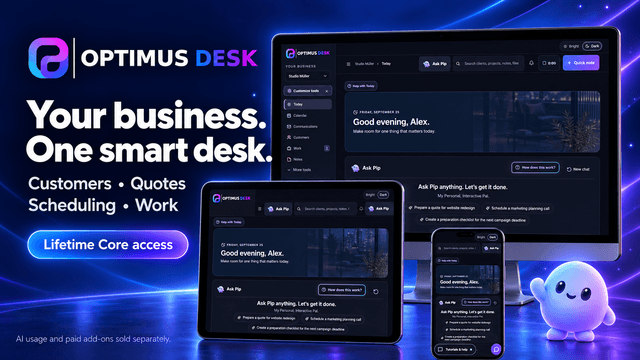
Your customers, quotes, appointments and daily work—connected in one workspace.
Ends in 65 days
$39Sold by OptimusDesk
Shorts from this review
Short · OptimusDesk
OptimusDesk: a whole back office for $39, once
Clients, projects, quotes with e-signatures, a calendar and an AI helper in one desk, shown in a GrabLTD workspace.
· 27 s