

Design · Lifetime deal
NetOptimizer
Windows utility that tunes network and browser settings in one click, with a restore point first.
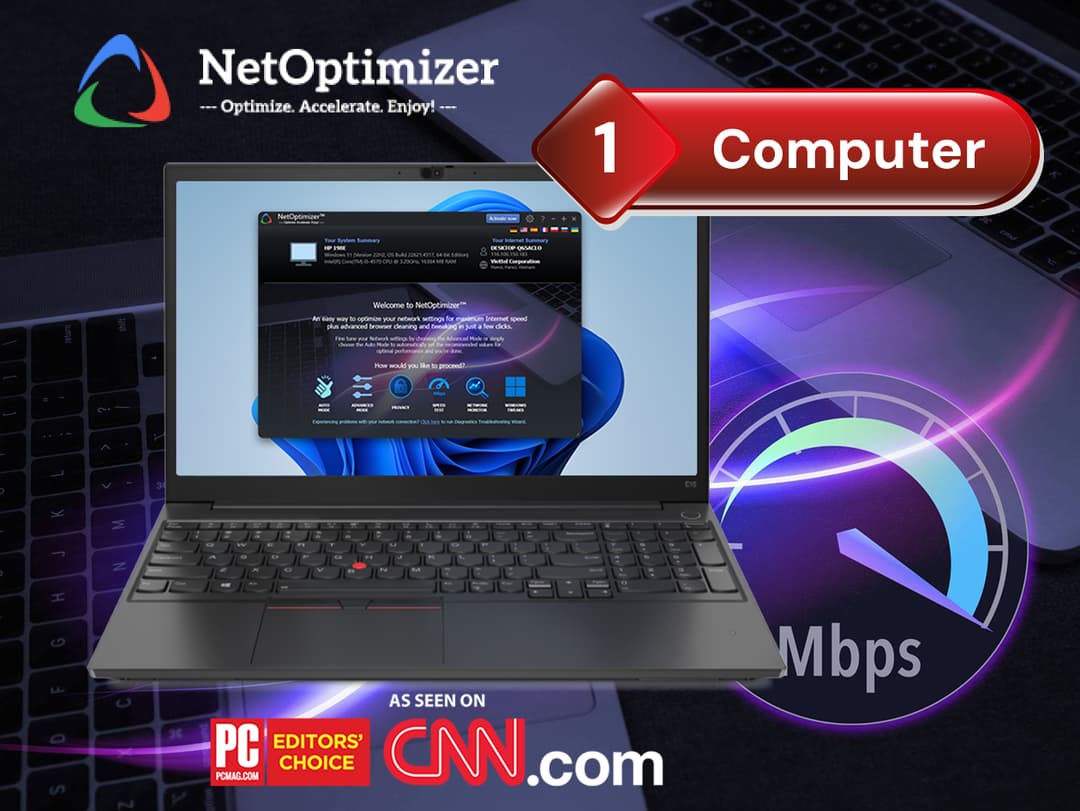
NetOptimizer at a glance
- Platform
- Windows
- Upgrades
- Each license is bound to the first PC it is activated on. Remove an existing license before using another on the same machine. Larger PC counts are sold as separate options.
- Support
- License transfers after replacing a device go through NetOptimizer support.
Our take
Is NetOptimizer worth buying?
Based on the StackSocial listing, this is a small Windows tuning utility with a lifetime license for one PC and a restore point safety net. The listing gives no measured speed gains, so treat the benefit as unproven for your setup. The 30-day redeem window is short.
Good fit if
- You are on Windows and want a one-click network tune-up.
- You value a restore point before system changes.
- You are comfortable with one PC per license.
Skip it if
- You use Mac or Linux.
- You expect a faster plan from your ISP.
- You may not redeem within 30 days.
Which NetOptimizer plan do you need?
Prices in USD, excluding tax.
| 1 Computer | 3 Computers | 5 Computers | 10 Computers | |
|---|---|---|---|---|
| One-time price | $19.99 | $29.99 | $39.99 | $49.99 |
| Computers | 1 | Not stated | Not stated | Not stated |
| License binding | First PC activated | Not stated | Not stated | Not stated |
| Windows versions | XP SP3 and later, incl. 11 | Not stated | Not stated | Not stated |
| Updates | Included | Not stated | Not stated | Not stated |
| Restore point | Created before changes | Not stated | Not stated | Not stated |
Before you buy: StackSocial's terms and extra costs
- Refund. Unredeemed licenses can be returned for store credit within 30 days of purchase through StackSocial. After you redeem, all sales are final.
- Redeem. Redeem the license within 30 days of purchase.
- Upgrades. Each license is bound to the first PC it is activated on. Remove an existing license before using another on the same machine. Larger PC counts are sold as separate options.
- Support. License transfers after replacing a device go through NetOptimizer support.
- Platform. Windows, including Windows XP SP3 and later and Windows 11, 32-bit and 64-bit.
What is NetOptimizer?
NetOptimizer is a Windows utility that analyzes your system and applies tuned network settings in one click. It configures browsers, includes a speed test and network monitor, clears browser caches, and creates a Windows restore point before making changes. An Advanced Mode lets you tune individual settings. This listing is a lifetime license for one computer.
What NetOptimizer says it does
- One-click optimization of Windows network settings
- Creates a Windows restore point before changes are applied
- Built-in speed test and network monitor
- Lifetime access with updates included
Why NetOptimizer
It replaces hand-editing registry and browser network settings. The honest limit is the benefit: results depend on your machine and connection, and the listing does not publish speed gains. The license is tied to the first PC it is activated on.
How does NetOptimizer work?
Redeem the license
Redeem the StackSocial license within 30 days of purchase.
Install
Install NetOptimizer on the Windows PC you want to license.
Benchmark
Run the speed test to get a baseline.
Optimize
Run one-click optimization, which creates a restore point first.
Fine tune
Use Advanced Mode for individual settings if you want.
Then it handles:
- Applying tuned Windows network settings
- Configuring browsers automatically
- Benchmarking with a speed test
- Monitoring network activity
- Cleaning browser caches
- Launching Windows network diagnostics
Who is NetOptimizer for?
Built for
- Windows users who suspect default network settings slow them down
- People who want a restore point safety net before tweaking
- Users who like manual control through Advanced Mode
Not for
- Mac or Linux users (Windows only)
- Anyone who expects a faster connection than their ISP provides
- Buyers who need to move the license often (it binds to the first PC)
What is included in NetOptimizer?
Optimization
- One-click optimization
- Automatic browser configuration
- Advanced Mode manual tuning
- Restore point created before changes
Tools
- Speed test
- Network monitor
- Browser cache cleanup
- Windows network diagnostics shortcut
Video review
We have not reviewed NetOptimizer on video yet.
Get notifiedBuyer reviews
No reviews yet. Bought NetOptimizer? Add it to your workspace and share what it replaced.
Add to your workspaceNetOptimizer questions
What is NetOptimizer?
A Windows utility that applies tuned network and browser settings, with a speed test, network monitor and restore point.
Is it safe to run?
The listing says it creates a Windows restore point before applying changes, so you can roll back.
How many computers does it cover?
This listing covers one computer. The license binds to the first PC it is activated on.
Which Windows versions work?
The listing names Windows XP SP3 and later, including Windows 11.
What is the refund policy?
Unredeemed licenses can be returned for store credit within 30 days. Once redeemed, all sales are final.
Will it make my internet faster?
The listing does not publish speed gains. Results depend on your PC and connection.
Often compared with
These are other tools in the same space, not deals on GrabLTD.
- Ashampoo Internet Accelerator
- TCP Optimizer
- CCleaner
- Auslogics BoostSpeed
- Glary Utilities
Sources
Checked . Prices and terms on this page come from: