

Productivity · Lifetime deal
Screentell
Browser-based screen recorder and editor with focus zoom, annotations and clean layouts.
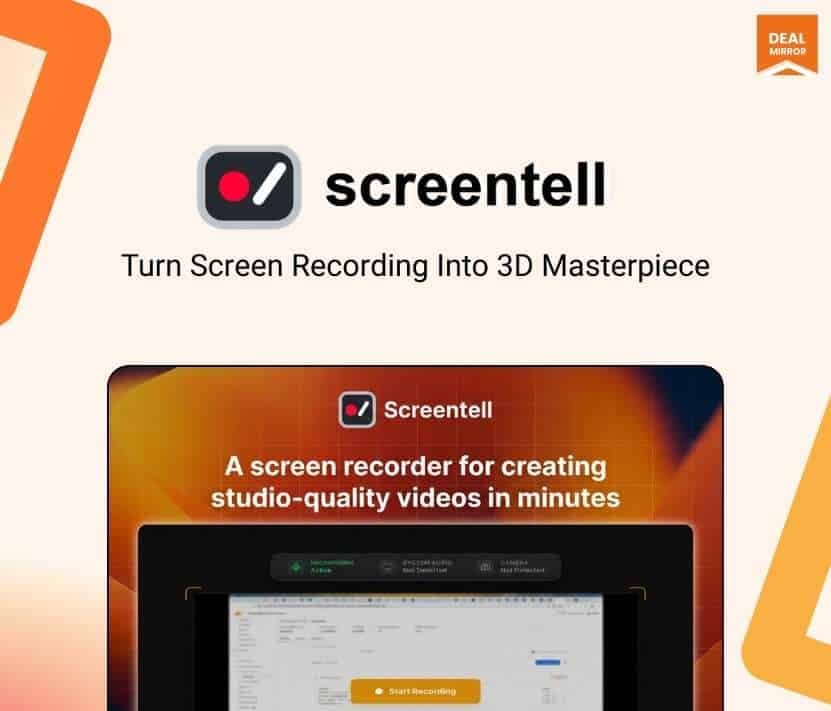
Screentell at a glance
- Platform
- Web
- Upgrades
- Stacking is not mentioned.
- Support
- Support is by email.
Our take
Is Screentell worth buying?
Based on the DealMirror listing, this is one lifetime tier of a browser-based recorder and editor with no stated usage caps. It suits creators making polished demos. The page countdown could not be read, so confirm availability.
Good fit if
- You make demos and want focus zoom.
- You want a browser tool across operating systems.
- You prefer local processing.
Skip it if
- You want a native desktop app.
- You need confirmed usage limits.
Which Screentell plan do you need?
Prices in USD, excluding tax.
| Tier 1 | |
|---|---|
| One-time price | $79 |
| Regular price (DealMirror) | |
| You save | $4.88 |
| Platform | Browser on Mac, Windows, Linux |
| Export formats | MP4, WebM, GIF |
| Watermark | None |
Before you buy: DealMirror's terms and extra costs
- Refund. DealMirror lists a 30-day money-back guarantee, or 60 days for Prime members.
- Redeem. Redeem within 60 days of purchase.
- Upgrades. Stacking is not mentioned.
- Platform. Runs in the browser on Mac, Windows and Linux. Chromium browsers are recommended.
- Support. Support is by email.
What is Screentell?
Screentell is a screen recorder and video editor that runs in the browser. It captures screen, camera, microphone and system audio, then adds focus zoom, cinematic 3D transforms, annotations, cropping and layouts. Recordings are processed locally and not uploaded. The deal is one lifetime tier with no watermark.
What Screentell says it does
- Focus Motion with 2D zoom and cinematic 3D transforms
- Annotation stickers, text and shapes
- Exports to MP4, WebM or GIF with no watermark
- Recordings are never uploaded to external servers (Screentell's figure)
Why Screentell
A raw screen recording is hard to watch. Screentell records and edits in one place so a demo can be polished without an export step. It runs in the browser, with Chromium browsers recommended, and the page states no usage limits.
How does Screentell work?
Redeem
Redeem your DealMirror code within 60 days of purchase.
Open
Use Screentell in a modern desktop browser.
Record
Capture screen, camera, mic and system audio.
Edit
Add zoom, annotations, cuts and layouts.
Export
Save as MP4, WebM or GIF.
Then it handles:
- Screen and camera recording
- Focus zoom and 3D transforms
- Annotations and stickers
- Cutting, splitting and speed control
- Cropping and layouts
- Moving the camera overlay
- Editing videos recorded elsewhere
Who is Screentell for?
Built for
- Founders and product managers making demos
- Support teams recording walkthroughs
- Creators who want a browser-based editor
Not for
- Anyone who prefers a native desktop app
- Users who need a mobile-first editor, since the dashboard is best on desktop
What is included in Screentell?
Recording
- Screen, camera, mic and system audio
- Face camera layer move, resize or hide
Editing
- Focus Motion 2D zoom and 3D transform
- Annotation stickers
- Clip cut and speed control
- Screen cropping
Layout and export
- Layouts backgrounds, spacing, shadows
- Preview player
- MP4, WebM and GIF export
- No watermark
Video review
We have not reviewed Screentell on video yet.
Get notifiedBuyer reviews
No reviews yet. Bought Screentell? Add it to your workspace and share what it replaced.
Add to your workspaceScreentell questions
What is Screentell?
A browser-based screen recorder and editor with focus zoom, annotations and layouts.
Does it upload my video?
The page says recordings are processed locally and never uploaded to external servers.
Which browsers work?
Modern desktop browsers such as Chrome, Edge, Brave and Arc, with Chromium recommended.
Are there usage limits?
The page does not state any caps.
What is the refund policy?
DealMirror lists 30 days, or 60 days for Prime members.
Is the deal still live?
The page shows buy buttons but the countdown is unreadable. Confirm with DealMirror.
Often compared with
These are other tools in the same space, not deals on GrabLTD.
- Loom
- Camtasia
- Descript
- ScreenPal
- Screen Studio
Sources
Checked . Prices and terms on this page come from: