

Video & Audio · Lifetime deal
Cap
Open source screen recorder with a one time Desktop License for local recording and editing.
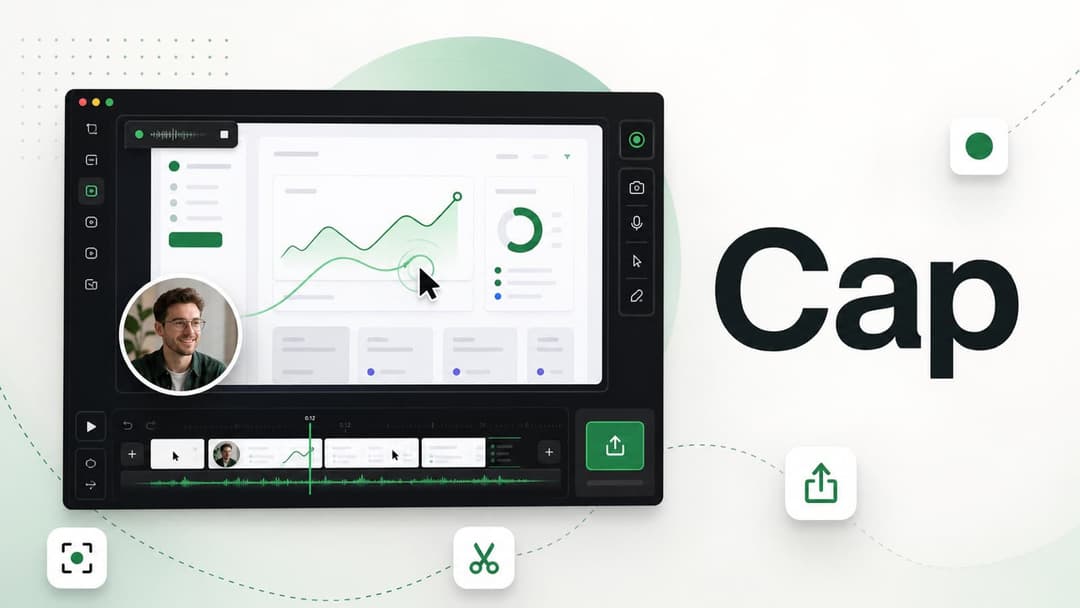
Cap at a glance
- Platform
- macOS, Windows, Linux
- Refund
- The Cap pricing page does not state a refund policy. It points to hello@cap.so for refund questions.
- Redeem
- This is a direct purchase from Cap through a partner link. No redemption code or deadline is stated.
- Support
- Community support is included with the Desktop License. Priority support is a Cap Pro feature.
- Note
- One license covers one user. Cap also sells a yearly Desktop License and Cap Pro as a monthly or annual subscription.
Our take
Is Cap worth buying?
Based on Cap's pricing page, the Desktop License is a one time purchase for local recording and editing with commercial rights. It includes only 20 cloud share links a month, so people who share a lot of video will need the Cap Pro subscription. The page does not state a refund policy, so ask Cap before buying.
Good fit if
- You record and edit mostly on your own machine.
- You want commercial use without a monthly seat fee.
- You prefer an open source recorder.
Skip it if
- You share many videos by link every month.
- You need team workspaces, AI summaries or viewer analytics.
- You need a stated refund policy before paying.
Which Cap plan do you need?
Prices in USD, excluding tax.
| Desktop License — Lifetime | |
|---|---|
| One-time price | $58 |
| Regular price (Cap) | |
| You save | $58 |
| Users per license | 1 |
| Local recording | Unlimited |
| Cloud share links | 20 / month, 5 min each |
| Export | Any format, up to 4K 60fps |
| Commercial use | Included |
Before you buy: Cap's terms and extra costs
- Refund. The Cap pricing page does not state a refund policy. It points to hello@cap.so for refund questions.
- Redeem. This is a direct purchase from Cap through a partner link. No redemption code or deadline is stated.
- Support. Community support is included with the Desktop License. Priority support is a Cap Pro feature.
- Platform. macOS, Windows and Linux desktop app.
- Note. One license covers one user. Cap also sells a yearly Desktop License and Cap Pro as a monthly or annual subscription.
What is Cap?
Cap is an open source screen recorder for macOS, Windows and Linux. It has an instant mode that creates a share link, a studio mode with an editor, and screenshots. The Desktop License is a one time purchase for one user with commercial use, unlimited local recording and export in any format. Cloud storage, AI features and team workspaces belong to the separate Cap Pro subscription.
What Cap says it does
- Studio Mode with a full editor and 4K 60fps export (Cap's figure)
- Commercial usage rights on the Desktop License
- Unlimited local recording and editing, works offline
- 20 cloud share links per month, up to 5 minutes each (Cap's figure)
- Open source code, published on GitHub
Why Cap
Screen recording tools often charge a monthly seat fee even if you only send a few clips a week. Cap's desktop license lets you record, edit and keep files locally with no recurring bill. The license has limited cloud sharing, so heavy sharing, AI summaries and team libraries need the Cap Pro subscription.
How does Cap work?
Buy the license
Buy the Desktop License through the Cap link.
Install the app
Download the desktop app for your system and sign in.
Record
Use instant mode for quick clips or studio mode for recordings you want to edit.
Edit and export
Trim and polish in the editor, then export in the format you need.
Share
Share a link or send the file. Links are limited to 20 per month.
Then it handles:
- Screen and webcam recording
- Local recording and editing
- Shareable links
- Screenshots
- Export for posting anywhere
- Client walkthroughs and product demos
Who is Cap for?
Built for
- Solo founders and freelancers sending walkthroughs
- People who want recordings stored locally
- Developers who prefer open source tools
Not for
- Teams that need shared workspaces on the Desktop License, which is single user
- Anyone who needs unlimited cloud links or AI summaries without Cap Pro
What is included in Cap?
Recording
- Instant mode record and get a link
- Studio mode record locally and edit
- Screenshot mode
- Offline use
Editing and export
- Full editor
- Export in any format up to 4K 60fps
- Local storage recordings stay on your machine
Sharing and license
- Cloud share links 20 per month, 5 minutes each
- Commercial use
- Community support
Video review
We have not reviewed Cap on video yet.
Get notifiedBuyer reviews
No reviews yet. Bought Cap? Add it to your workspace and share what it replaced.
Add to your workspaceCap questions
What is Cap?
An open source screen recorder for macOS, Windows and Linux with instant sharing, studio editing and screenshots.
What does the Desktop License include?
Commercial use for one user, unlimited local recording and editing, Studio Mode, export in any format and community support. It also includes 20 cloud share links per month, each up to 5 minutes.
Is this a lifetime license?
The pricing page lists a one time license that never renews, alongside a yearly license. This deal is the one time license.
What needs Cap Pro?
Unlimited cloud storage and links, AI titles and summaries, custom domain, password protected shares, analytics, team workspaces and priority support are listed as Cap Pro features.
Can I use it for client work?
Yes. Both paid plans include commercial rights. The free version is for personal use only.
What is the refund policy?
The pricing page does not state one. Ask Cap at hello@cap.so before you buy.
Often compared with
These are other tools in the same space, not deals on GrabLTD.
- Loom
- Vidyard
- Tella
- Descript
- ScreenPal
Sources
Checked . Prices and terms on this page come from: